6
GETTING STARTED
Software Installation
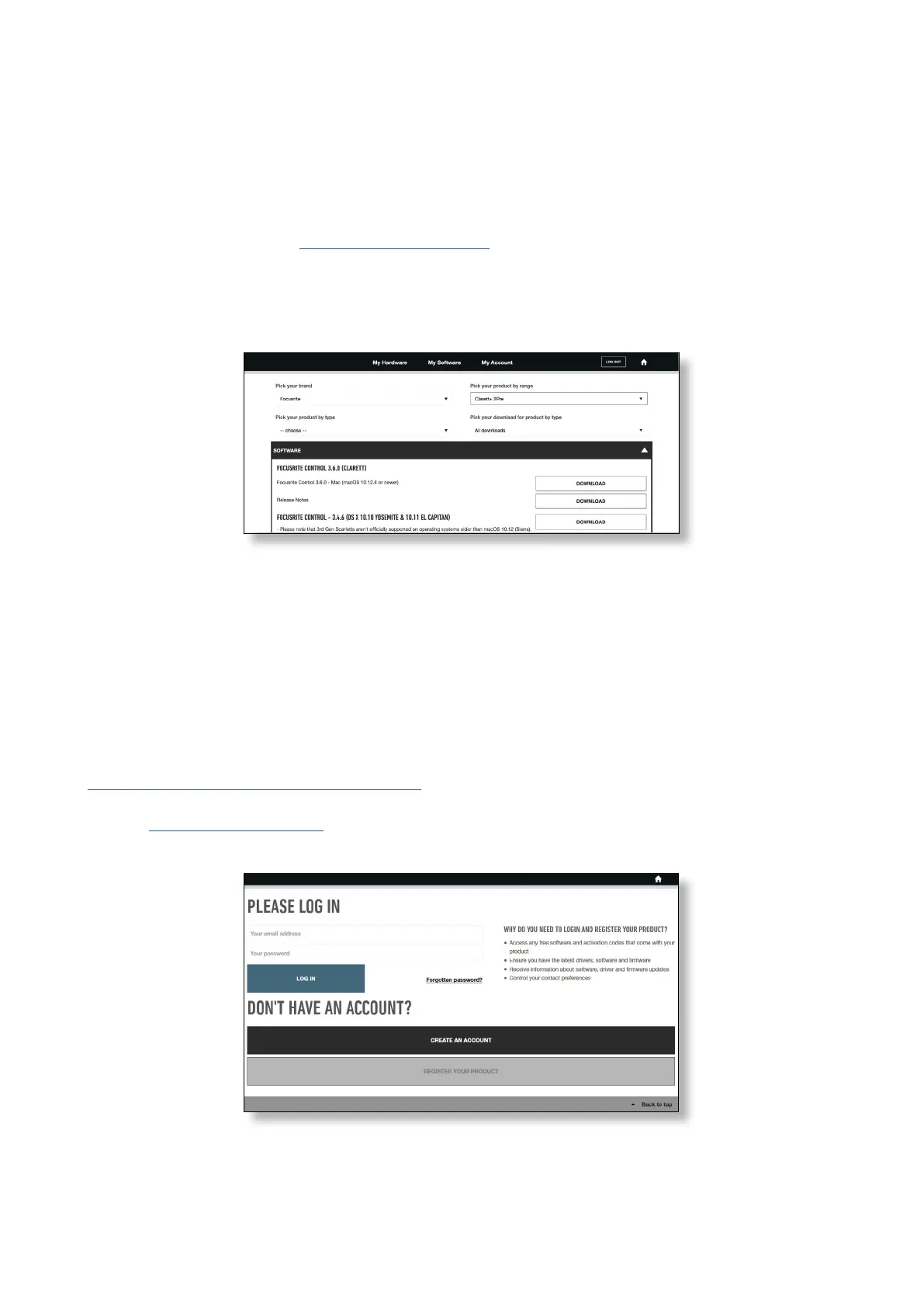
Focusrite Control and the driver software needed for the Clarett+ 2Pre are available for download
from the Focusrite website: focusrite.com/downloads.
Click
Clarett+ range on the Downloads page. This will take you to a page with all the downloads
which are available for the Clarett+ range.
To download the Focusrite Control version you need, click the appropriate Download button.
Note that the Windows driver is included within the Focusrite Control download. No additional
driver is needed for Macs.
Registering your Clarett+ 2Pre
If you are having trouble with the steps below, please watch our video guide here:
focusrite.com/get-started/ClarettPlus-2Pre.
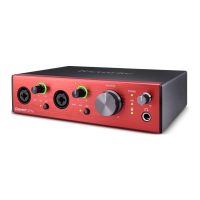
1. Go to focusrite.com/register/.
2. If you do not have already have a Focusrite/Novation account, select CREATE AN ACCOUNT and
follow the on-screen instructions.














 To Next Page