Control Surface Operation
Control 2802 Logic Pro Automation & Control Surface Manual 23
INSERT Mode (29) - Continued
To edit the plug-in’s parameters:
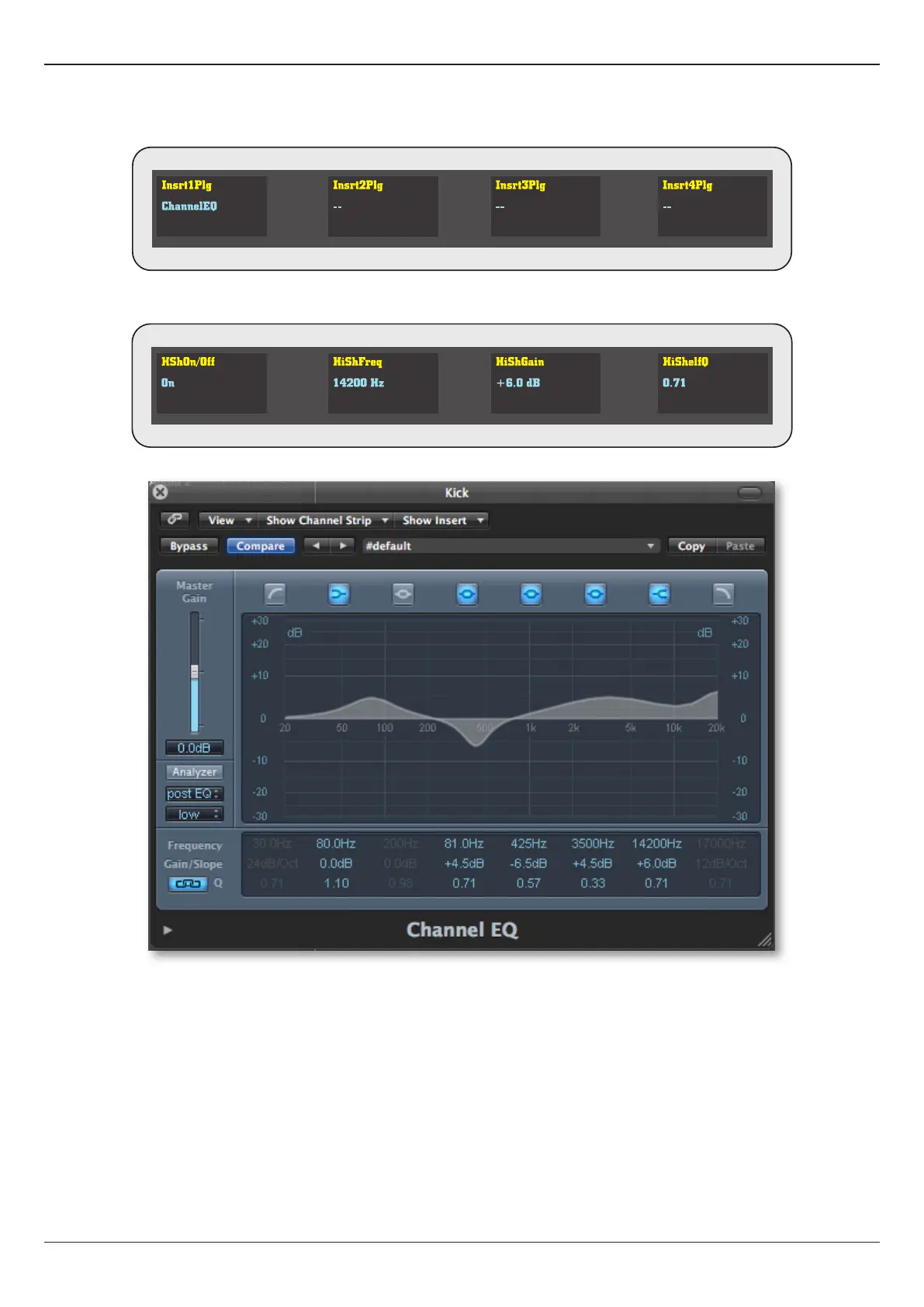
1. Select the desired plug-in by tapping down on the corresponding rotary encoder - in our example encoder 1:
The plug-in window opens in Logic, and the rst page of parameters map onto the 4 rotary encoders. The OLEDs display the
parameter names and values:
Logic Channel EQ:
2. Use the PAGE keys (26) to scroll through all the available parameters.
3. Turn the encoders to edit parameter values.
4. When you have nished editing the plug-in, tap the INSERT switch to exit edit mode, and close the plug-in window.










 To Next Page