NOTE:
● Choose a different spot each time you test.
Repeated punctures at the same spot may cause
soreness and calluses.
● Please consult your health care professional
before you begin AST.
● It is recommended that you discard the rst drop
of blood as it might contain tissue uid, which
may affect the test result.
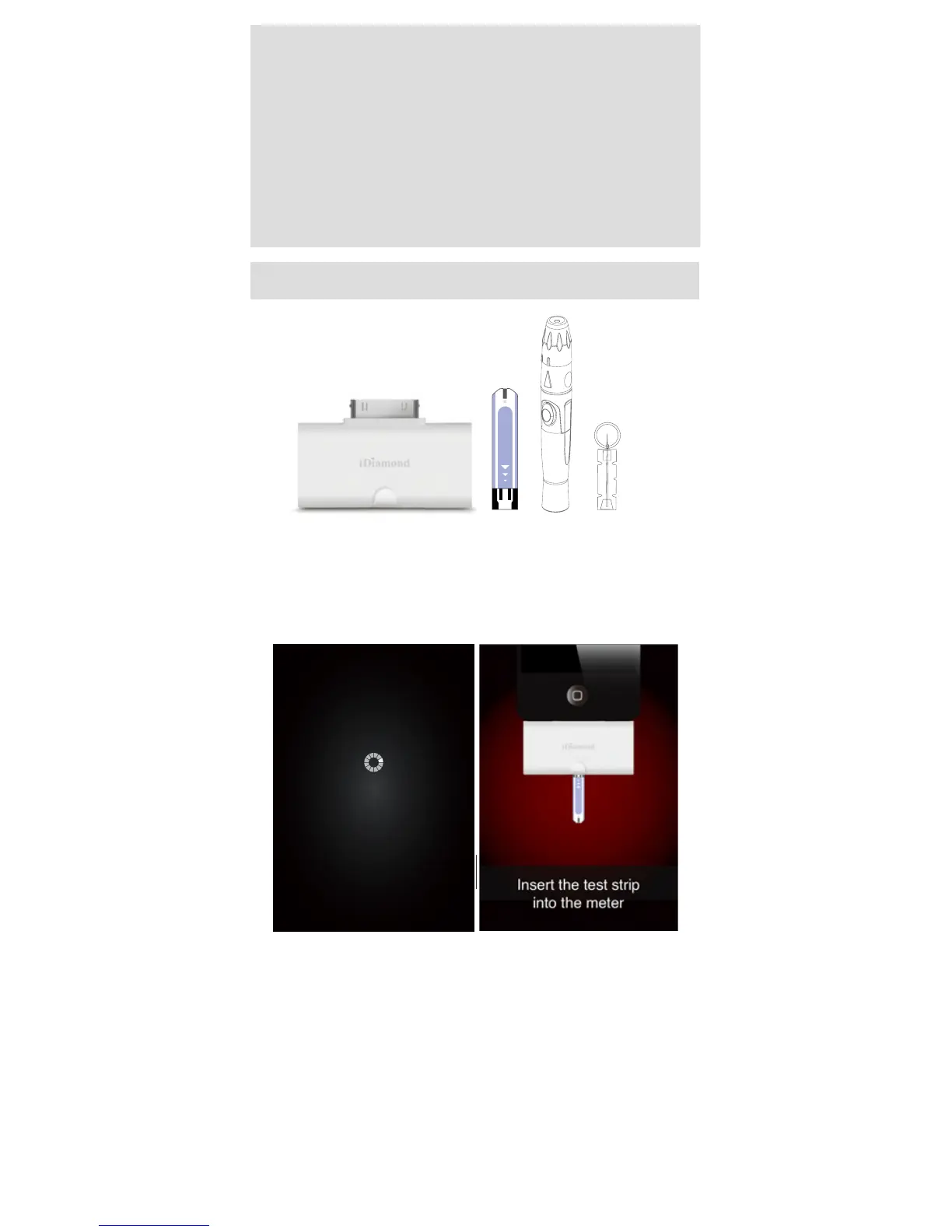
You will need:
1. Meter
2. Test Strip
3. Lancing Device
4. Lancet
How to Test Your Blood Glucose Level
1. Insert the test strip in to the meter
Connect FORA iDiamond with the iOS device, a
“connecting” message will appear on the screen
and follows by the message “insert the test strip into
the meter”. Please follow the instruction and insert
the test strip into FORA iDiamond.
2. Select the appropriate measuring mode by
touching the screen.
The meter provides you with ve measurement
modes, each are:
Connecting



 To Next Page