● SETTING
► Uploading Results onto TeleHealth
System
► Data Transmission Via Bluetooth
6. Error Messages and Troubleshooting
7. Reference Plasma Glucose Range
8. Caring for Your FORA iDiamond Meter Set
9. FORA iDiamond Meter Specications
10.Symbols
Getting Started
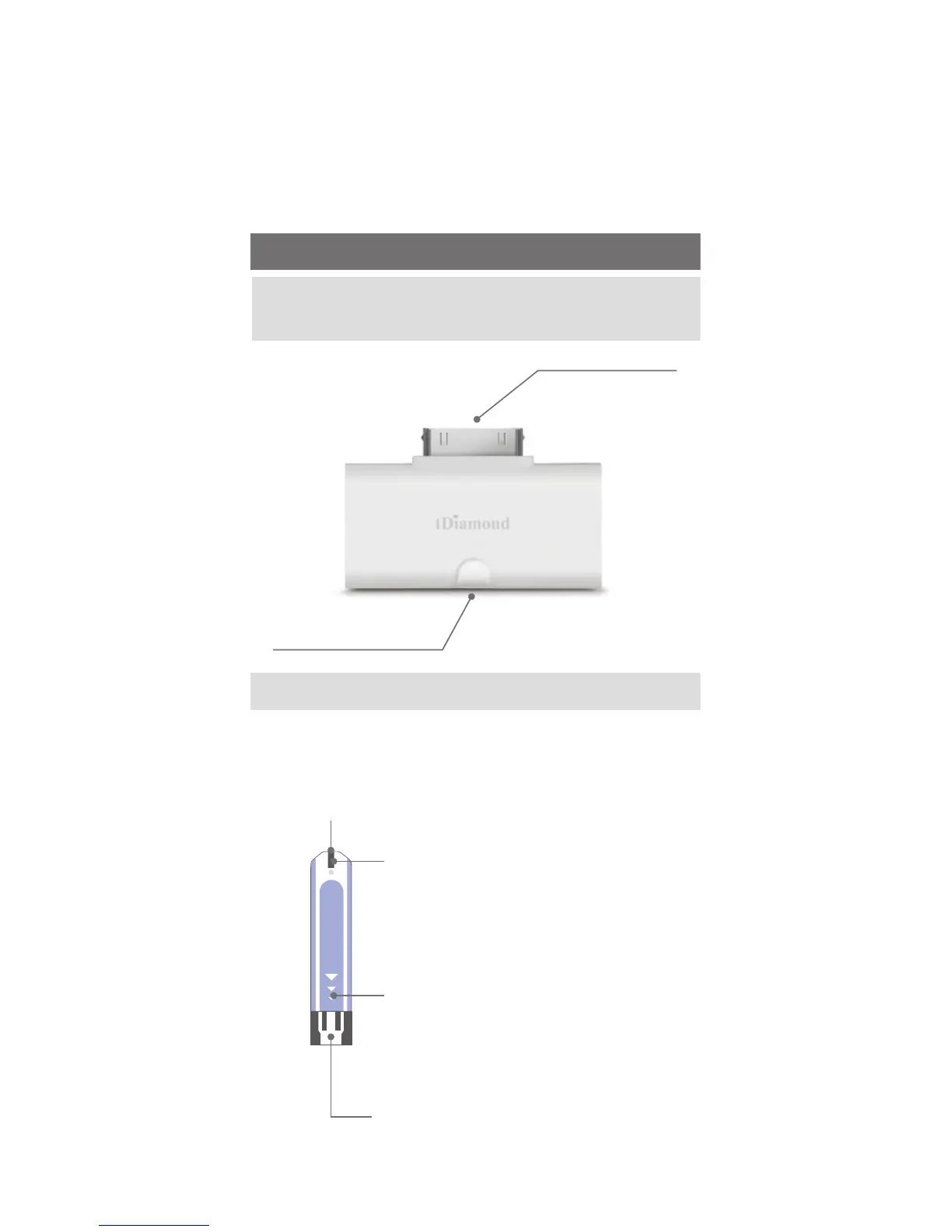
Dock Connector
Test Strip Slot
About the FORA iDiamond Blood
Glucose Monitoring System
Test Strip
Test Strip
Apply a drop of blood here.
The blood will be automatically
absorbed.
Conrmation Window
This is where you conrm if
enough blood has been applied
to the absorbent hole in the strip.
Test Strip Handle
Hold this part to insert
the test strip into the slot
Contact Bars
Insert this end of the test
strip into the meter. Push
it in rmly until it will go
no further.



 To Next Page