How to Perform a Control Solution Test
● you begin using a new vial of test strips,
● you suspect the meter or test strips are not
working properly,
● your blood glucose test results are not
consistent with how you feel, or if you think the
results are not accurate,
● practicing the testing process, or
● you have dropped or think you may have
damaged the meter.
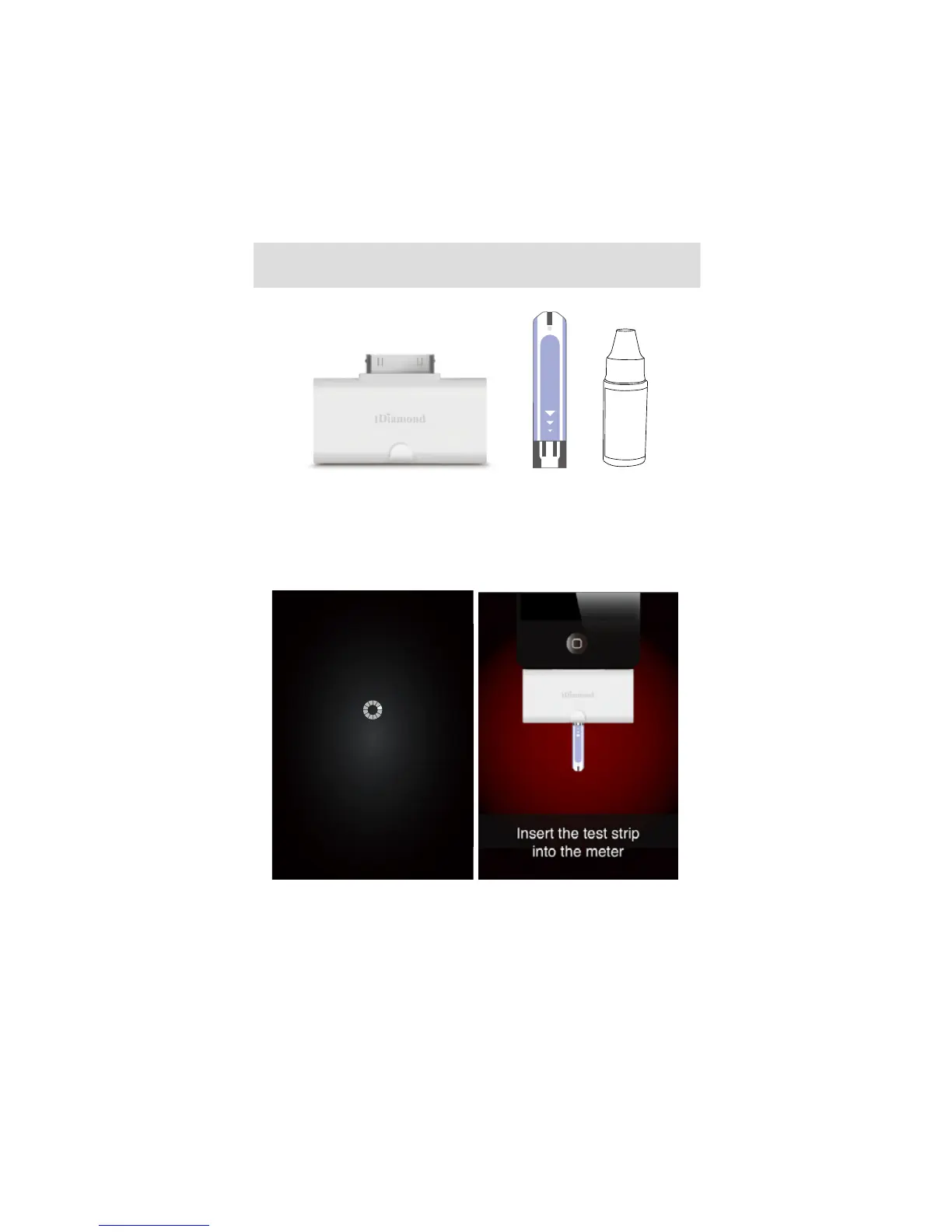
You will need:
1. Meter
2. Test Strip
3. Control Solution
Connecting
1. Plug in FORA iDiamond
Connect FORA iDiamond with the iOS device, a
“connecting” message will appear on the screen
and follows by the message “insert the test strip
into the meter”. Please follow the instruction and
insert the test strip into FORA iDiamond.
2. Select the QC option on the screen to mark
this test as s control solution test.
● The meter provides you with ve measurement
modes, each are:



 To Next Page