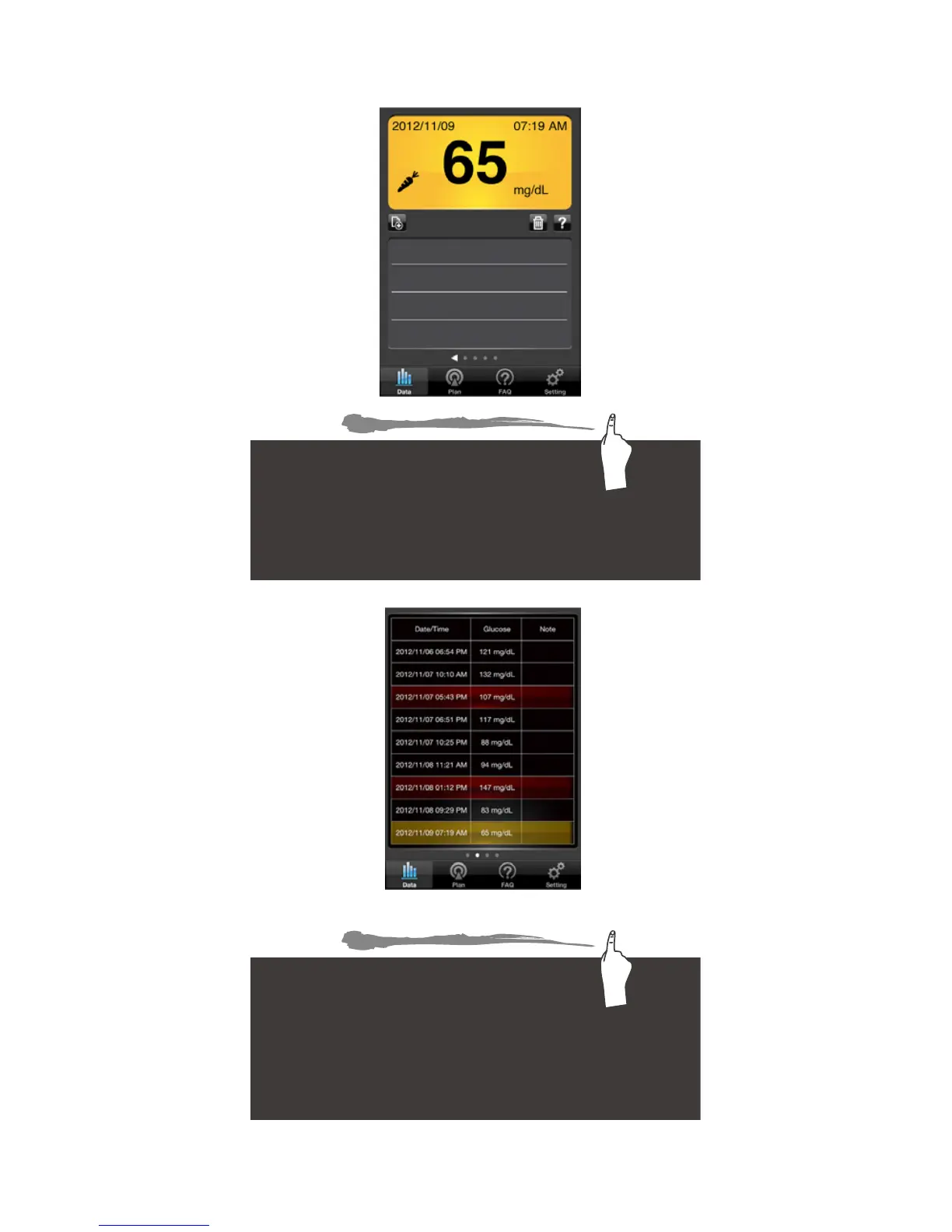
Data Navigation Guide (Motion) -
Navigate between different functions simply by
swiping up, down, left and right.
Data Record—by swiping left or right
of the data you can switch between
current and previous data.
Swipe up to see the next function—Record List
Record List—by swiping left or
right of the log you can switch
between all the data recorded
from different times.
Swipe up to see the next function— Logbook



 To Next Page