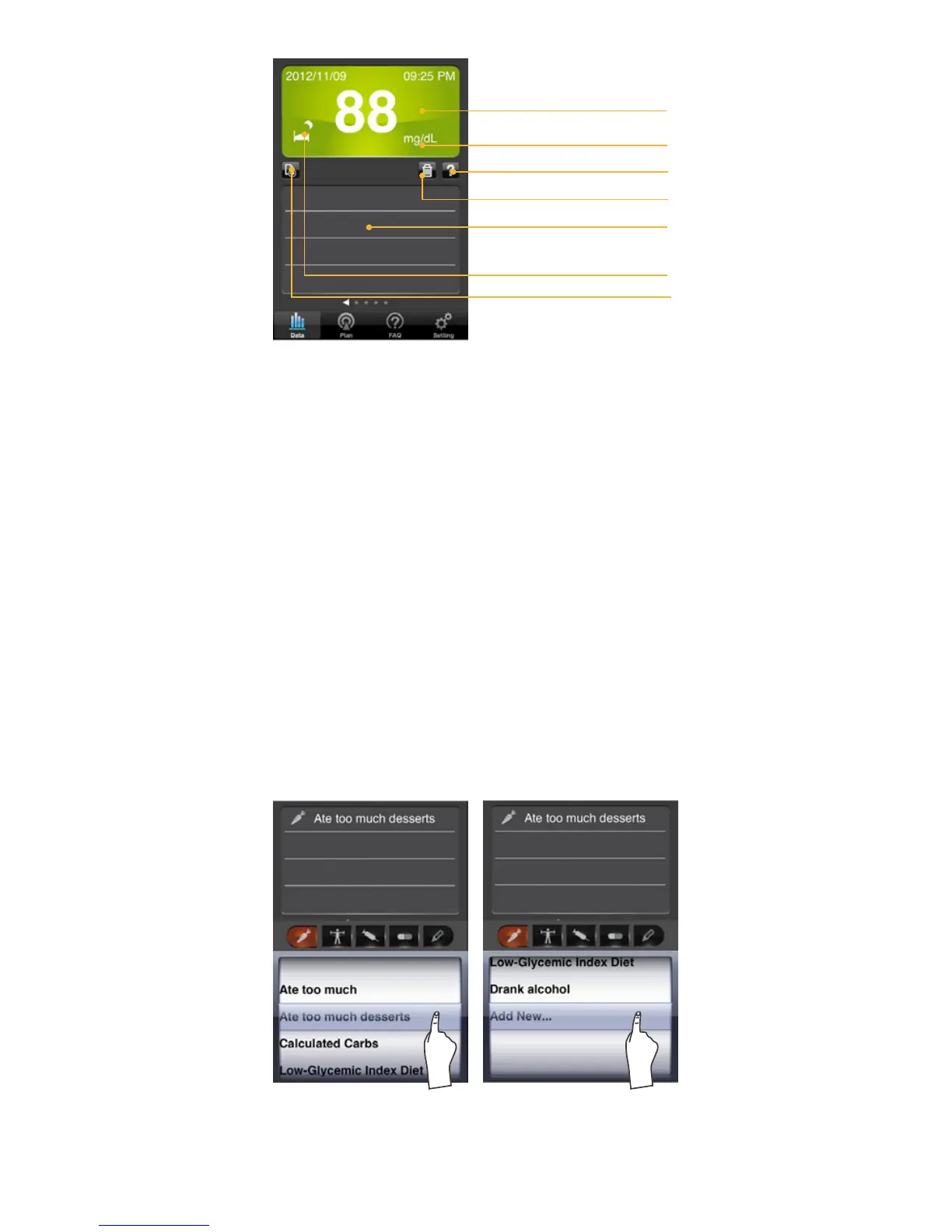
Blood Glucose
Test Result Result
Symbol indication of time
Blood glucose unit
Delete notes
To add notes
Note displays
Help
Data Record Screen
1.Select the Data Record mode from the Main
Menu Bar.
Select Data in the main menu bar to enter. The
rst reading you see is the last blood glucose
result along with the reading, date, time and the
measurement mode.
2.Swipe left or right to recall the individual test
results stored in the memory.
3. Note by Category
3-1 Add Notes:
You can select different categories or type in
personal note to add new ones for that individual
measurement. You also can add new one as a
frequent-used canned message for adding notes
more convenient.



 To Next Page