ACTION REQUIRED:
DIGITAL DISPLAY:
USER MENU continued...
QUESTIONS ? Help Hotline: 1-800-893-6723
W.15
File: T4\NEW O&M 2007\W15 WIZ NEW PR328 DAY3.tcw
03/21/08 MT
USER MENU
SET ZERO
9
SET ZERO
NO YES
Step 1
Step 2
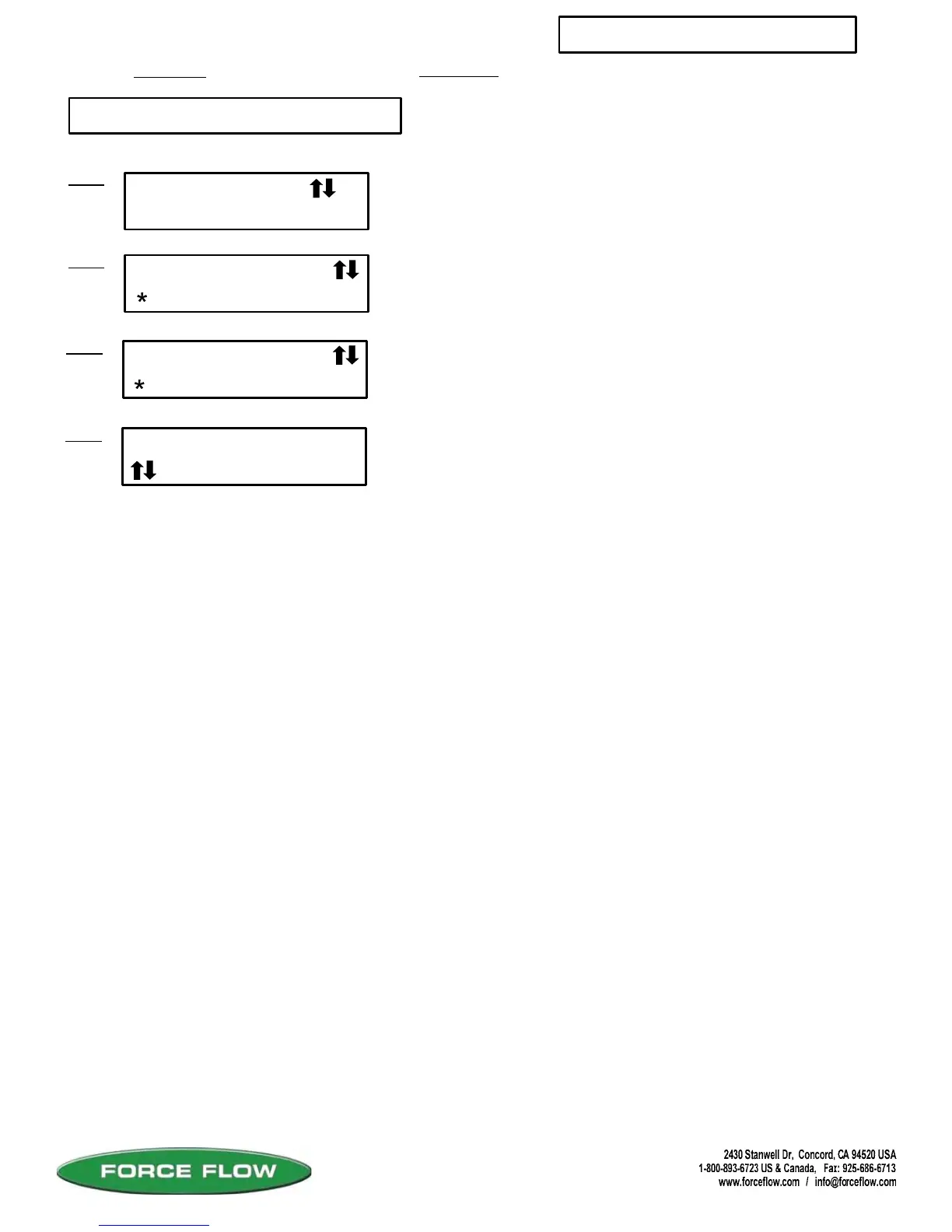
8 SET ZERO
SELECT CHANEL
, enter CH# 1
Step 3
Allows user to "zero" the scale or sensor when tank or
scale is empty. If tank is not empty but weight of chemical
in tank is known, SET ZERO allows user to adjust display
to read this known weight.
Press "ENTER" key to continue.
Select channel (scale or sensor number) using arrow keys,
then press ENTER.
NOTE:
If system was not initially zeroed BEFORE chemical was added to tank, the NET WT
may not accurately reflect the actual amount in tank.
To adjust without emptying tank, use the zero function located in SETUP MENU 15,
"FIELD CAL". That zero function prompts for MINIMUM AMOUNT (amount of chemical
currently in tank).
ARE YOU SURE
Step 3
NO YES
Use MENU keys (UP/DOWN ARROWS) to select NO or YES,
then press ENTER.
Use MENU keys (UP/DOWN ARROWS) to select NO or YES,
then press ENTER.



 To Next Page