ACTION REQUIRED:
DIGITAL DISPLAY:
SETUP MENU continued...
QUESTIONS ? Help Hotline: 1-800-893-6723
File: T4\NEW O&M 2007\W23B WIZ NEW PR328 SETUP8 2008.tcw
03/21/08 MT
SETUP MENU
CONFIG TOTALS
Step 1
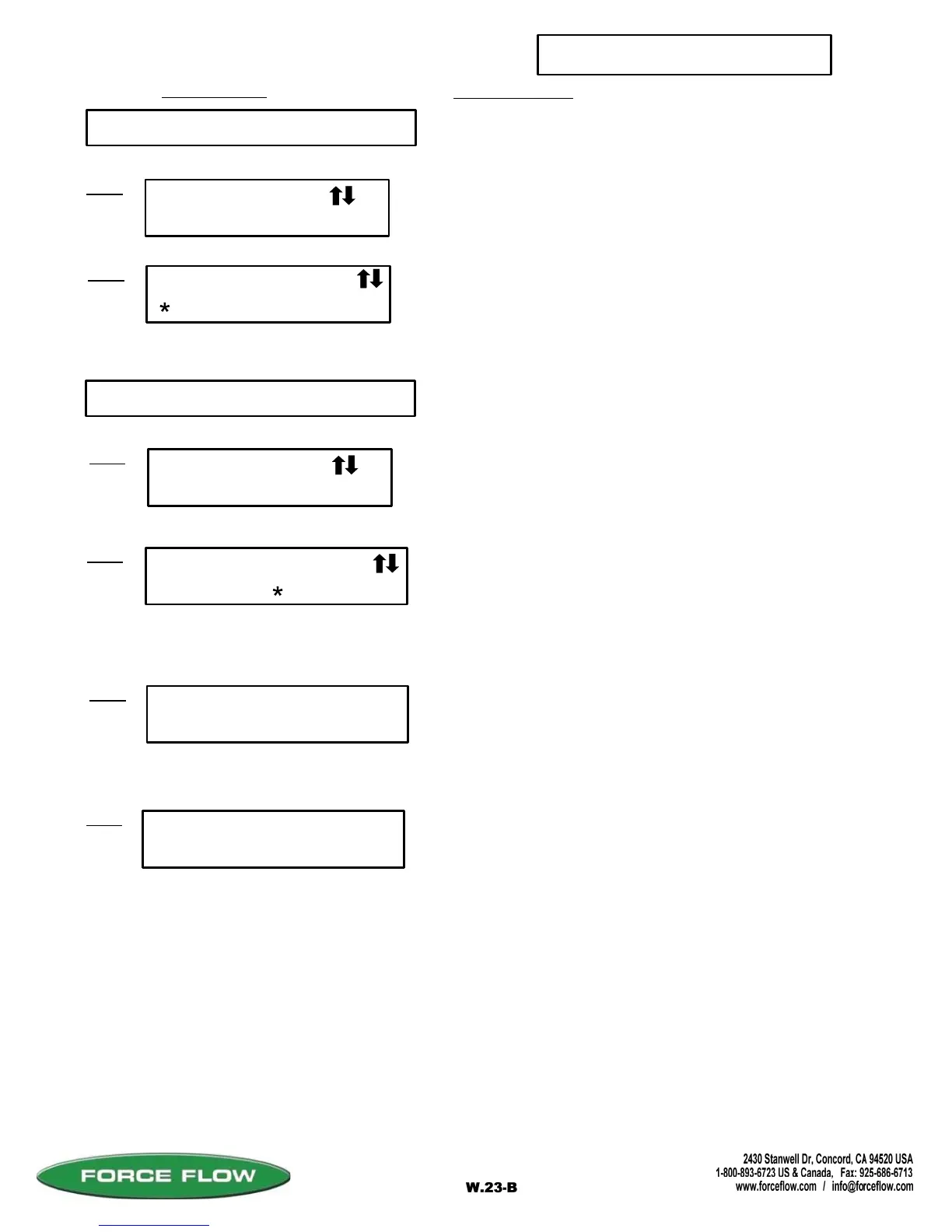
16 CONFIG TOTALS
16
Step 2
#1 IN TOTAL ?
NO YES
Press "ENTER" key to continue.
Allows you to select which channels are to be
displayed in the total.
Choose "YES" using arrows to include this channel
in totals. Options will include only channels with the
same units of measure. See "USER MENU",
"17 TANK SET UP".
#1 DISPLAY UNITS
Step 1
17 TANK SET UP
Step 2
#1 SPECFIC GRAV
NUMBER =
Select "WEIGHT" or "VOLUME" using arrow keys.
You will be prompted for specific gravity of chemical.
WT VOL
X.XXXX
Step 3
#1 TANK DIA
INCHES =
XXX.X
You will be prompted for tank diameter.
If Scale "VOLUME" or Ultrasonic "WEIGHT" in Step 1:
Ultrasonic Only:
(Default "1.000", if applicable)
(Default "100.0", if applicable)
SETUP MENU
TANK SETUP
Step 1
17
Press "ENTER" key to continue.



 To Next Page