Press "ENTER" key to continue.
ACTION REQUIRED:DIGITAL DISPLAY:
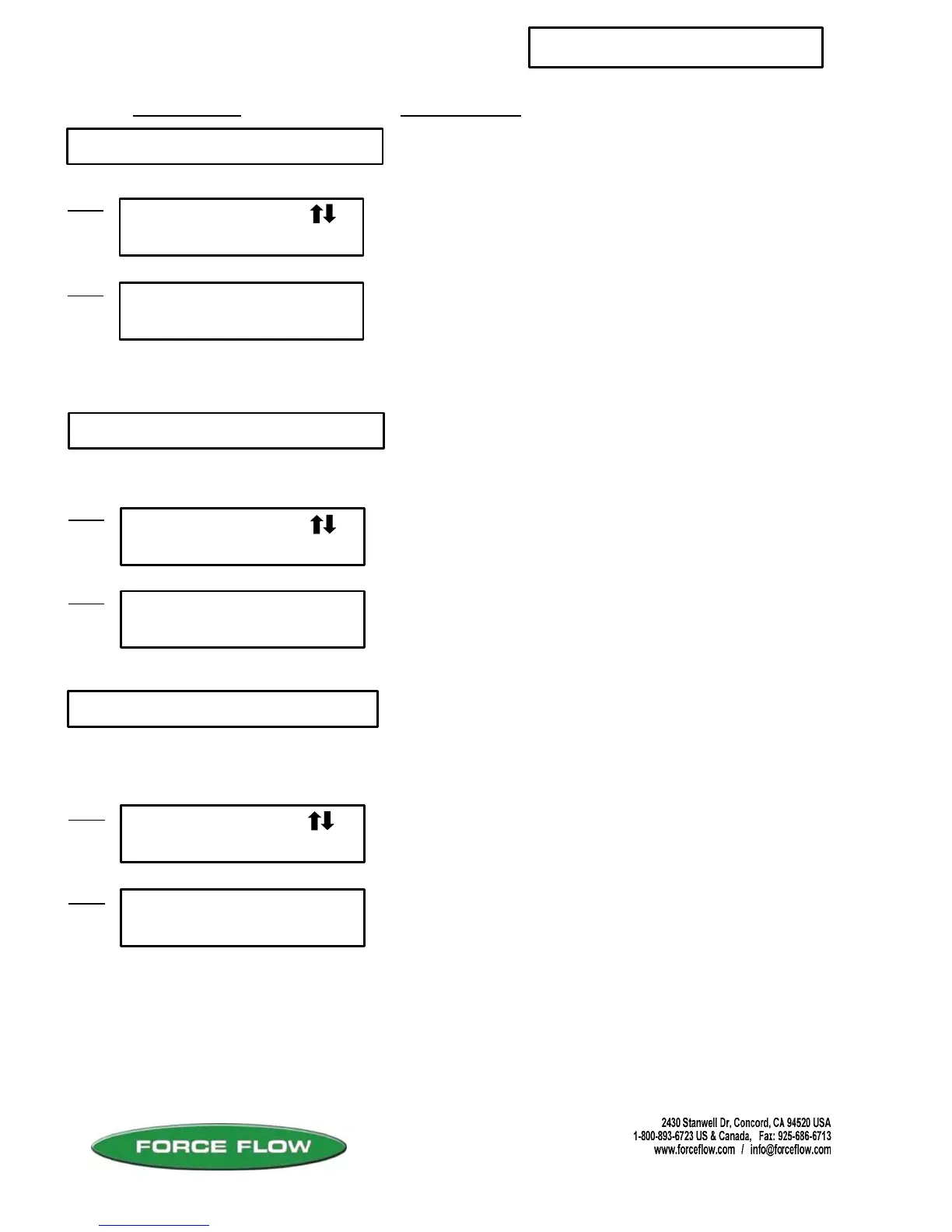
4 AUTO LOAD
SETUP MENU continued...
QUESTIONS ? Help Hotline: 1-800-893-6723
W.17
File: T4\NEW O&M 2007\W17 WIZ NEW PR328 SETUP2.tcw
SETUP MENU
AUTO LOAD
4
#1 TANK NET
LBS = 2000
Step 1
Step 2
6 MOTION BAND
SETUP MENU
MOTION BAND
6
Step 1
#2 MOTION BAND
Step 2
Press "ENTER" key to continue.
GAL = .02
For portable tank (load on/ load off) applications, this allows
you to set the net weight of the container so that when using
the “TANK LOAD” key, the Wizard will automatically load the
net weight of the containers that you are loading.
Enter the value of the net weight that your containers are
filled with: Examples
2000 lbs = Ton Containers USA
150 lbs = 150 lb cylinders USA
907 kgs = Canadian ton containers
1000 kgs= Metric ton containers
Press "ENTER" key to continue.
5 FILTER BAND
SETUP MENU
FILTER BAND
5
#1 FILTER BAND
GAL = 0.70
Step 1
Step 2
llows you to steady a fluctuating display. This function will only help
smooth out fairly rapid fluctuations. Slow, long term fluctuations (over
minutes or hours) will likely not be corrected by changing the filter
value. Contact factory for assistance in correcting slow, long term
display fluctuations.
llows you to steady a fluctuating display. This function will only help
smooth out fairly rapid fluctuations. Slow, long term fluctuations (over
minutes or hours) will likely not be corrected by changing the filter
value. Contact factory for assistance in correcting slow, long term
display fluctuations.
Menu operations such as TANK LOAD, ZERO and FIELD
CALIBRATION require the Wizard in certain steps to store a weight
value before moving to the next step. MOTION BAND determines how
steady the weight reading is required to be before the Wizard accepts
the value and continues on. The greater the value, the greater the
fluctuation allowed.
Changing this value will rarely be required. If a menu operation will not
advance from the “Wait …” screen, you may ESC from the operation
then increase this value and try the function again. The “WAIT . . .”
screen indicates the Wizard is waiting for the weight to stabilize
(sloshing chemical in tank) to a value within the MOTION BAND value.
This value can be set to any number greater than 0.



 To Next Page