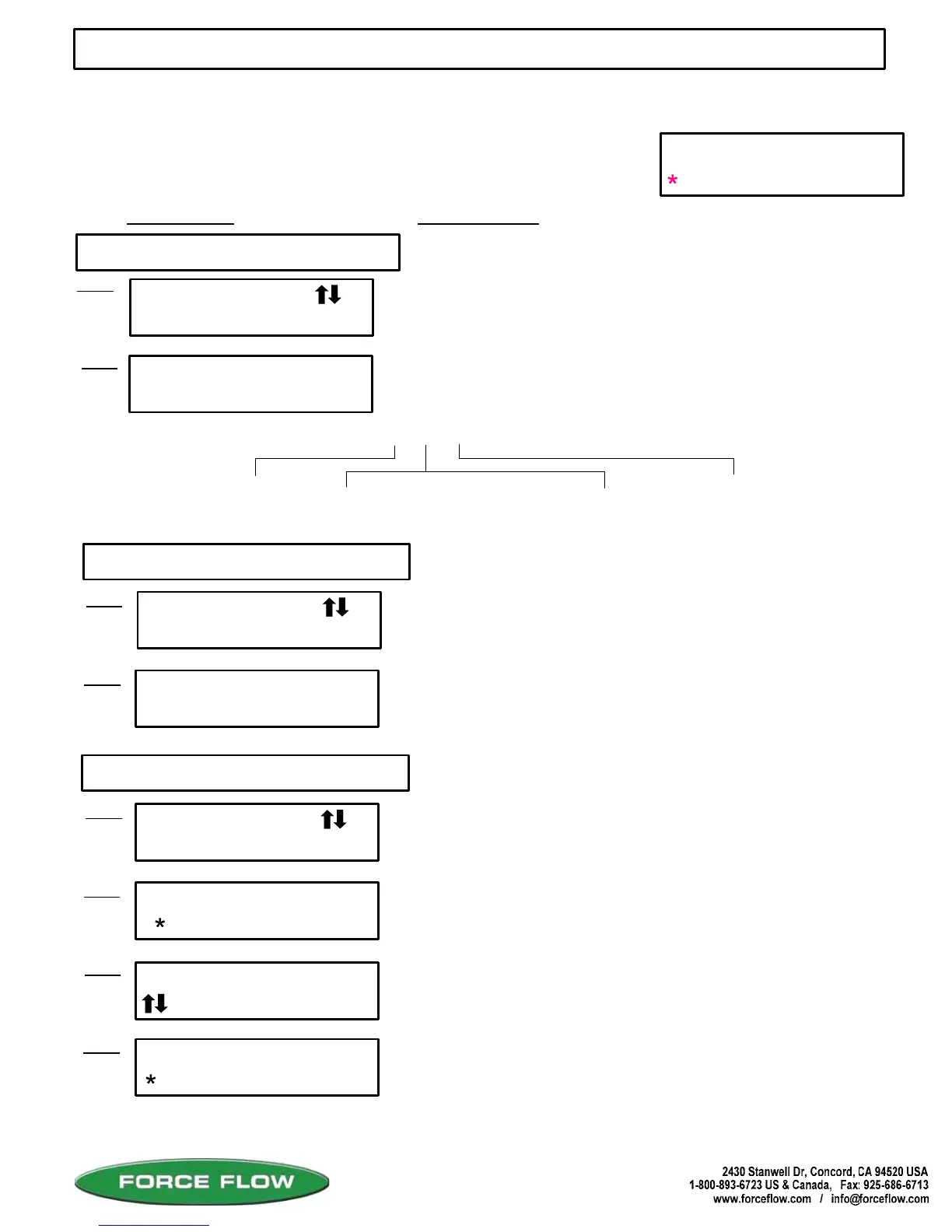
This function allows the user to find out the last time and date the
"Amount Used" display was cleared or reset for each scale.
Press "ENTER" key to continue.
ACTION REQUIRED:
DIGITAL DISPLAY:
2 DATE LAST CLEARED
1 ALARM HISTORY
USER MENU (WIZARD 4000)
QUESTIONS ? Help Hotline: 1-800-893-6723
W.13
File: T4\NEW O&M 2007\W13 WIZ NEW WZPR328 DAY1.tcw
03/21/08 MT
MENUS
USER
SETUP
USER MENU
ALARM HISTORY
1
ALARM HISTORY
3 BL 9/25 9:10
USER MENU
DATE LAST CLRD
2
Step 1
Step 1
Step 2
CH# 1 CLEARED
Step 2
8/19/ 5 14:15
Displays DATE and TIME the "AMOUNT USED" function was
last cleared (for approximately 1 minute). Use the "MENU"
arrow keys to toggle through other channels. Example: Channel 1
was last cleared on 8/19/05 at 14:15 hours (2:15 pm).
3 CLEAR AMOUNT USED
USER MENU
CLR AMOUNT USED
3
Step 1
CLEAR ALL CHAN ?
Step 2
Clears or resets the "AMOUNT USED" and 'DAILY USAGE"
displays to zero.
SELECT CHANNEL
Step 3
NO YES
ARE YOU SURE
Step 4
, enter CH# 1
Press "ENTER" key to continue.
Use 'MENU" arrow keys to choose "NO" or "YES".
Press "ENTER" key to accept. Choosing NO takes
you to Step 3 to choose which channels. Choosing
YES asks "ARE YOU SURE?" and clears ALL channels
NO YES
Use 'MENU" arrow keys to choose which channel to clear.
Press "ENTER" key to accept.
Use 'MENU" arrow keys to choose "NO" or "YES".
Press "ENTER" key to accept.
llows the user to retrieve the time, date, and type of alarm for
the most recent 10 alarm conditions.
3 = Channel
You may scroll through these items with the "MENU" arrow keys, or simply
enter the Menu Item Number to jump straight to that menu item.
MENU Arrow Keys: There are 2 menus that may be accessed via the "MENU" keys. The "USER" Menu
and "SETUP" Menu. The "USER" Menu has 8 menu items, and these are functions that are used for
day-to-day operations. The "SETUP" Menu has 17 menu items, and these are functions that are used
during equipment start-up, or if your chemical feed operation has been changed.
ALARM CODE ABREVIATIONS: 3 B L
A = Setpoint A
B = Setpoint B
R = Feedrate
D = Daily
LC = Load Cell Failure
BK = Low Bulk Supply
SF = Slow Fill
H = High
L = Low
Press "ENTER" key to continue.
Channel 3 had a SETPOINT B LOW LEVEL condition
on 9/25 at 09:10 hours (9:10 am). Press "ENTER" key
to continue. "DEL" key to return to "USER" menu.



 To Next Page