Sets time and date.
Press "ENTER" key to continue.
ACTION REQUIRED:
DIGITAL DISPLAY:
5 SET TIME & DATE
USER MENU continued...
QUESTIONS ? Help Hotline: 1-800-893-6723
W.14
File: T4\NEW O&M 2007\W14 WIZ NEW PR328 DAY2.tcw
03/21/08 MT
USER MENU
VIEW TOTAL
4
CHAN 1, 2
tNET 26.0 LB
USER MENU
SET TIME & DATE
5
Step 1
Step 1
Step 2
6 SET BULK SUPPLY
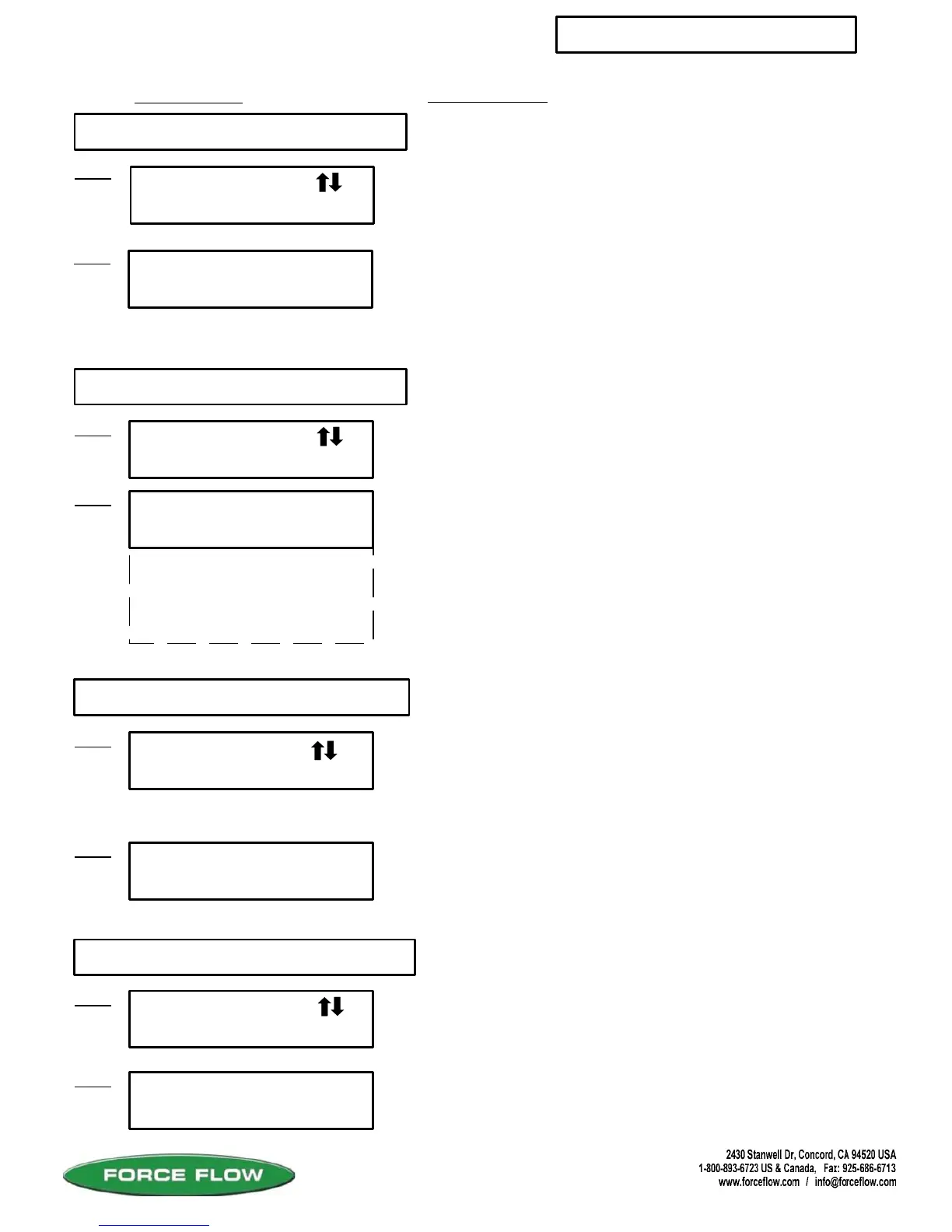
This display shows that the total Net weight of channels 1 and 2
is 26.0 lbs. Press enter again for total feed rate of channels 1 &
2, and again for total usage on channels 1 & 2.
SET TIME & DATE
Step 2
Example: YEAR 2005 = "5", YEAR 2010 = "10"
Press "ENTER" key after each enter to get
MONTH, DAY, HOUR and MINUTES.
Note: Use Military time for HOURS (1 to 24).
YEAR=
MONTH=
DAY=
HOURS=
MINUTES=
5
9
27
14
15
Press "ENTER" key to continue.
USER MENU
SET BULK SUPPLY
6
Step 1
llows user to view the remaining inventory in their bulk supply
tank even though they have no level sensor hooked up to the
bulk tank. Before filling your day tank, press the “TANK LOAD”
key & follow the menu prompts. The Wizard will then subtract
how much is added to the day tank from the remaining bulk
supply number. This function must be turned on under the
BULK SUPPLY selection in the SET UP MENU. Press “ENTER”
key to continue.
#2 BULK SUPPLY
LBS = 2900
Step 2
This display shows that Channel #2 has a bulk supply tank that
contains 2900 lbs of chemical
7 VIEW TARE
USER MENU
VIEW TARE
7
Step 1
#3 VIEW TARE
LBS = 25.0
Step 2
Press "ENTER" key to continue.
Tare weight will be displayed. Example: Channel #3
tare weight is 25.0 lbs.
llows users to view the tare weight of their tank. This function
is only active when the system is configured for “portable
tanks” like chlorine, drum, carboy and tote scales.
4 VIEW TOTAL
llows user to view the combined Net, Rate and Usage for more
than 1 channel. This function must be configured under the
SETUP VIEW TOTAL selection in the SET UP MENU. Allows you
to choose which channels to total.
Press "ENTER" key to continue.
tNET = Net Weight
tRATE = Feed Rate
tUSED = Total Usage



 To Next Page