30
Operating Procedures - Quick start guide
The following section explains the 508DT vacuum forming process:
• Pull the Heater forwards over the clamped plastic.
• As the plastic heats up it may begin to rise slightly. It will then soften and begin to drop back.
• When performing an initial forming it will be necessary to check the progress of heating as this will vary
with plastic type, thickness and colour. Push the heater back slightly to test the softness of the plastic
manually or to observe its state. Continue heating until it is soft enough to form. When the plastic softness is
correct push the heater fully back.
• Lift the table until it is fully raised. Then press the VACUUM button to latch on the vacuum. The
moulding will form around the tooling.
• Once the plastic has cooled sufficiently the RELEASE button may be pressed to blow the moulding off
the mould. Too long or too soon a release may distort the moulding.
• Once released the moulding is now complete and the table may be lowered. Ensure the table has reached
its lower position. Release the clamp frame to remove the moulding for inspection.
• Review the results and determine the parameters required to produce the forming. @Use the save settings
feature to set and record the values for later recall.
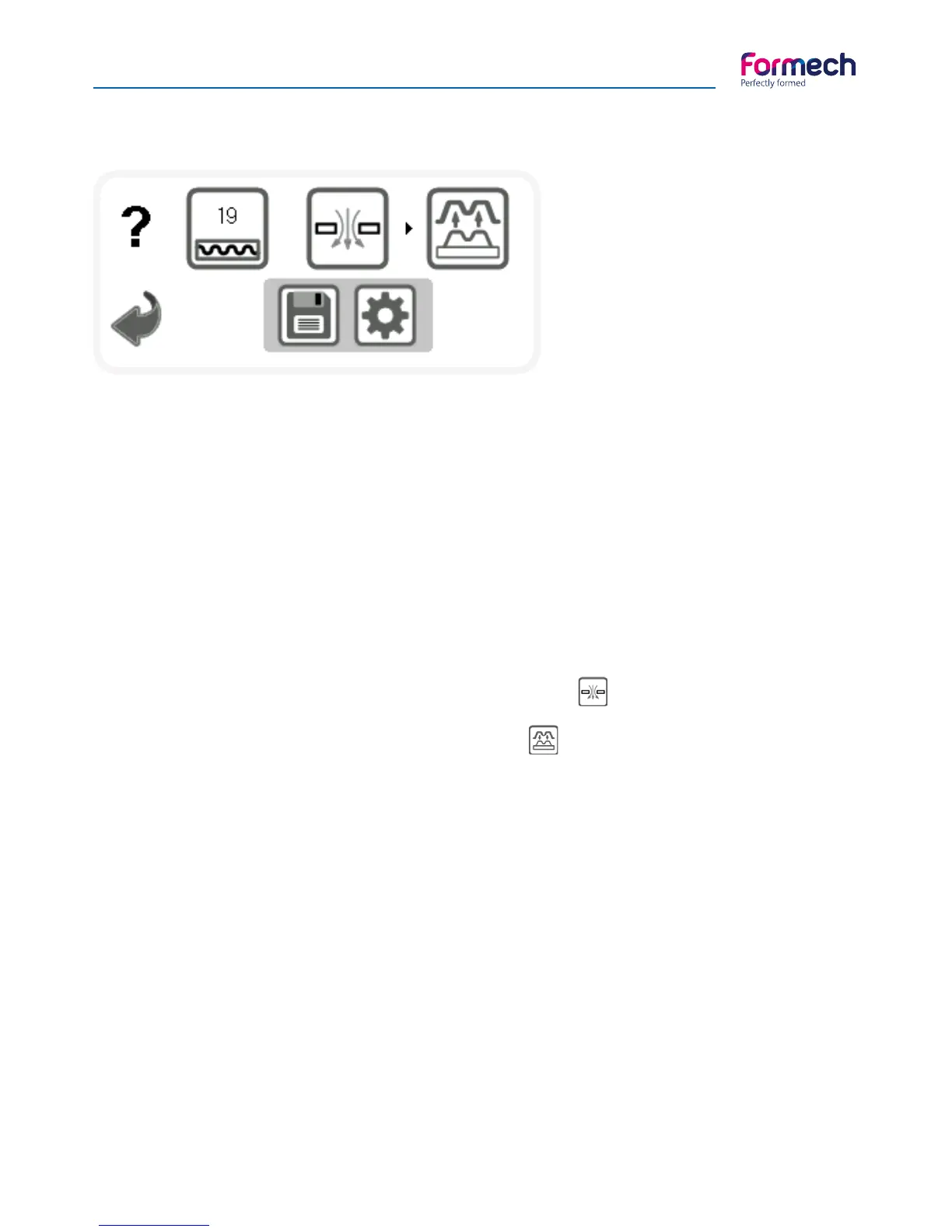
The 508DT Manual operation screen will
open as shown.
The Heater timer value on the HEATER
button will count UP when the heater is
pulled forwards and stop when pushed
back. The Vacuum button will latch the
vacuum ON when pressed. The Release
button will momentarily activate the
pump pressure when pressed.
Heater settings may be changes via the settings button. In manual mode the heaters are set to the default
values. The Save button will use the settings of the timers shown and import them to the settings screen to
edit and save as required.
508DT Basic operation



 To Next Page