26
Operating Procedures - Quick start guide
Introduction to the 508 control system - Operating buttons and icons
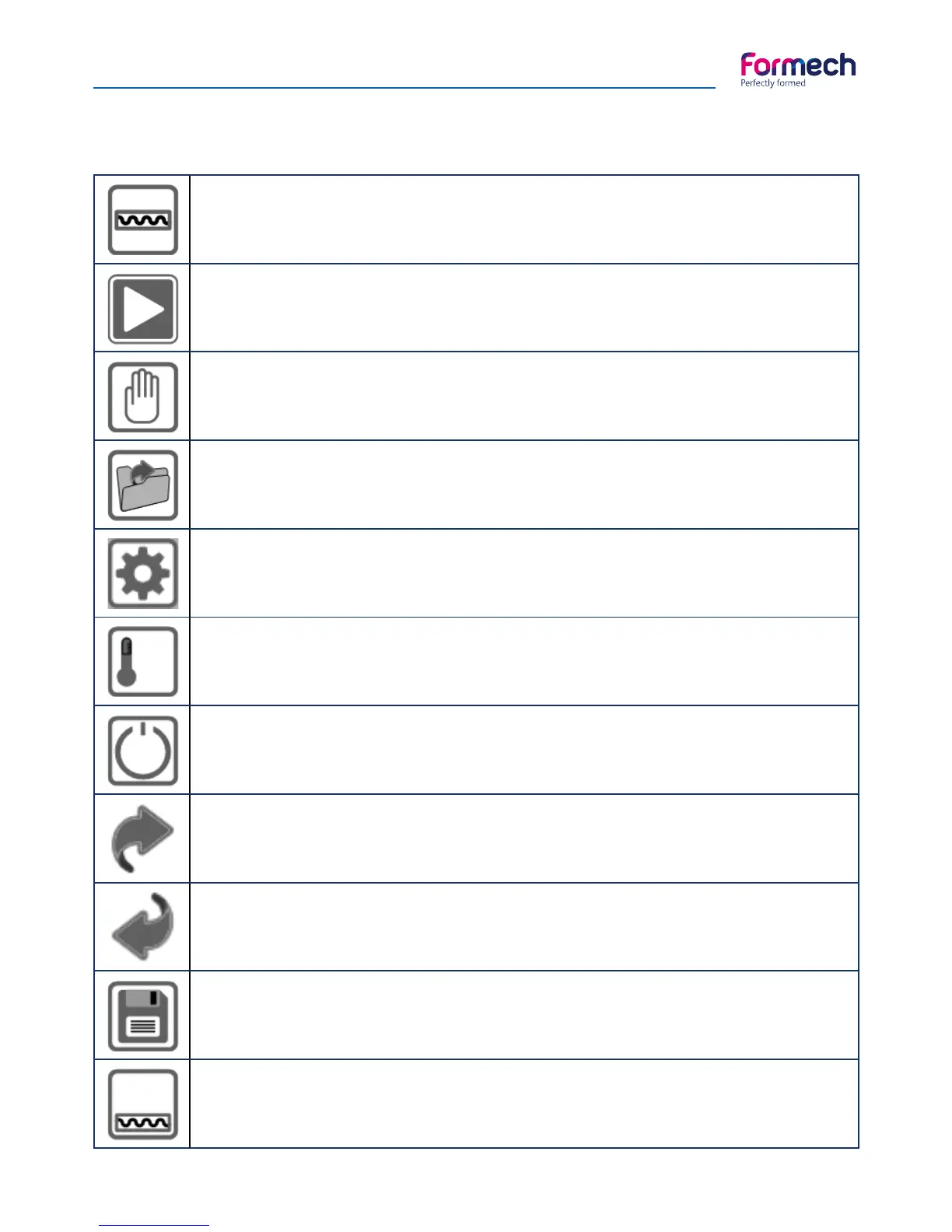
Heater Enable
Enables the heaters on the main menu screen. Heaters will shut off after 1 hour if there if the
machine is unused.
Start
Opens the load options screen to allow selection of saved parameters or manual operation.
Manual operation
Allows manual operating of the machine functions. Default heater settings are applied.
Timers will count up.
Load from Memory
Allows previously saved operating parameters to be used.
Settings
This button provides access to the settings screen where the operating parameters may be
adjusted and saved if required.
Heater Power Setting
Allows adjustment of the heat power for each zone. Adjustable in 1% increments.
Heater Standby setting
This feature allows reduction of the heater power level when the heater is in the rear position.
Page Forward
This operation will advance to the next page in the help screen and memory settings screens.
Page Back
This operation will return to the previous page or screen.
Save
Used to save operating parameter settings.
Heater Timer
Shows the heater time. Press on the time value to adjust the heat timer on the operation
screen. The time cannot be adjusted in manual mode.



 To Next Page