NVR User Manual
www.foscam.com
4-----Delete
Click the button, Delete the device.
5----- Setup
Click Setup button, goes to Device Settings Control Panel to make advanced NVR
settings.
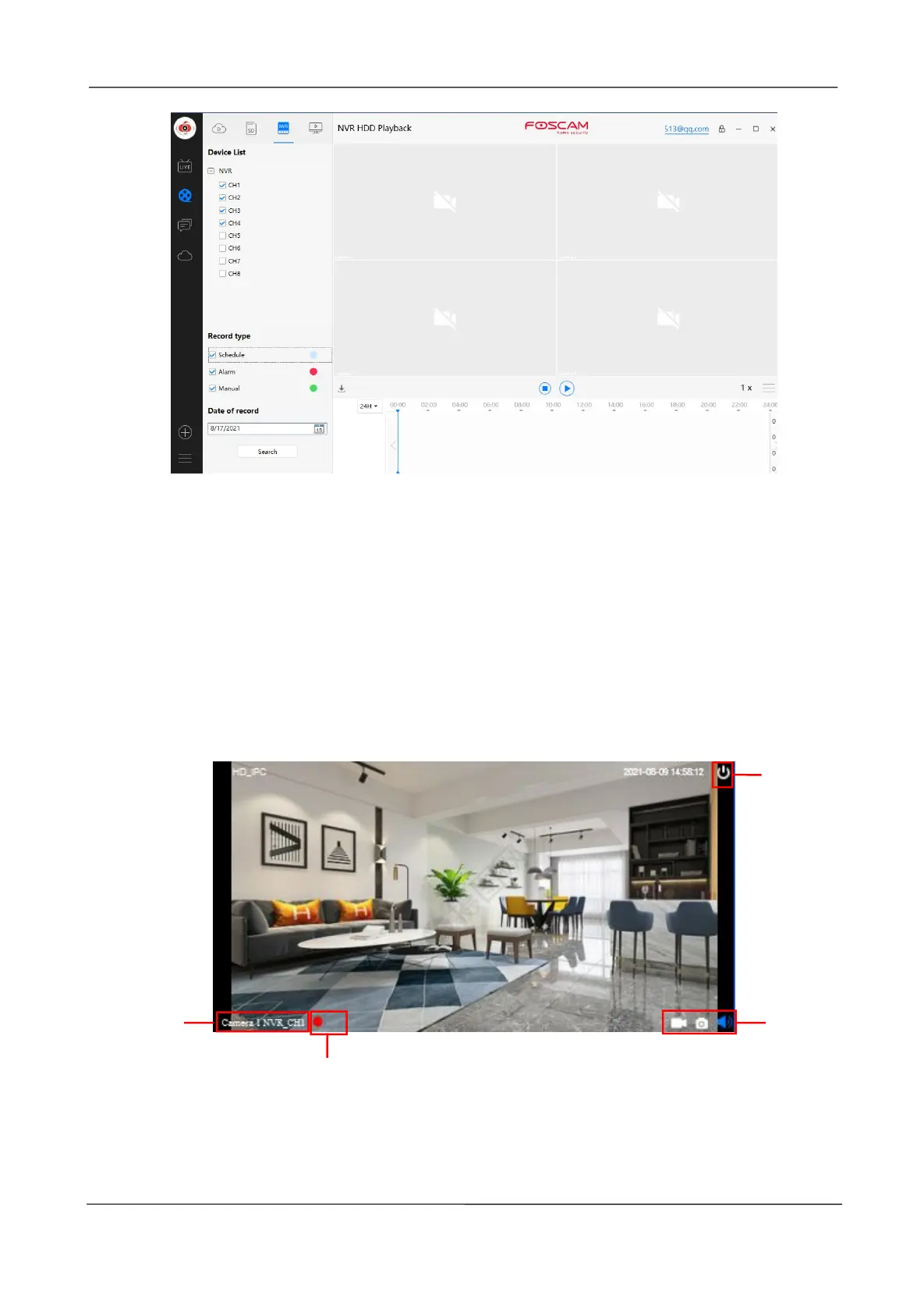
Section3 Live Window
When the mouse is placed on the video, the icon shown on the following figure appears.
1-----Close
Click the icon to close this channel live window
2-----Device Name
Show view channel and camera name.



 To Next Page