NVR User Manual
www.foscam.com
Preface
Welcome to use our product, Network Video Recorder (NVR). This document mainly focuses on the
installation and configuration of NVR application system. With high performance video, user-friendly
GUI, and practical industrial designs. This series NVR is suitable for civil applications such as homes,
stores, internet cafes, and small businesses in addition to mainstream security and surveillance
applications.
Default Settings
NVR: Default administrator name is admin.
Declaration
The feature of product on this manual is just for reference. Please prevail in physical product.
The manual provides multiple product models for reference. The specific operations are not listed
one by one. Please follow the operations depending on the actual product.
Because the actual environment may be discrepant, the actual values of some data may be different
from the values provided in the manual. If there are any question or dispute, the final interpretation of
prevails.
If you do not follow the manual during operation, you will bear any loss caused thereof.
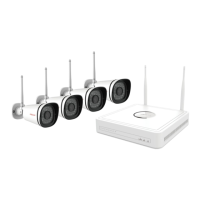
The NVR in the FN7108W-B4 kit can only add the IPC in the kit, and the IPC in the kit can only be
used for the NVR in the kit.
Installation Environment
Precautions
Please keep the device horizontally and avoid inclination or inversion.
Do not install the wireless NVR in humid and dusty environment.
Put the wireless NVR in drafty environment in case of ventilation port being blocked.
Don't touch the power switch with wet hand or damp items to avoid shock.
Do not splash liquid or metal filing on the NVR To avoid short-circuit fault or blaze.


 To Next Page
 Loading...