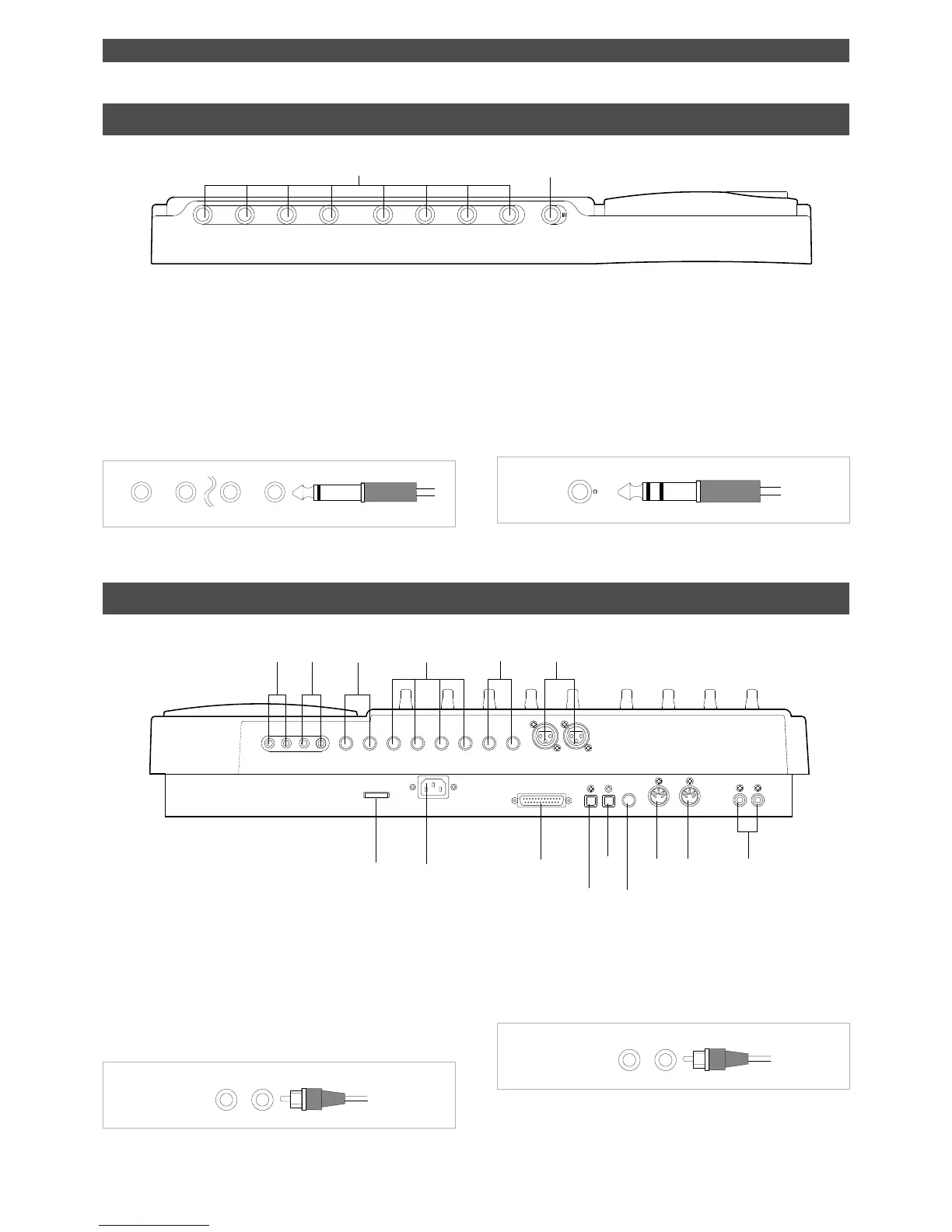
2. Stereo Out jacks [ST. OUT L, R] (Connector: RCA pin)
These jacks output stereo bus L/R signals. Connect these
jacks to the input jacks of a master recorder. You can adjust
the output level using the master fader L/R.
1. Monitor Out jacks [MON OUT L, R] (Connector: RCA pin)
Connect monitoring speakers and amplifier or powered
speakers here. These jacks output signals selected by the
SELECTOR in the monitor section (L/R, L/R+MON, or MON).
Use the MASTER knob in the monitor section to adjust the
output level.
The phone jacks for input channels 7 and 8 on the front
panel have priority. If you connect sound sources to these
jacks, the balanced XLR jacks for input channels 7 and 8 on
the rear panel will be disabled.
2.Headphone jack [PHONES] (Connector: stereo TRS phone)
Connect headphones here. You can adjust the headphone
volume using the MASTER knob in the monitor section.
1.Input jacks [1, 2, 3, 4, 5, 6, 7, 8] (Connector: phone)
Connect sound sources, such as musical instruments and
microphones, here.
Connect a microphone to input jacks 7 and 8, which are
equipped with TRIM switches that allow you to switch
according to the connected microphone output level. Input
channels 7 and 8 also support balanced XLR connectors on
the rear panel.
8
7
21
8761234 5
POWER
R MON OUT L
R ST OUT L
AUX RTN 2
R MONO/L2 AUX SEND 1
SCSI
OUT
IN
DATA PUNCH
IN/OUT
DATA
AUX RTN 1
R MONO/L
8 INSERT 7
INPUT 8 INPUT 7
R
RECORDER IN
L
IN
MIDI
OUT
MIDI



 To Next Page