11
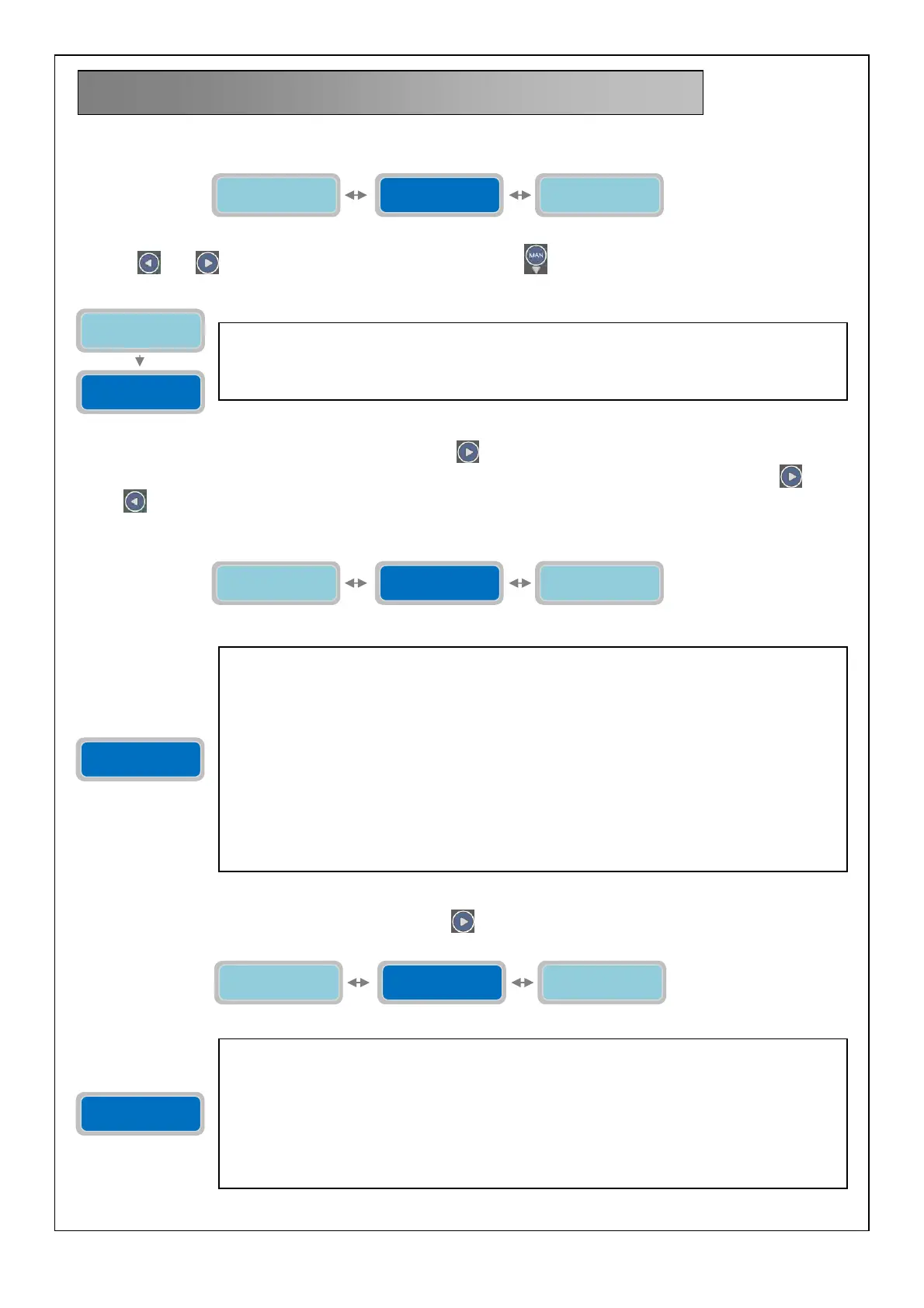
Once entered in the programming mode the first horizontal menu will be:
Pressing
and navigate the horizontal menus. With the button displays the corresponding vertical parameter:
To move to the next horizontal parameter press the button
(as indicated in the flow-chart attached to this manual as
an example, the menu structure of the horizontal parameter is circular; therefore, by pressing the buttons
or the
button
to display the following parameter; to facilitate the descriptions of the parameters settings the manual will
show the navigation inside the various menus:
To move to the next horizontal parameter press the button
:
10. GENERAL SETTINGS
The parameter “Select Language” will set the language selection for the alarm messages to be
displayed (the “X” indicates the position of the parameter to modify):
1=Italian; 2=English; 3=Spanish; 4=French.
Factory default selection: 1-Italian.
General
settings
Press Enter to
Set-up Exit
Settings pumps
Delay Power ret.
0=RND XXXsec
Sel.Language: X
1=I 2=EN 3=E 4=F
Enable 4-20mA
0=NO 1=YES X
Delay Power ret.
0=RND XXXsec
The parameter “Delay after Power Return” will set the timer delay to wait before reactivating
the control panel after a power-cut.
The “X” indicates the digit of the parameter to modify:
The settable range value is from 0 to 999 seconds.
0: setting the value to “0” (0=RND, random) will set the timer delay to a random value
automatically (the timer value will be between 1 and 999 seconds) by the control panel at every
restart after every power-cut (this function is useful in a station with several control panels full-
app and it’s not desired the simultaneous reactivation of several control panels).
Default setting: 3 seconds.
Note: the delay timer to reactivate of the control panel is displayed as a countdown timer to the
restart after power-cut. During the countdown the operating functions are inhibited. Therefore,
it’s not possible to operate the display/settings also it is not possible to use for programming
mode, nor manual operation.
Enable 4-20mA
0=NO 1=YES X
Delay Power ret.
0=RND XXXsec
Hi.Flt.Pumps ON
0=NO 1=YES X
Enable 4-20mA
0=NO 1=YES X
The parameter “Enable 4-20mA” will allow to activate/deactivate the use of the reading device
with signal 4-20mA (for example, pressure transducer, piezoresistive sensor, ultrasounds
sensor, etc…). The activation of input 4-20mA allows the use of working in operating mode
“DIGIT”. It is possible to utilize the 4-20mA device even as simple monitor of levels and usage
of relative alarms.
The “X” indicates the position of the parameter to modify:
0=NO: input 4-20mA DISABLE.
1=YES: input 4-20mA ENABLE.
Factory default setting: 0 (DISABLE).
General
settings
Sel.Language: X
1=I 2=EN 3=E 4=F



 To Next Page