33
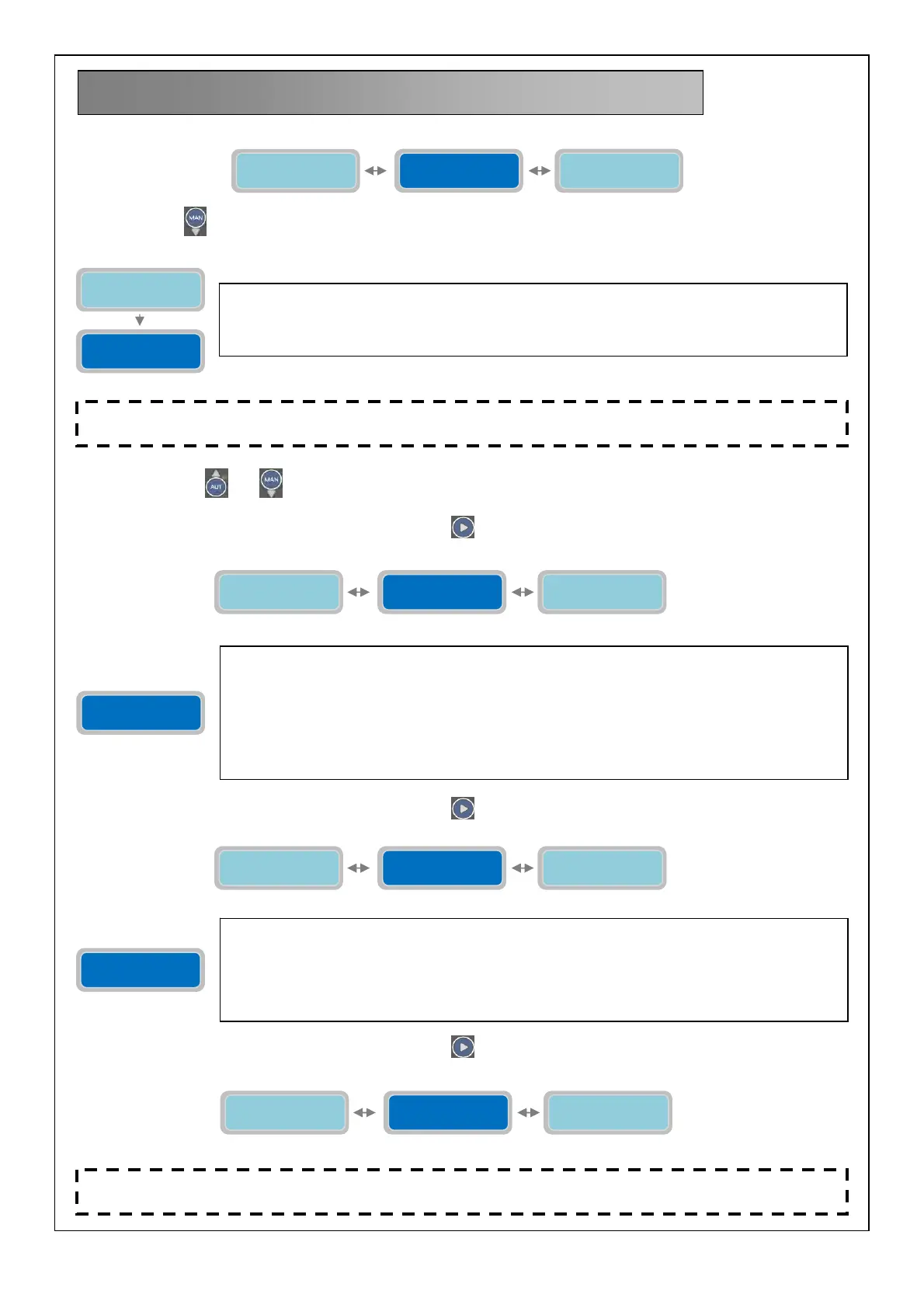
Press the button
to visualize the underneath vertical parameter:
By pressing buttons
and is possible to select uppercase, lowercase and numbers.
To move to the next horizontal parameter press the button
:
To move to the next horizontal parameter press the button
:
To move to the next horizontal parameter press the button
:
13. GSM MODEM SETTING
GSM Modem
Setting
Programmi di
Funzionamento
Alarms
Setting
With the vertical parameter “Station Name” is possible to give a name the control
panel/system. The name will show in the SMS reply every time there will be a GSM connection
test (see following parameters).
Factory default setting: “Test gsm ok”.
GSM Modem
Setting
Station Name
XXXXXXXXXXX
Enable Modem
YES/NO X
Station Name
XXXXXXXXXXX
Phone nr.1
+XXXXXXXXXX
Enable Modem
YES/NO X
The parameter “Enable Mode” will enable/disable the modem GSM functionality.
The “X” indicates the setting of the parameter to modify.
0=MODEM DISABLE
1=MODEM ENABLE
Factory default setting: 0 (Enable).
Once the modem is enabled the main display will show “gsm” on the top right corner to indicate
the modem is present and enabled. In case the modem is enabled but it’s not physically present
inside the control panel then the display “gsm” will not appear in the main display.
Phone nr.1
+XXXXXXXXXX
Enable Modem
YES/NO X
Phone nr.2
+XXXXXXXXXX
Phone nr.1
+XXXXXXXXXX
The parameter “Phone nr.1” will set the first (3 in total) phone number to send the SMS
messages for the status and alarms as well as the phone number allowed to remotely control
the various parameter settings. The number needs to be entered with international prefix (for
example, +44…..) without any spaces.
Note: there is no priority among the 3 phone numbers; they are independent from each other.
Factory default setting: +0000000000.
Phone nr.2
+XXXXXXXXXX
Phone nr.1
+XXXXXXXXXX
Phone nr.3
+XXXXXXXXXX
NOTE: Before configuring the GSM modem wait almost 1 minute after turning on the panel
in order to successfully complete its startup routine. To proceed must be present inside the SIM.
NOTE: If an invalid number is entered the procedure of sending SMS messages will be aborted also for the
successive numbers. Correct or disable the number and then turn off and on the panel.



 To Next Page