35
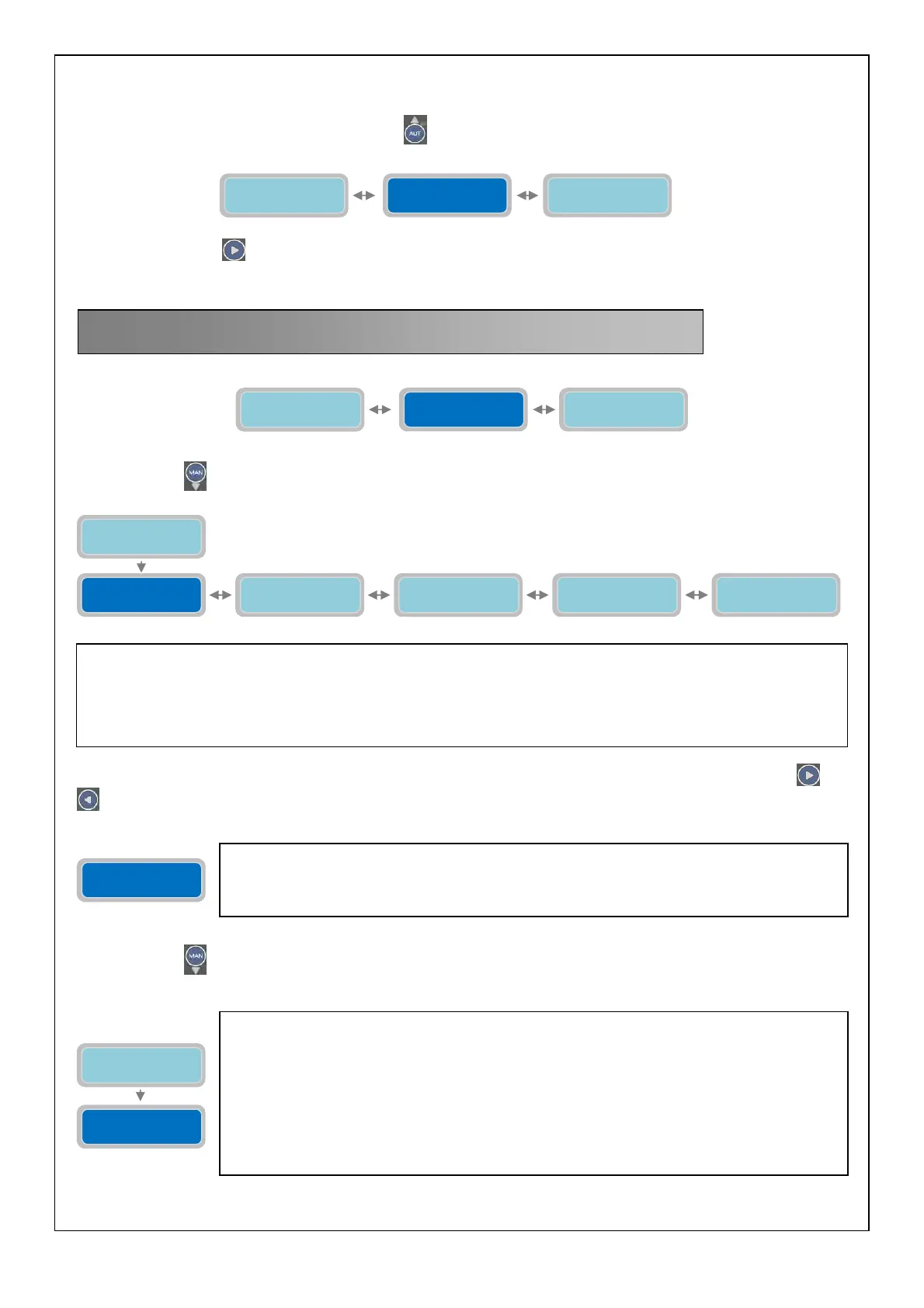
At this point the horizontal menu “GSM Modem Setting” has been fully programmed and it’s possible to proceed to the
next menu.
To go back to the horizontal menu press the button
, we are back to horizontal menu “GSM Modem Setting”:
Press again the button
to move to next horizontal menu “Alarms Setting”
Press the button
to display the vertical parameter:
The first alarm output on the list is the Sound Alarm (to move to a different alarm output just press the buttons
and
to navigate on the horizontal menu).
Press the button
to configure the Sound Alarm:
14. ALARM SETTING
In this part of the programming it is possible to select the operating mode for the alarm outputs available:
-
Sound Alarm
-
Visual Alarm
-
Relay 1
-
Relay 2
-
GSM Alarm
Alarms
Setting
The vertical parameter “Configuration Sound Alarm” will set the operating mode of the audio
alarm output on the control panel. It is an output voltage 12 Vcc, max 30 mA) with faston
connector (see page 40). This is set-up to be connected to a buzzer alarm but it could be used
for any other device with the following electrical characteristics: 12 Vcc, 30 mA max.
Configuration
Sound Alarm
The parameter “Mode” will select the operating mode of the sound alarm output.
The “X” indicates the setting of the parameter to modify.
0=NO (Off)
1=YES in the presence of an alarm (among the selected in the next parameter) the alarm
output is on and the connected device will activate.
In the absence of an alarm the output is off and the connected device is turned off.
2=PULSED: in the presence of an alarm (among the selected in the next parameter) the alarm
output is on with intermittent pulses and the connected device will activate intermittently.
In the absence of an alarm the output is off and the connected device is turned off
Factory default setting: 1
Configuration
Sound Alarm
Configuration
Visual Alarm
Configuration
Relay 1
Configuration
GSM Alarm
Configuration
Relay 2
Configuration
Sound Alarm
Mode
0=NO 1=Y 2=P X
GSM Modem
Setting
Operating
Programs
Alarms
Setting
Alarms
Setting
GSM Modem
Setting
Press Enter to
Set-up Exit



 To Next Page