12
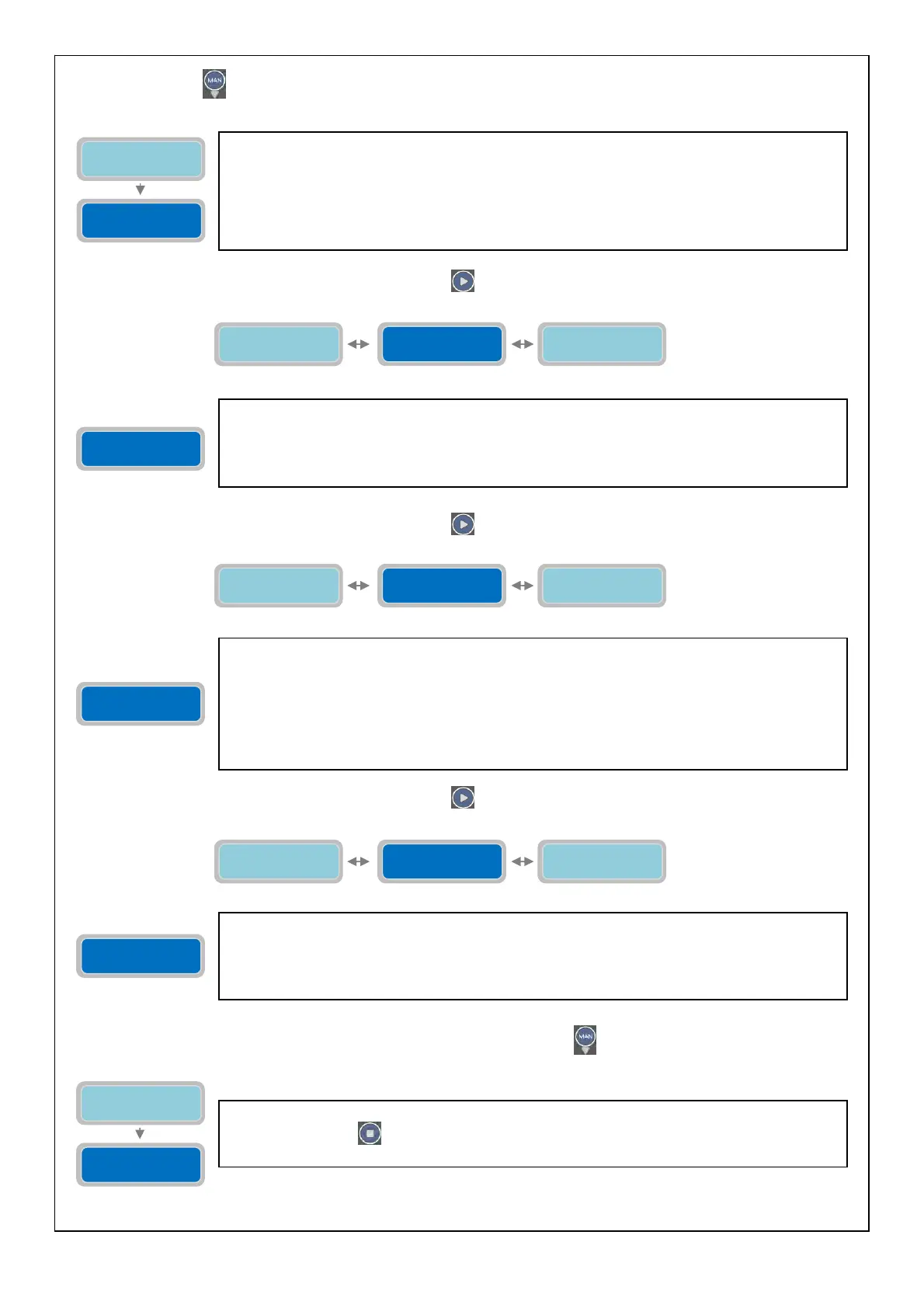
Pressing the button
will gain access to the set of parameters related to the reading of the input of 4-20mA device:
To move to the next horizontal parameter press the button
:
To move to the next horizontal parameter press the button :
To move to the next horizontal parameter press the button
:
To proceed with the setting of the calibration for relative zero press the button
:
Enable 4-20mA
0=NO 1=YES X
0=bar 1=mt
Value X
In the parameter “bar/mt” is possible to select the unit of measurement used in the display of
the signal 4-20 mA. In the case of pressurized system select “bar” (typically requires the
connection with a pressure transductor; in the case of a liquid/water select “m” (typically
requires a connection with a sensor of pierzoresistive level). The selection of the unit of
measurement will result in the display of a level (in meters) or a pressure (in bar).
The “X” indicates the digit position of the parameter to modify:
Factory default setting: 0 (0=bar).
Full scale
XX.XX
0=bar 1=mt
Value X
Enable Max 4-20
0=NO 1=YES X
Full scale
XX.XX
The parameter “Full Scale” is used to indicate the full scale of the sensor device 4-20 mA being
used (bar or meter depending on the mode selected in the previous parameter).
(The “X” indicates the digit of the parameter to modify).
The range of the value is from 00.00 to 99.99 (bar or meter).
Factory default setting: 16.00.
Enable Max 4-20
0=NO 1=YES X
Full scale
XX.XX
Zero Calibration
Learn / Sets
Enable Max 4-20
0=NO 1=YES X
The parameter “Enable Max 4-20” is used to start all the pumps connected, once the maximum
level is reached (the actual value of such maximum level of the sensor 4-20 mA is to be set in
the following parameters). In the case of “bar” as the selected unit of measurement, the
maximum level set is to be intended as maximum pressure.
The “X” indicates the digit of the parameter to modify:
0=NO: DISABLE the start of all pumps once the maximum level is reached.
1=YES: ENABLE the start of all pumps once the maximum level is reached.
Factor
default settin
: 0
DISABLE
.
Zero Calibration
Learn / Sets
Enable Max 4-20
0=NO 1=YES X
min. Lev-Press
XX.XX
The parameter “Zero Calibration Learn/Sets” is used to choose whether to have an auto setting
or manual setting of the RELATIVE zero of the 4-20mA sensor being used. Therefore, it’s
possible to set the “zero” not at the actual zero level (“0” meters of level or “0” bar of
pressure), but at a different level (for example, 2 meters of level or 1 bar of pressure) to
alwa
s maintain a
au
e.
Zero Calibration
Learn / Sets
The parameter “Learn Zero” will set the value automatically for the relative zero setting.
Pressing the button
will set the value automatically as the relative zero of level/pressure at
the moment the button is
ressed.
Zero Calibration
Learn / Sets
Learn
Zero: XX.XX



 To Next Page