28
To move to the next horizontal parameter press the button :
To move to the next horizontal parameter press the button
:
At this point we have finished the program settings of Pump 1 parameters.
Pressing the button
will return to the vertical menu “Configuration Pump 1”:
Press the button to move to the next menu “Configuration Pump 2”: the parameters settings are the same as
described for Pump 1.
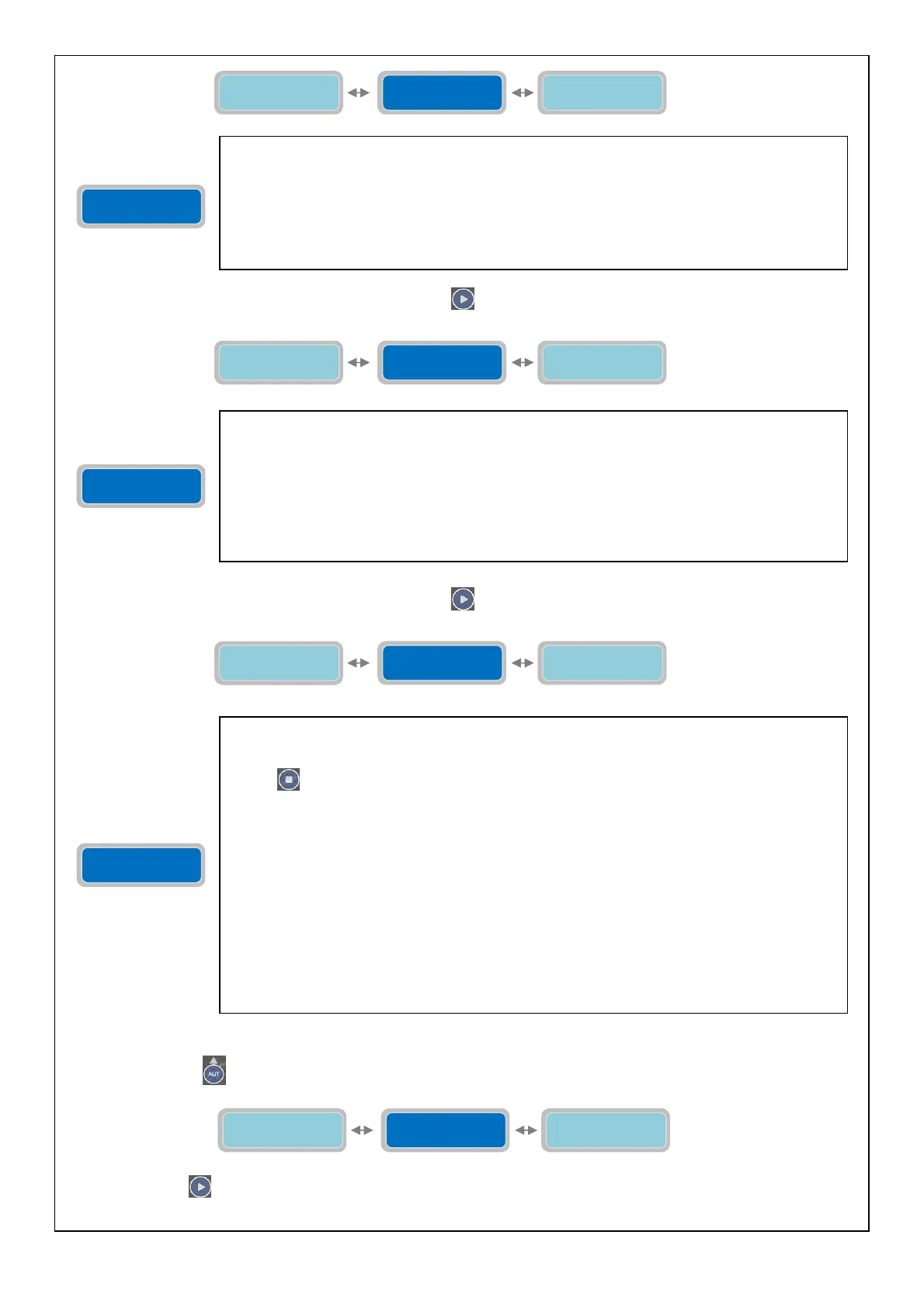
Min Current
Pump 1 XX.XA
The parameter “Min Current Pump 1” will set the minimum value of current consumption
allowed (undercurrent). Below the set value (for the duration specified in the parameter “P1
Delay Alarm Imin”) the pump will stop and will display an alarm (Minimum current) and it will
be possible to activate one or more alarm output (based on the settings in the menu “Alarms
Setting”).
The “X” indicates the setting of the parameter to modify.
The range of value is from 00.1 to 99.9 A.
Factory default setting: 00.0 A.
Min Current
Pump 1 XX.XA
Max Current
Pump 1 XX.XA
Cosø Min
Pump 1 X.XX
Cosø Min
Pump 1 X.XX
The parameter “Cosø Min pump 1” will set the minimum allowed value of cosø while the pump
is operating (the lowering of the Cosø value is an indication that the pump is not sucking water
and it is working in dry condition. If the cosø value is lower than the value set (for the duration
specified in the parameter “P1 Delay Alarm Cosø”) the pump will stop, and will display an alarm
(Dry running condition) and it will be possible to activate one or more outputs alarm (based on
the settings in the menu “Alarms Setting”).
The “X” indicates the setting of the parameter to modify.
The range of value is from 0.20 to 0.99.
Factory default setting: 0.20.
Cosø Min
Pump 1 X.XX
Min Current
Pump 1 XX.XA
Copy Settings
--> Pump 2
Copy Settings
--> Pump 2
With the parameter “Copy Settings --> Pump 2” is possible to copy and set automatically all the
parameters for pump 1 to pump 2 at once without manually setting all the parameters
individually (useful function in case 2 identical pumps are used on the same system). Press the
button
to copy and save the parameters. The display will show briefly the message “save”
as confirmation that the setting has been saved. All parameters set in the menu “Configuration
Pump 1” will be copied in the menu “Configuration pump 2”. The following parameters will be
copied and set automatically:
- P2 Alarm Delay Imax
- P2 Alarm Delay Imin
- P2 Alarm Delay Cosø
- Max Continuous Working
- Max Starts per minute
- Max Starts per hour
- Max intervention Klixon P2
- P2 Service Request
- Max Current pump 2
- Min Current pump 2
- Min Cosø pump 2
Copy Settings
--> Pump 2
Cosø Min
Pump 1 X.XX
P1 Rit. Allarme
IMax XXsec
Configuration
Pump 1
Configuration
Pump 3
Configuration
Pump 2



 To Next Page