27
Press the button
to update the time remaining for the next service with the pump’s duration of work already executed
(the value will be displayed on the parameters “h XXX”). At this point the next service request will happen after “time set
on the parameter P1 service request” + “work time on the operating parameter”. If there is no “Reset Service P1” and the
time it is simply set via “P1 Request Service”, the maintenance service request alarm will activate considering the number
of work hours already executed. For example, if the pump has already worked for 200h and the “P1 Request Service” was
set to 1000h and there was no reset of P1. Then, the service request alarm will activate once the 1000h of work are
reached, meaning in 800h (1000-200=800h). If the reset of service P1 is done, the service request alarm will at 1200h of
work hours (200+1000=1200h). To figure out the time remaining for the service request it is necessary to verify the
number of hours indicated on the parameter “Reset Service P1” and subtract the number of hours displayed on the
operating parameter “h XXX”.
Press the button
to go back to the horizontal parameter “Enable Service Request”:
To move to the next horizontal parameter press the button
:
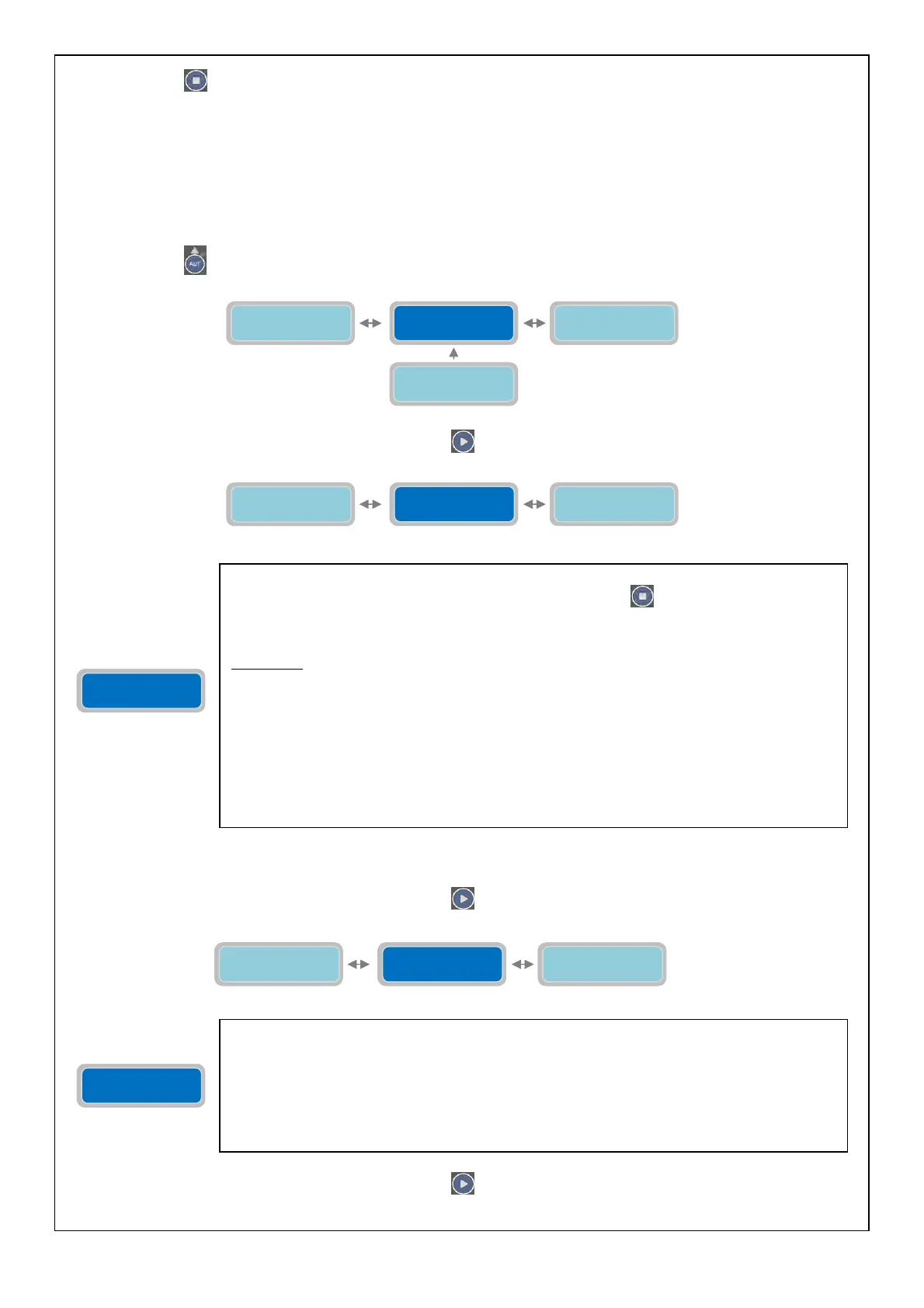
If the Auto Setting of the parameters of the pump is not desired, it is possible to set manually the values with the
following parameters.
To move to the next horizontal parameter press the button
:
To move to the next horizontal parameter press the button
:
Auto settaggio
Pompa1 (I&Cosø)
Abilita rich.
service 0=NO X
Corrente Max
Pompa 1 XX.XA
Auto Setting
Pump1 (I&Cosø)
The parameter “Auto Setting pump 1” is to set the control panel automatically for the main
electrical parameters of the pump. When pressing the button
the pump will start and will
work for 10 seconds; in this period of time the control panel full-app will read the electrical
parameters of the pump (current, Cosø). After the 10 seconds the values read will be
automatically saved.
WARNING: the auto setting of the pump is executed independently from the
conditions of the system (status of the pump and its settings, alarms being enable or
disable, etc…). Please verify the working status of the pump before requesting the
auto setting. To be suitable, the auto setting of the pump shall be requested in the
optimal working condition of the pump. This is to avoid damage to the pump and the
reading of the electrical parameters will be correct.
Note: based on the measurements of current and cosø during the auto setting full-app will set
the following parameters automatically:
-“I Min” is set as 85% of the current measured during the auto setting.
-“I max” is set as 120% of the current measured during the auto setting.
-“Cosø Min” is set as 80% of the cosø measured during the auto setting.
Max Current
Pump 1 XX.XA
The parameter “Max Current Pump 1” will set the maximum value of current consumption
allowed (overcurrent). Beyond the set value (for the duration specified in the parameter “P1
Delay Alarm Imax”) the pump will stop and will display an alarm (Maximum current) and it will
be possible to activate one or more alarm output (based on the setting in the menu “Alarms
Setting”).
The “X” indicates the setting of the parameter to modify.
The range of value is from 00.1 to 99.9 A.
Factor
default settin
: 00.0 A.
Max Current
Pump 1 XX.XA
Auto Setting
Pump1 (I&Cosø)
Min Current
Pump 1 XX.XA
Enable Service
Request 0=NO X
Enable Max Int.
Klixon 0=NO X
Auto Setting
Pump1 (I&Cosø)
Reset
Service P1 XXXX



 To Next Page