30
To proceed and set all the parameters of the operating mode DARK press the button
:
To move to the next horizontal parameter press the button :
The setting of all the parameters for the program operating mode Dark is complete.
Refer to section “INSTALLATION EXAMPLES” for directions of the connections and the applications of the mode DARK.
Similarly to the previous program operating mode, it is possible to select “Program CLEAN” and set all its parameters.
To proceed and set all the parameters of the operating mode Clean press the button
:
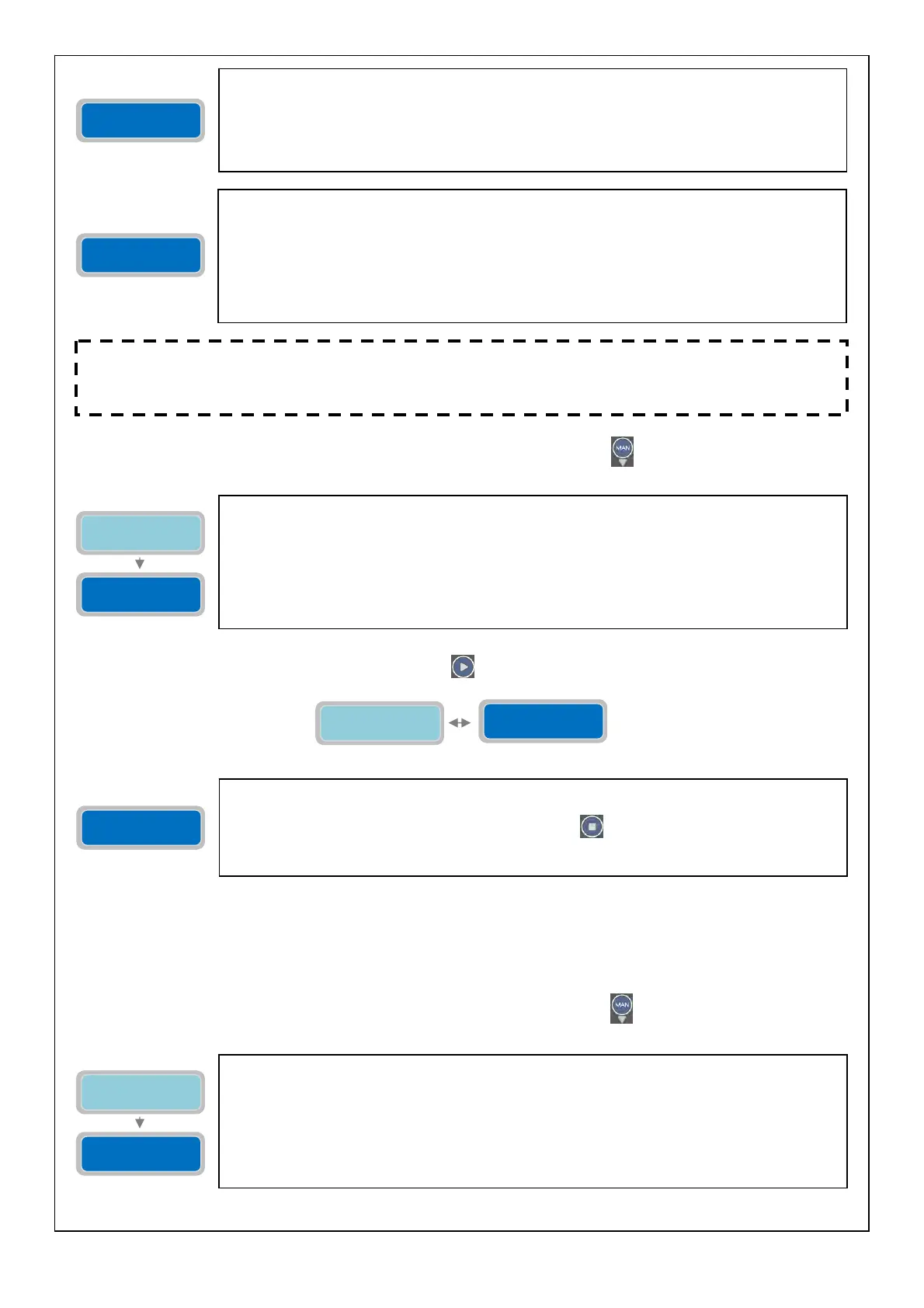
The parameter “Operating mode Empty/Fill” will set the mode of the program “Dark” to “empty”
or “fill”. With “Empty” the start/stop float switches of the pumps are inside the tank in which
the pump is installed. With “Fill” the start/stop float switches are in a different tank from which
the pumps are installed.
The “X” indicates the setting of the parameter to modify.
0=EMPTY
1=FILL
Factory default setting: 0 (Empty).
Program
DARK
Operating mode
Empty/Fill X
Enable
DARK
Operating mode
Empty/Fill X
Enable
DARK
The parameter “Enable DARK” will enable/disable the program operating mode Dark. Once
enabled the mode Dark it will apply to all the installed pumps.
To enable the operating mode Dark press the button
to save its setting. The display will
show briefly the message “save” as confirmation that the setting has been saved. In the main
display the word “drk” will show to indicate the selected program operating mode.
Inside the menu “Program DIGIT” is possible to activate/deactivate the operating mode “DIGIT”
for the pumps (this operating mode will apply to all the pumps connected). The program DIGIT
allows the starting and stopping of the pumps based on a signal coming from 4-20 mA device
(for example, level piezoresistive sensor, electronic pressure transducer,…). It is possible to
control the starting and stopping of the pumps based on some levels/pressures programmable
by the operator.
Inside the menu “Program MULTITANK” is possible to activate/deactivate the operating mode
“Program MULTITANK”. The program MULTITANK recognises the type of operating mode among
the connected pumps as following:
PUMP 1: DARK, CLEAN, DIGIT.
PUMP 2: DARK, CLEAN.
(The program mode DIGIT is only available for the pump 1).
The program MULTITANK is especially suitable for systems with pumps controlling different
tanks and/or controlling different type of pumps with a single control panel.
NOTE: regardless of the program operating mode selected, it is always possible to connect to a 4-20mA
device to display the level/pressure and to alarm for minimum/maximum level/pressure. In addition,
with the program operating mode DIGIT it is also possible to set the actual levels/pressure values to
control the
um
s
The parameter “Operating mode Empty/Fill” will set the mode of the program “Clean” to
“empty” or “fill”. Typically with “Empty” the start/stop float or pressure switches of the pumps
are inside the tank in which the pump is installed. With “Fill” the start/stop float or pressure
switches are in a different tank from which the pumps are installed.
The “X” indicates the setting of the parameter to modify.
0=EMPTY
1=FILL
Factory default setting: 0 (Empty).
Program
CLEAN
Operating mode
Empty/Fill X
Program
DIGIT
Program
MULTITANK



 To Next Page