3
28
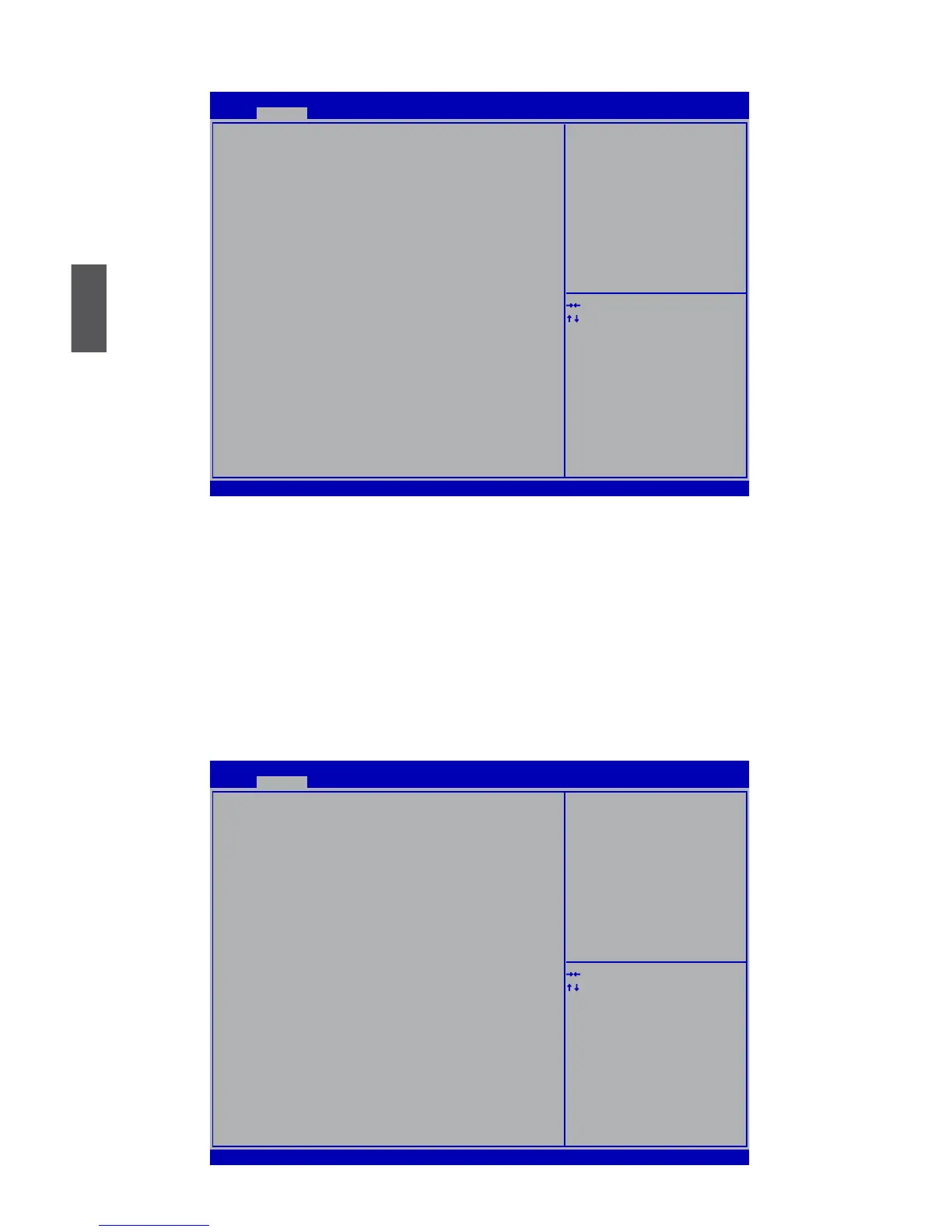
Intel IGD SWSCI OpRegion
Version 2.02.1205. Copyright (C) 2010 American Megatrends, Inc.
Aptio Setup Utility - Copyright (C) 2010 American Megatrends, Inc.
Intel IG� SWSCI OpRegion Configuration
�VMT Mode Select [�VMT Mode]
�VMT/FIXE� Meory [256MB]
Spread Spectrum Clock [�isabled]
→ ←: Select Screen
↑ ↓: Select Item
Enter: Select
+/-: Change Opt.
F1: General Help
F2: Previous Values
F3: Optimized �efaults
F4: Save & Exit
ESC: Exit
Select �VMT Mode used by
Internal Graphics �evice.
Advanced
► DVMT Mode Select
This item is used to select DVMT Mode used by Internal Graphics Device.
► DVMT/FIXED Meory
This item is used to select DVMT/FIXED Meory size used by Internal Graphics Device.
► Spread Spectrum Clock
Ifyouenabledthisfunction,itcansignicantlyreducetheEMI(ElectroMagneticInterference)
generated by the system, so to comply with FCC regulation. But if overclocking is activated,
you better disable it.
USB Conguration
Version 2.02.1205. Copyright (C) 2010 American Megatrends, Inc.
Aptio Setup Utility - Copyright (C) 2010 American Megatrends, Inc.
USB Configuration
USB �evices:
2 Hubs
All USB �evices [Enabled]
Legacy USB Support [Enabled]
→ ←: Select Screen
↑ ↓: Select Item
Enter: Select
+/-: Change Opt.
F1: General Help
F2: Previous Values
F3: Optimized �efaults
F4: Save & Exit
ESC: Exit
Enabled/�isabled All USB
�evices
Advanced



 To Next Page
 Loading...







