5
90
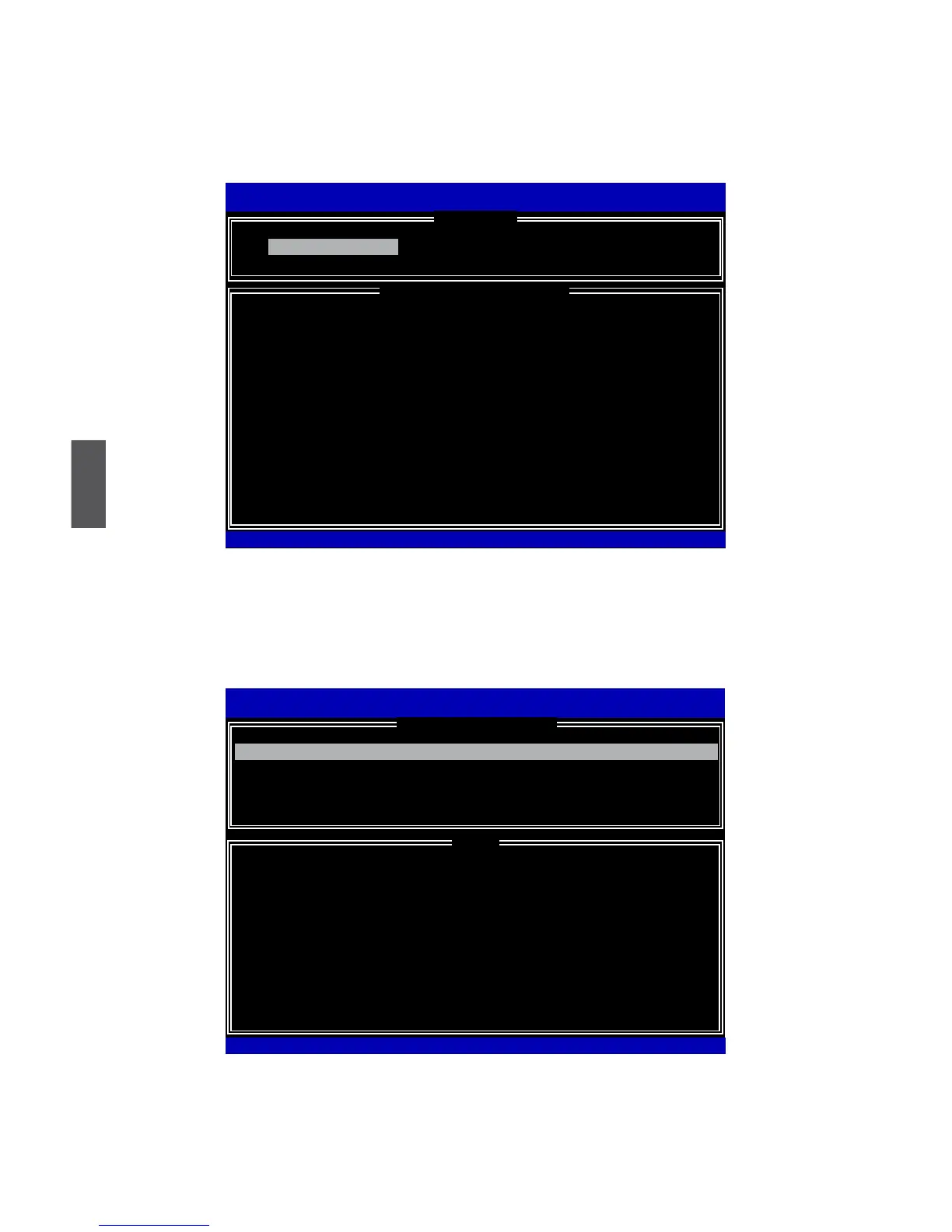
Delete RAID Volume
1.TakeTryRAID5forexample.Select“2. Delete RAID Volume” in main menu and
press <Enter>.
2. Use Up or Down arrow key to select the RAID set you want to delete. Here only one
RAID5isseen,sopress<DEL>keytocontinue.
Intel(R)MatrixStorageManageroptionROMv5.0.0.1011ICH9RwRAID5
Copyright(C)2003-04IntelCorporationAllRightsReserved.
Name Level Drives Capacity Status Bootable
TryRAID0 ID0(Stripe)2 465.8GB Normal Yes
Deleting a volume will reset the disks to non-RAID.
WARNING: ALL DISK DATA WILL BE DELETED.
(This does not apply to Recovery volumes)
[↑↓]-Select[ESC]-PreviousMenu[DEL]-DeleteVolume
Intel(R)RapidStorageTechnology-OptionROM-10.0.0.1032
Copyright(C)2003-10IntelCorporation.AllRightsReserved.
[ HELP ]
[ DELETE VOLUME MENU ]
TryRAID5 RAID5(Parity)3 149.1GB NormalYes
Intel(R)MatrixStorageManageroptionROMv5.0.0.1011ICH9RwRAID5
Copyright(C)2003-04IntelCorporationAllRightsReserved.
1. Create RAID Volume 3. Reset Disks to Non-RAID
2.DeleteRAIDVolume 4.RecoverVolumeOptions
5.Exit
RAID Volume :
ID Name Level Stripe Size Status Bootable
0 TryRAID5 RAID5(Parity) 64KB 149.1GB0 TryRAID5 RAID5(Parity)64KB 149.1GB Normal Yes
Physical Disks:
Port Drive Model Serial # Size Type/Status(Vol ID)
0 Hitachi HDS72161 PVF904�21G2J�M 149.0GBHitachiHDS72161 PVF904�21G2J�M 149.0GB PVF904�21G2J�M 149.0GB MemberDisk(0)
1
ST380811AS
5PS1TAGW 74.5GB MemberDisk(0)
2
SAMSUNG HD161HJ
S0V3J9APA30524 149.0GBS0V3J9APA30524 149.0GB 149.0GB MemberDisk(0)
3
ST380815AS
5RW1CA37
74.5GB Non-RAID Disk
Intel(R)RapidStorageTechnology-OptionROM-10.0.0.1032
Copyright(C)2003-10IntelCorporation.AllRightsReserved.
[ DISK/VOLUME INFORMATION ]
[ MAIN MENU ]
2. Delete RAID Volume
[↑↓]-Select[ESC]-Exit[ENTER]-SelectMenu



 To Next Page
 Loading...







