Appendix
112
Appendix - NVIDIA
®
SLI
TM
Technology
1. Introduction
NVIDIA
®
SLI
TM
(Scalable Link Interface) technology takes advantage of the increased bandwidth
of the PCI Express
TM
bus architecture, and features intelligent hardware and software solutions to
deliver earth-shattering PC performance in a multi NVIDIA
®
GPU solution.
2. Graphics card conguration
2-1 Installing two SLI-ready graphics cards
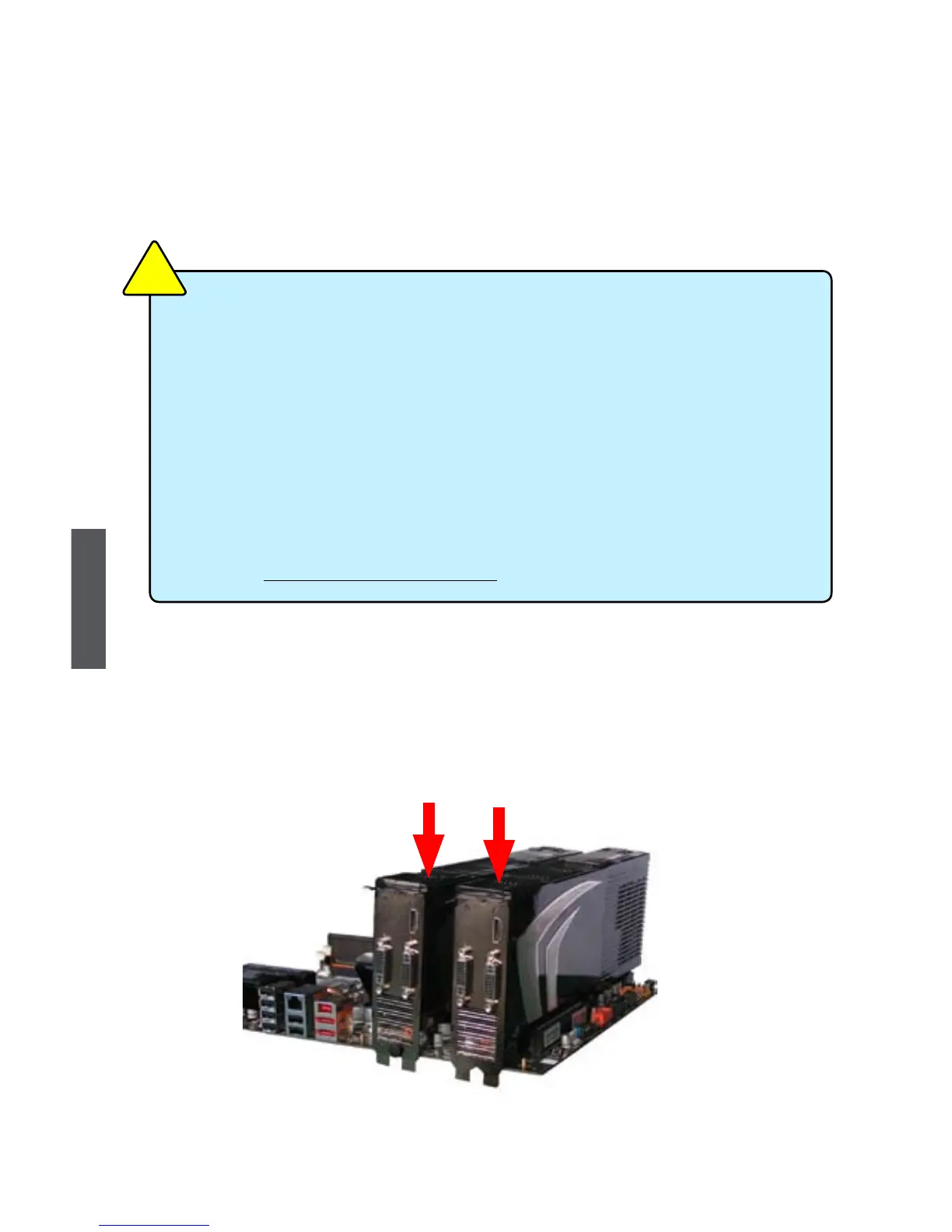
1. Install the rst graphics card into the PCI-E1_16X slot and the other into the PCI-E2_
16X slot.
2
1
■ In Dual SLI mode, it needs two identical SLI-ready graphics cards.
■ In 3-way SLI mode, it needs three identical SLI-ready graphics cards.
■ Make sure that all the graphics cards are certied by NVIDIA, different type of
graphics cards will not work together properly.
■ Please visit the NVIDIA website (www.nvidia.com) for the NVIDIA graphics card drivers.
■ Make sure that your power supply unit can provide at least the minimum power
required by your system. If you want to use 3-way SLI
TM
conguration, please visit the
NVIDIA website (www.nvidia.com) for the qualied Power Supply Unit vendor list.
■ The NVIDIA 3-way SLI technology supports Windows
®
Vista operating system only.
■ For the detailed Graphics Card support list on this motherboard, please visit the
website: http://www.foxconnchannel.com
C
A
U
T
I
O
N
!













 To Next Page