3
34
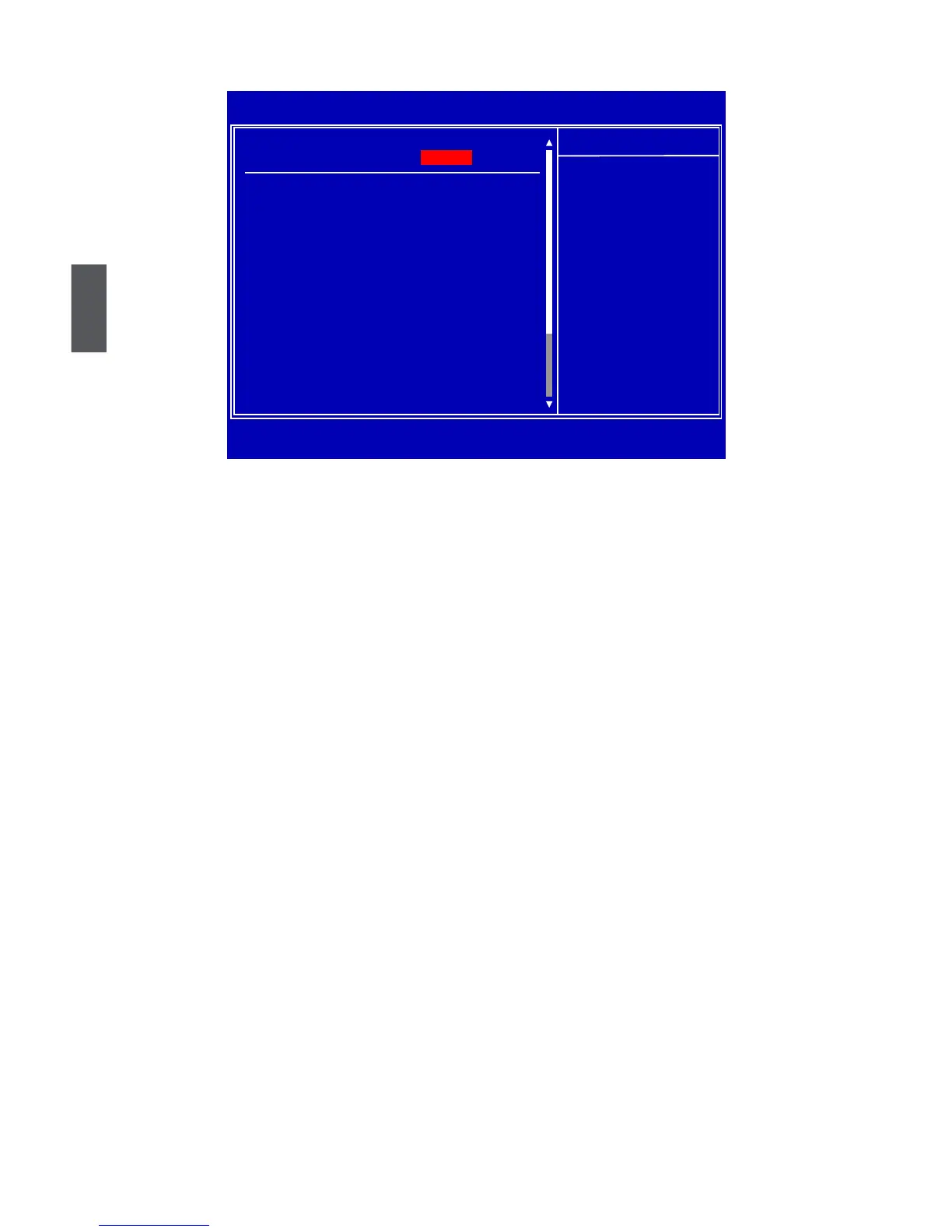
PC Health Status
PC Health Status
► H/W Health Function
This item is used to enable hardware health monitoring device.
► CPU/System Temperature
The CPU/System temperature are automatically detected and displayed by the system.
► CPU Fan/System Fan1/System Fan2/System Fan3 Speed
The CPU fan/System fan1/System fan2/ System fan3 speed are automatically detected and
displayed by the system.
► VCore/VDIMM//VNB/+ 5V/+12V/VTT/VCC/VSB
The current voltages are automatically detected and displayed by the system.
► CPU FAN Mode Setting
This item is used to select CPU fan conguration mode. You can select “Manual Mode by
RPM/DutyCycle” to set the CPU fan speed manually. Default value is “Auto Fan by RPM”.
► Temperature Limit of Highest/Second/Third/Lowest
This option is used to set CPU temperature grade from 0
o
C to 127
o
C. When CPU temperature
reaches a higher grade, CPU fan will go faster. When reaches a lower grade, CPU fan will go
slower. You can modify the grade value by pressing <+>/<-> key, or input it directly.
► Fan Highest/Second/Third/Fourth/Lowest Setting
This option is used to set the CPU fan speed according to different CPU temperature grade. You
can modify the setting by pressing <+>/<-> key, or input a value directly. The illustration in next
page can help you to know about the relationship between temperature and fan speed.
► System FAN Mode Setting
This item is used to select system fan conguration mode.
► Temperature Limit of Highest/Second/Third/Lowest
This option is used to set system temperature grade from 0
o
C to 127
o
C. When system
temperature reaches a higher grade, system fan will go faster. When reaches a lower grade,
system fan will go slower. You can modify the grade value by pressing <+>/<-> key, or input it
directly.
CMOS Setup Utility - Copyright (C) 1985-2008, American Megatrends, Inc.
PC Health Status
PC Health Status Help Item
H/W Health Function [Enabled]
Enables Hardware
CPU Temperature :84
o
C/183
o
C Health Monitoring
System Temperature :42
o
C/107
o
C Device.
CPU Fan Speed :2127 RPM
System Fan1 Speed :N/A
System Fan2 Speed :N/A
System Fan3 Speed :N/A
VCore :1.192 V (+0.00V)
VDIMM :1.481 V
VNB :1.088 V
+5V :5.183 V
+12V :11.792 V
VTT :1.691 V (+0.00V)
VCC :3.360 V
VSB :3.360 V
↑↓←→:Move Enter:Select +/-/:Value F10:Save ESC:Exit F1:General Help
F9:Optimized Defaults
[Enabled]













 To Next Page