3
30
Boot Conguration Features
► Boot Settings Conguration
Press <Enter> to go to relative submenu.
► Boot Device Priority
This item is used to specify the boot device priority sequence.
► Hard Disk Drives
This option is used to select the priority for HDD startup. After pressing [Enter], you can
select the HDD using the Up/Down arrow keys, and change the HDD priority using [PageUp]/
[PageDown]; you can exit this menu by pressing [Esc].
► CD/DVD Drives
This option is used to select the priority for CD-ROM startup.
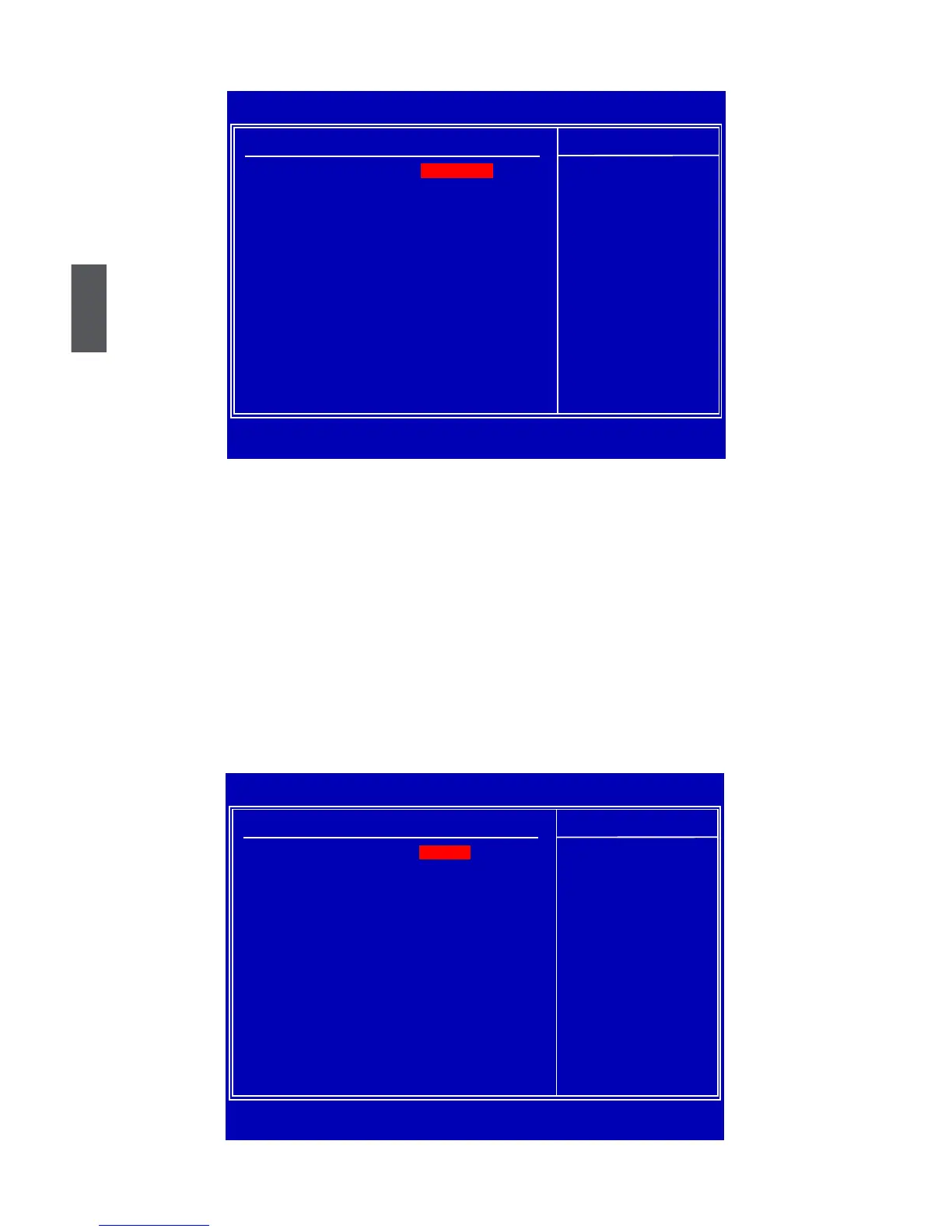
Boot Settings Conguration
CMOS Setup Utility - Copyright (C) 1985-2008, American Megatrends, Inc.
Boot Conguration Features
Boot Settings Help Item
► Boot Settings Conguration Congure Settings
during System Boot.
► Boot Device Priority
[Press Enter]
► Hard Disk Drives
[Press Enter]
► CD/DVD Drives
[Press Enter]
↑↓←→:Move Enter:Select +/-/:Value F10:Save ESC:Exit F1:General Help
F9:Optimized Defaults
[Press Enter]
CMOS Setup Utility - Copyright (C) 1985-2008, American Megatrends, Inc.
Boot Settings Conguration
Boot Settings Conguration Help Item
Quick Boot [Enabled] Allows BIOS to Skip
Quiet Boot [Enabled] certain tests while
booting. This will
decrease the time
needed to boot the
system.
↑↓←→:Move Enter:Select +/-/:Value F10:Save ESC:Exit F1:General Help
F9:Optimized Defaults
[Enabled]













 To Next Page