3
36
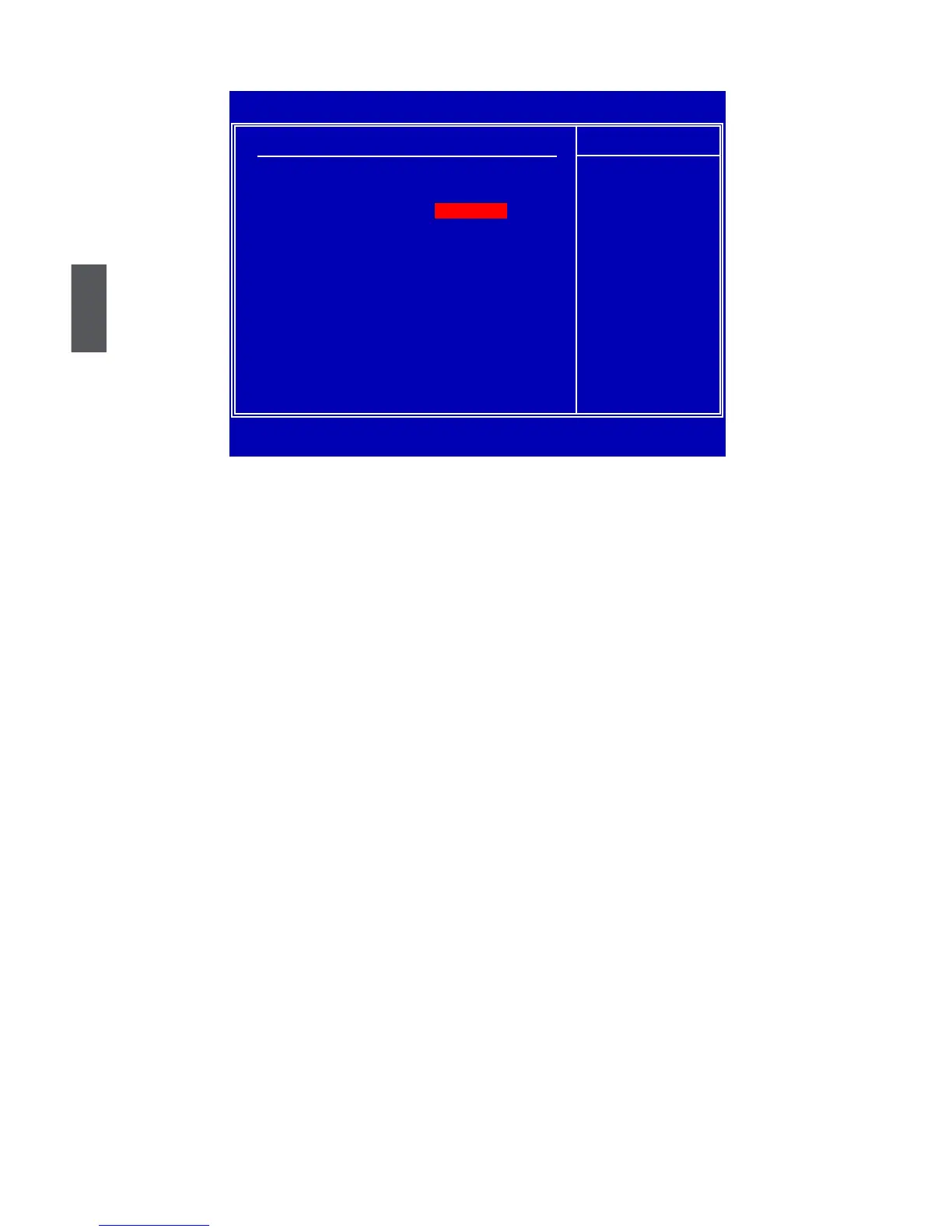
Fox Central Control Unit
► CPU Conguration/Memory Timing Cong./All Voltage Control
Press <Enter> to go to relative submenu.
******* Ratio and Clock Setting *******
► QPI Frequency
QPI (Quick Path Interconnect) frequency. This new interconnect features faster transmission
speed, it allows you to select the transmission speed manually.
► Clock Mode Select
This Item allows BIOS to select clock generator Mode in Linear or Table.
[Auto]: BIOS will automatically decide CPU and PCI-EX frequency.
[Manual]: You can select CPU frequency and PCI-EX frequency maually.
When you set “Clock Mode Select” to [Manual], the following three items will appear:
► CPU Frequency Setting
This item allows BIOS to select CPU over clock frequency. You can modify the frequency from
260 to 133 by pressing <+>/<-> keys.
► PCI-EX Clock Select
This item allows BIOS to decide PCI-EX clock is adjusted by users or follows CPU frequency.
If you select [From CPU], the following item “ PCI-EX Frequency Setting” will be hiden.
► PCI-EX Frequency Setting
This item allows BIOS to select PCI-EX over clock frequency. You can modify the frequency
from 100 to 163 by pressing <+>/<-> keys.
► Spread Spectrum
If you enabled this function, it can signicantly reduce the EMI (Electro Magnetic Interference)
generated by the system, so to comply with FCC regulation. But if overclocking is activated,
you better disable it.
CMOS Setup Utility - Copyright (C) 1985-2008, American Megatrends, Inc.
Fox Central Control Unit
Fox Central Control Unit Help Item
WARNING: Setting wrong values in below sections Congure CPU.
may cause system to malfunction.
►
CPU Configuration
[Press Enter]
►
Memory Timing Config.
[Press Enter]
►
All Voltage Control
[Press Enter]
Super BIOS protect [Disabled]
******* Ratio and Clock Seeting*******
QPI Frequency [4.800GT]
Clock Mode Select [Auto]
Spread Spectrum Mode [Disabled]
↑↓→←:Move Enter:Select +/-/:Value F10:Save ESC:Exit F1:General Help
F9:Optimized Defaults
[Press Enter]













 To Next Page