45
4
45
Utility CD introduction
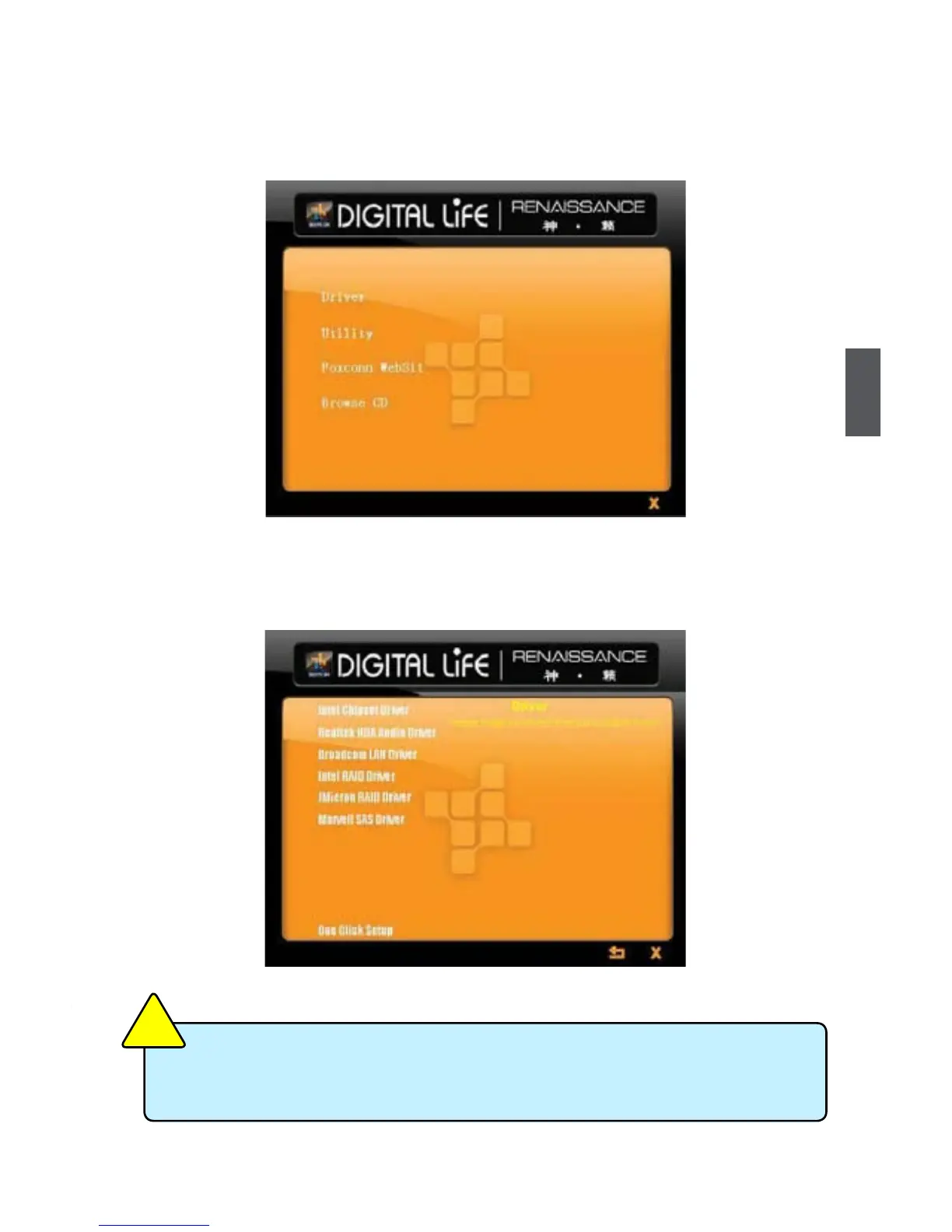
This motherboard comes with one Utility CD. To begin with, simply insert the CD into your CD drive.
The CD will automatically run and display the main menu on the screen.
1. Driver
Select "Driver", then use these options to install all the necessary drivers for your motherboard.
You must click "Intel Chipset Driver" to install it rst, then to install the others left. You need to
restart your computer after nishing all the installations of drivers.
After installing "Intel Chipset Driver", you can click "One Click Setup" to install all the
other drivers except “Intel RAID Driver”. You have to click “Intel RAID Driver” item to
install it manually.
C
A
U
T
I
O
N
!













 To Next Page