58
Next Generation Diagnostic Platform NT726TS User's Manual V1.0
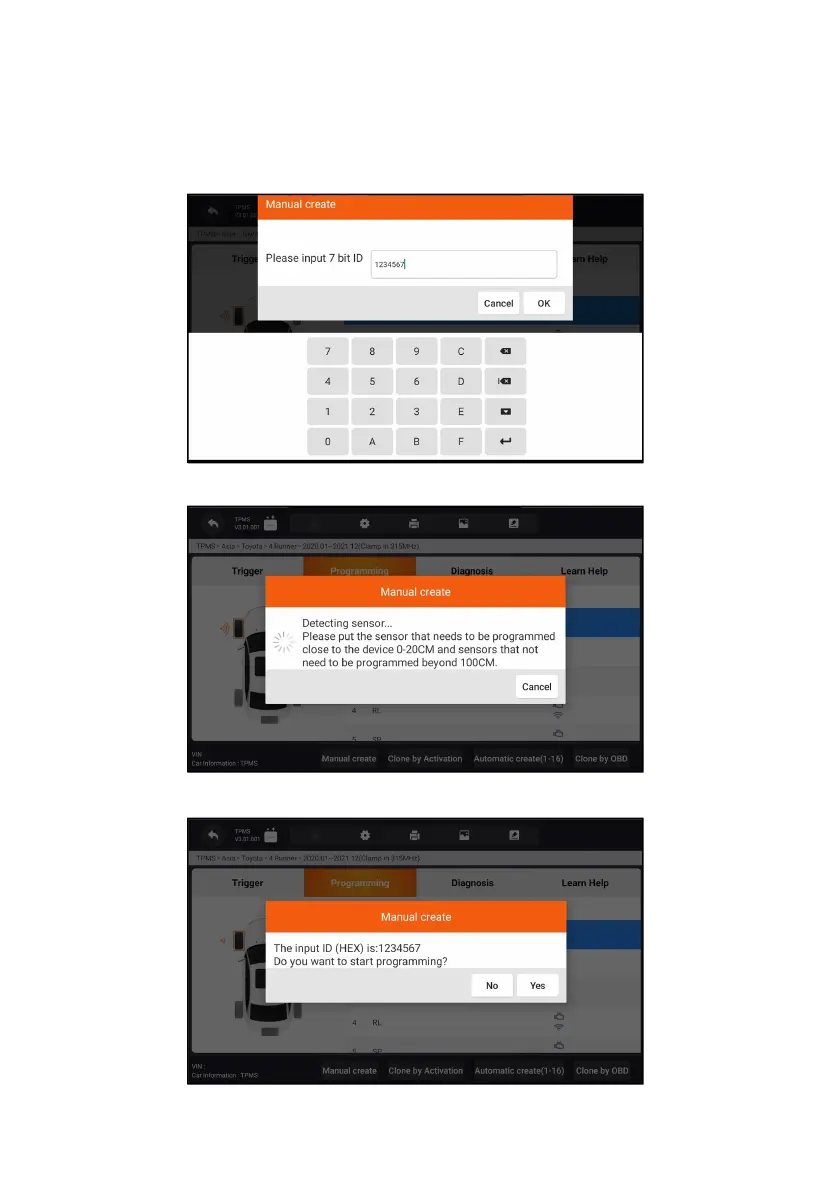
2. Select the specific wheel on the screen.
3. Tap Manual Create button.
4. Enter the characters in the prompted screen. Tap OK to finish and save
the sensor ID, or Cancel to exit.
Figure 11-7 Sample ID Input Screen



 To Next Page