59
Next Generation Diagnostic Platform NT726TS User's Manual V1.0
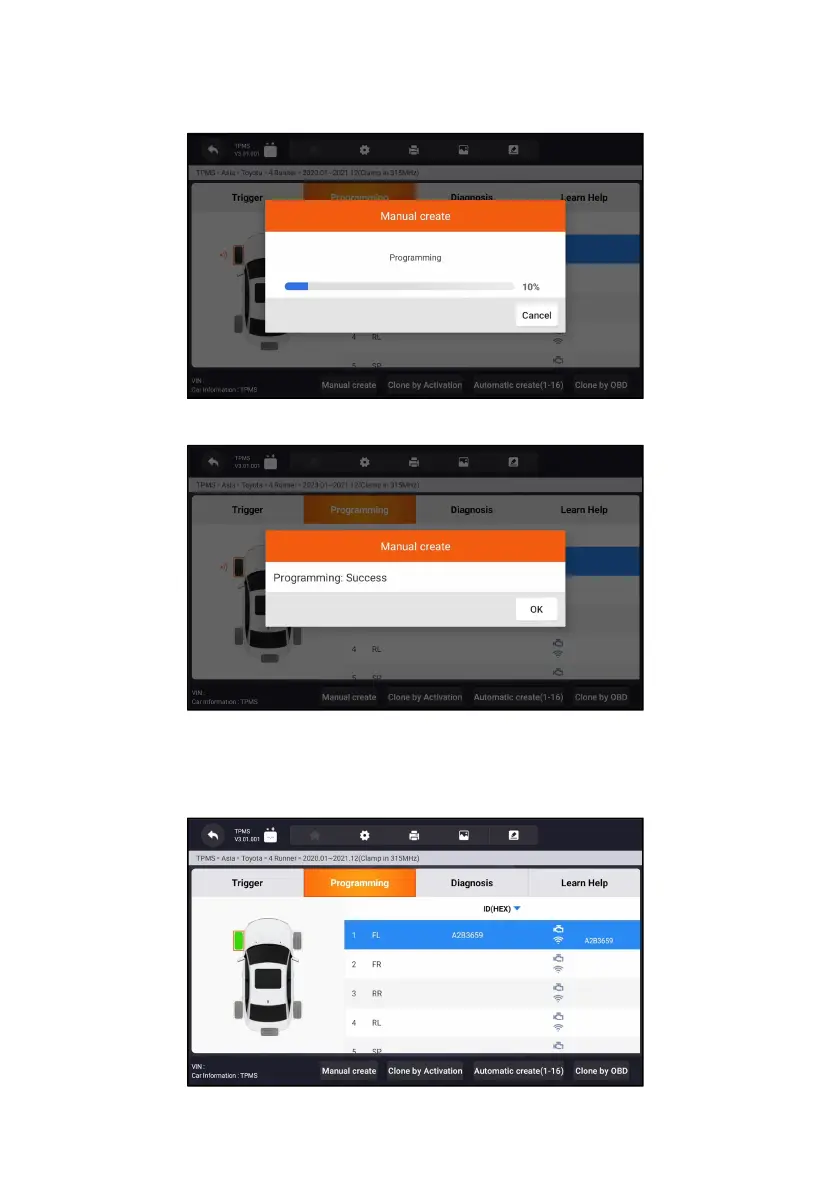
5. Place the proper Foxwell sensor T10 near the top right of the Display
Tablet to start programming.
Figure 11-8 Sample Manual Create Function Screen
If multiple sensors were detected, will pop up message to remind remove the
excess sensors.
Figure 11-9 Sample Manual Create Function Screen



 To Next Page