Part No.21967 Rev. M June 2017 - 10 - Refrigerated Well GN Series
Controls
GN SERIES REFRIGERATED WELL
-
OPERATION
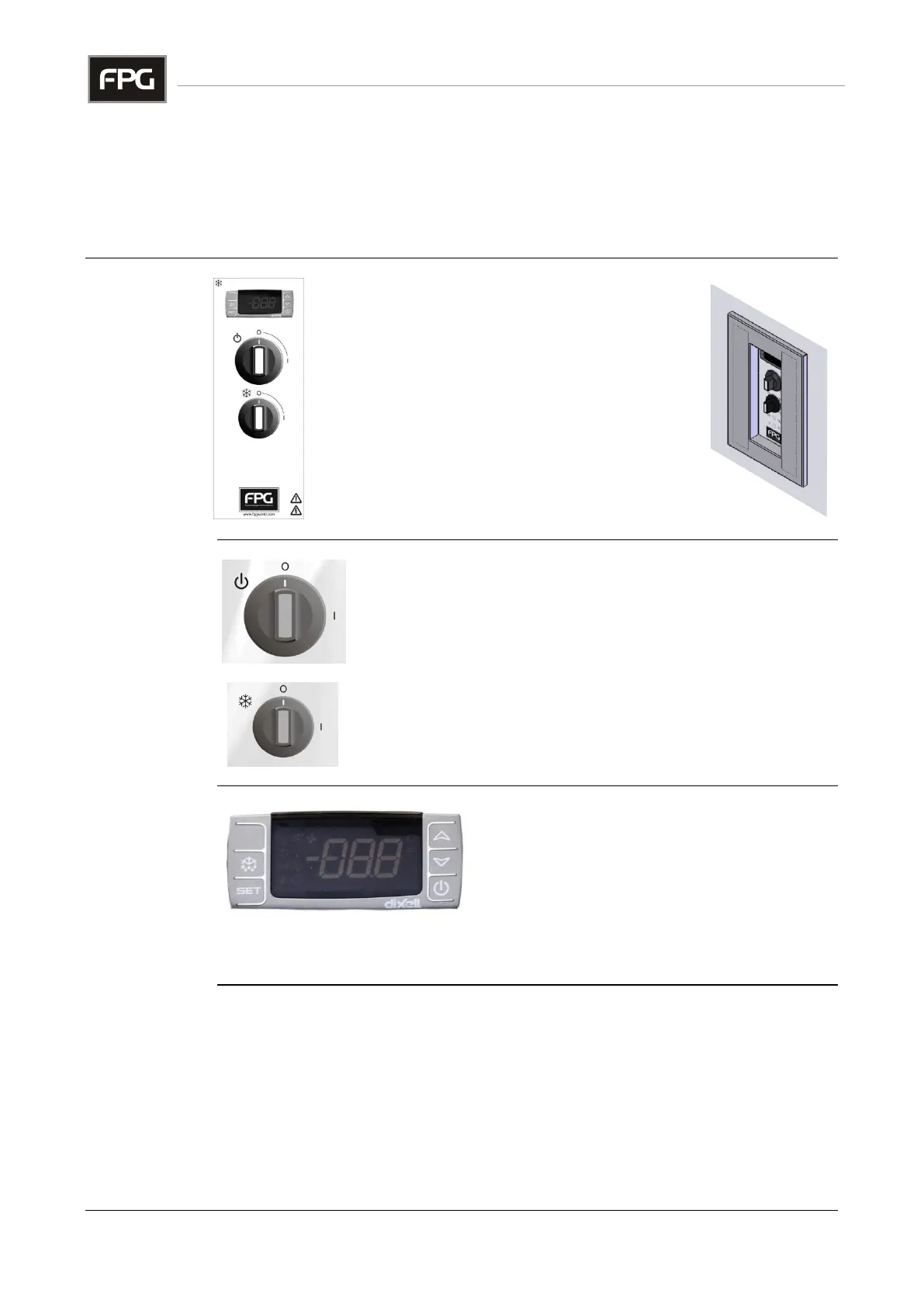
A control panel, mounted on the joinery, provides
for all operational adjustments.
The refrigeration Controller
The Main Switch
The Refrigeration Switch
If an overhead lighting gantry is fitted, the light
switch is mounted on the gantry.
To turn the power on, rotate the switch in a clockwise
direction.
Note that the cabinet and condenser fans will operate as
soon as the power is turned on.
To start refrigeration, rotate the refrigeration switch in a
clockwise direction.
Temperature
Controller
Only to be
adjusted by a
qualified service
technician.
The controller regulates the cabinet
temperature and controls the automatic
defrost cycles.
The display indicates the exit air temperature
from the cooling fins, below the deck trays.
The temperature of the condenser is also monitored, to protect the compressor
from damage resulting from a blocked radiator or ventilation louvers.
Continued on next page



 To Next Page