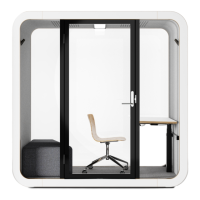
Framery Q (UL) Meeting Maggie
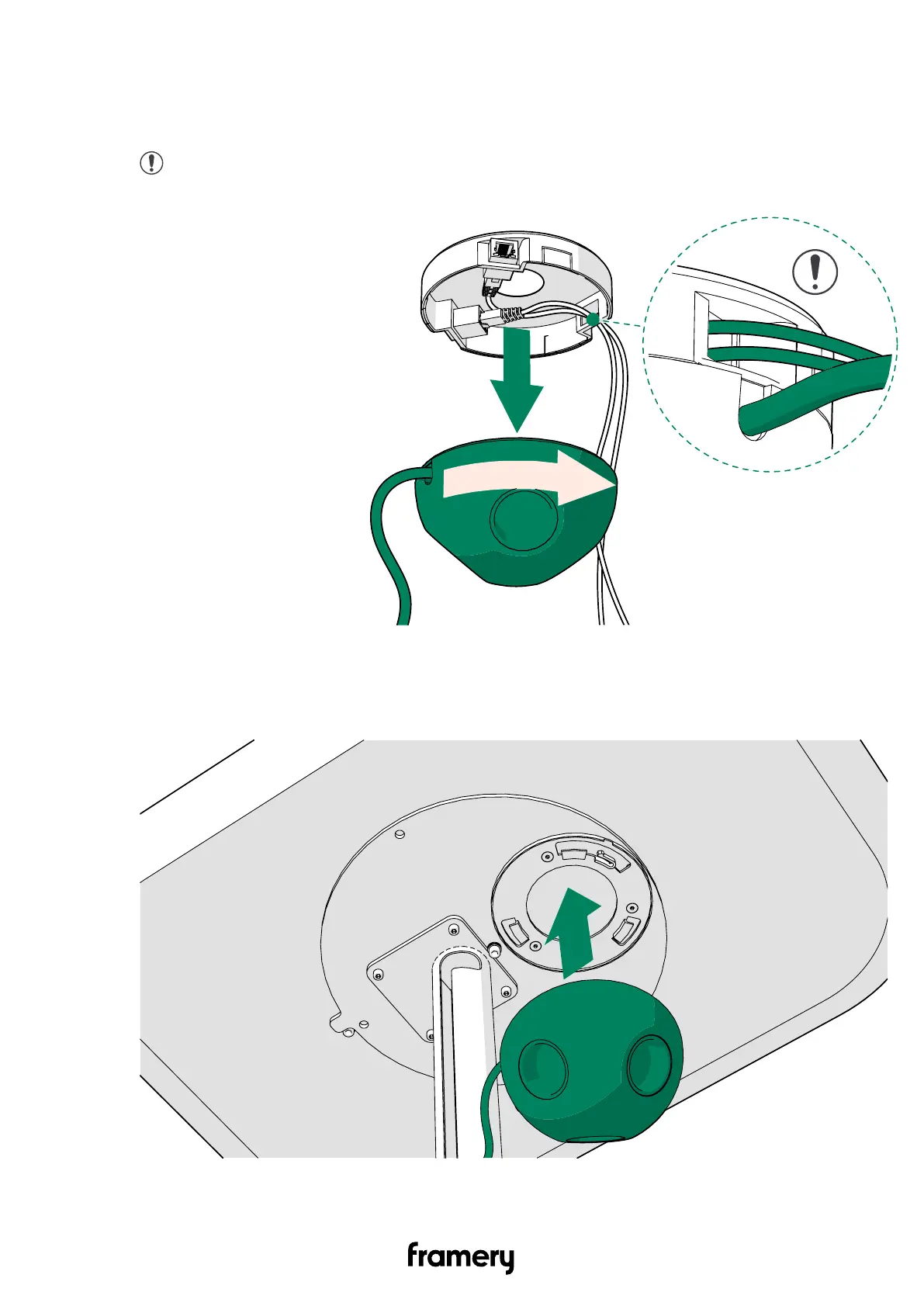
3. Place the LAN data cartridge onto the power outlet and turn it counter-clockwise until it
locks into place.
Continue as instructed in the following section with the LAN data cartridge in place.
Note: Make sure that the LAN cords and the power outlet cord are on the
same side after attaching the LAN data cartridge to the power outlet.
12.4 Install the power outlet
1. Place the power outlet onto the fixing plate at the bottom of the table top.
102
Installation instructions
info@frameryacoustics.com


 To Next Page