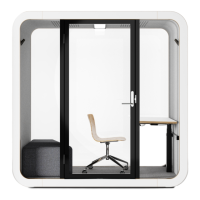
Framery Q (UL) Meeting Maggie
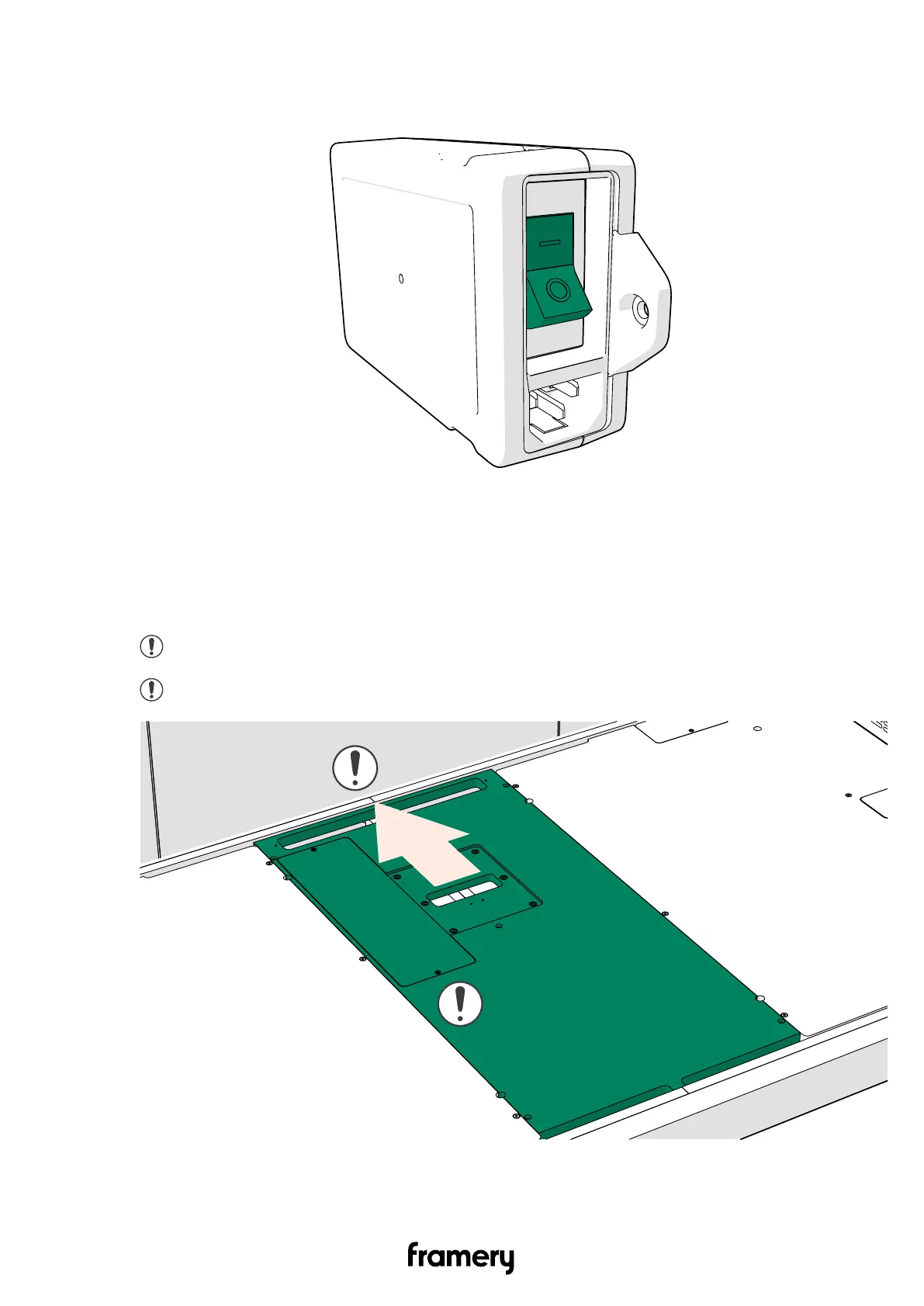
2. Make sure that the ON/OFF switch of the power unit is in the "I" position.
3. Close the metal box lid.
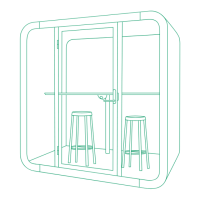
11.4.2 Install the floor cover board
1. Place the floor cover board into the opening in the floor.
Note: Make sure that the cover board is against the back wall of the pod.
Note: Make sure that the electrical cords are not damaged or pinched.
84
Installation instructions
info@frameryacoustics.com


 To Next Page