Franka Emika GmbH ©October 2018
109
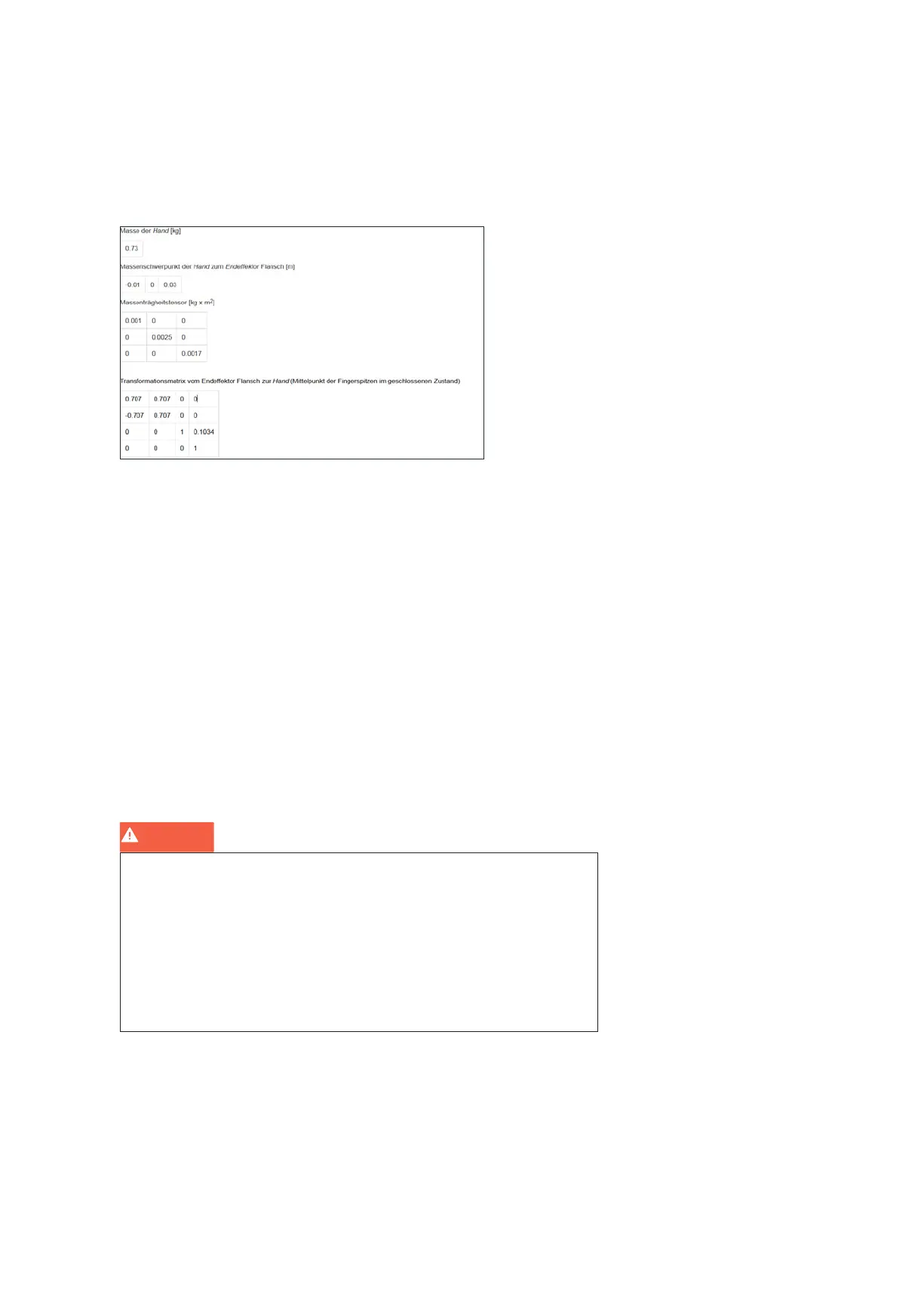
NOTE: You can edit the end eector sengs at a later point in me.
To edit the end eector sengs:
• In Desk, click on the user name on the right-hand side of the header in order
to open the administrator’s interface.
• Then click “admin” and select the submenu “end eector”.
• The input mask opens and technical data such as mass, mass inera matrix
etc. can be entered.
A correct conguraon is essenal for operang Panda. When congured incor-
rectly, gravitaonal forces are not enrely compensated and the Arm regulates
to the wrong target values.
When congured incorrectly:
• The Arm may pull towards certain direcons in guiding mode
• The regulaon in operang mode may be aected so that the expected
sensivity of the Arm for collision detecon is reduced
• The tracking behavior may be aected
Once inial conguraon has been completed and conrmed, Panda will re-
start and is then ready for operaon. Aer successful restart the programming
interface Desk is displayed in the web browser and the Arm glows connuous-
ly yellow.
Completing configuration setup
WARNING
Cauon - when the “Homing” buon is pressed or during inial installaon, the
gripper ngers open! Thereby grasped objects fall out of the gripper and
may cause severe injuries.
Therefore:
- wear personal protecve gear (e.g. safety footwear)
- never place your hands between grasped objects and solid objects (e.g. table).
- never load the gripper before startup, as “homing” has to happen aer each
me brakes are unlocked upon power up



 To Next Page