Franka Emika GmbH © October 2018
78
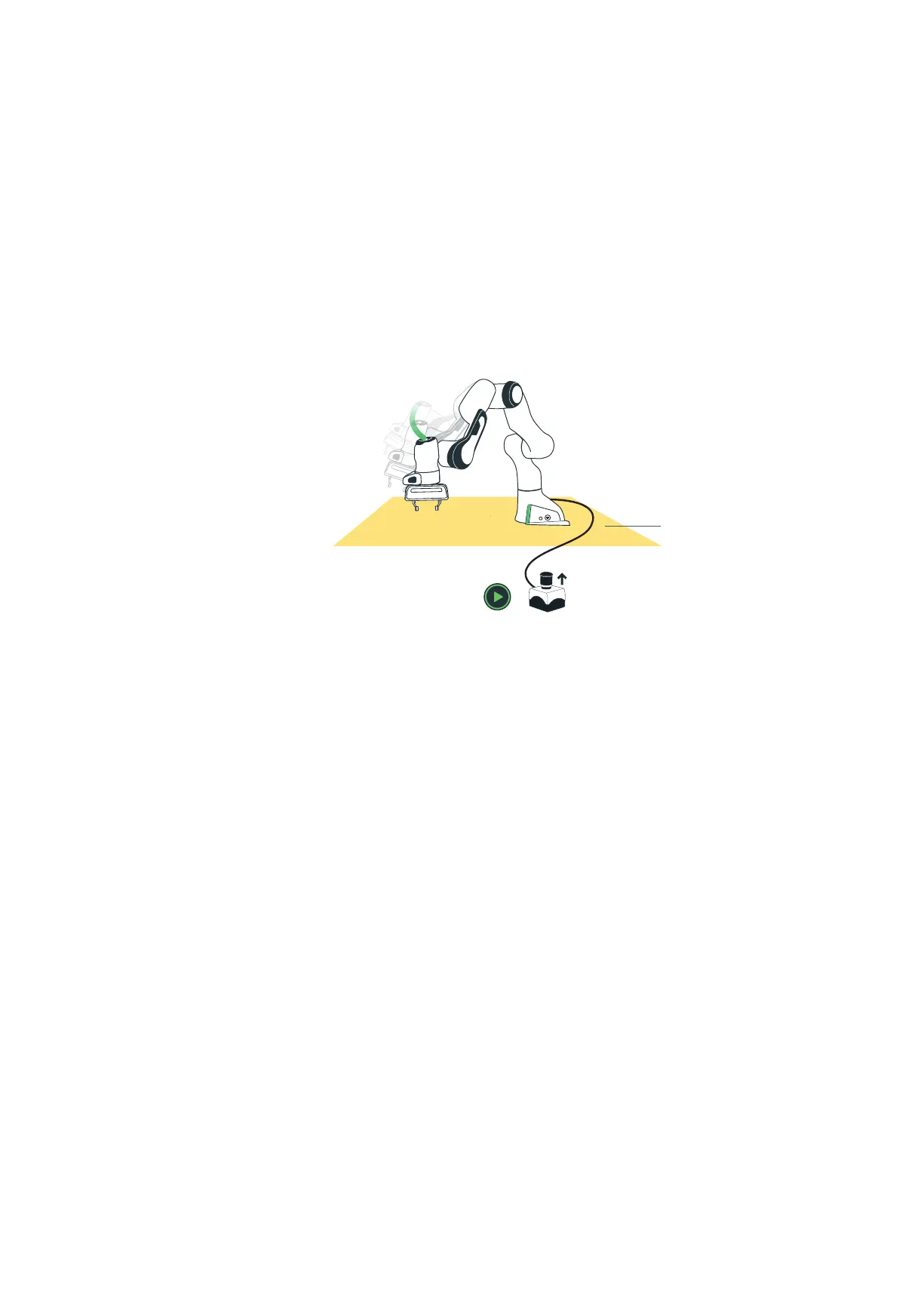
Brief descripon As soon as the system performs a Task repeatedly it needs to be ensured that no
persons enter the Safety Area of the robot arm and are harmed as a result. Safe-
guards can be installed around Panda to prevent access to the hazardous area (e.g.
a safety fence with access monitoring, safe laser scanners or similar safeguards).
This operang mode corresponds to “automac mode” as described in EN ISO
10218-1:2012 respecvely ANSI/RIA 15.06.
Safety condions:
• the operator must ensure by means of adequate installaon, that no person
lingers in the hazardous area of the roboc arm
• installaon of safeguards (e.g. safety fence with access monitoring, safe
laser scanners,...) must be so congured and connected to the base (X3),
that any entry of the Safety Area is safely recognized. Panda then switches
to “monitored stop” status and can again be guided by hand (taught).
• the Safety Area must be set up suciently large, such that the maximum
me of stopping and the maximum stopping path of the Arm have been
considered
• Emergency Stop must always be installed within easy reach
Operang condions:
• the Control must be switched on and booted up
• the Safety locking system must be unlocked (by clicking “unlock joints” in Desk)
• Emergency stop must be in the open posion
• the External acvaon device must be connected and acvated - OR: an
external safeguard (e.g. a safety fence with access monitoring, safe laser
scanner or similar) has to be connected to X3 at the base and acvated
--> only then, for example, can a movement of the Arm be carried out via the
“Play” buon in Desk
Before start-up, the operator must check that no persons are in the Safety Area.
Precondions
Safety Area
Ext. Acvaon Device
NOTICE: If conicng authorizaon signals are present (e.g. external acvaon
device is acvated and the external enabling device or the enabling buon on the
grip is acvated), Panda signals with the color pink.
SAFETY CONCEPT



 To Next Page