Franke Kaffeemaschinen AG Configuration | 10
User manual SB1200 59
10.5.2 Menu 1 Set Machine
Menu item 1.1 Language
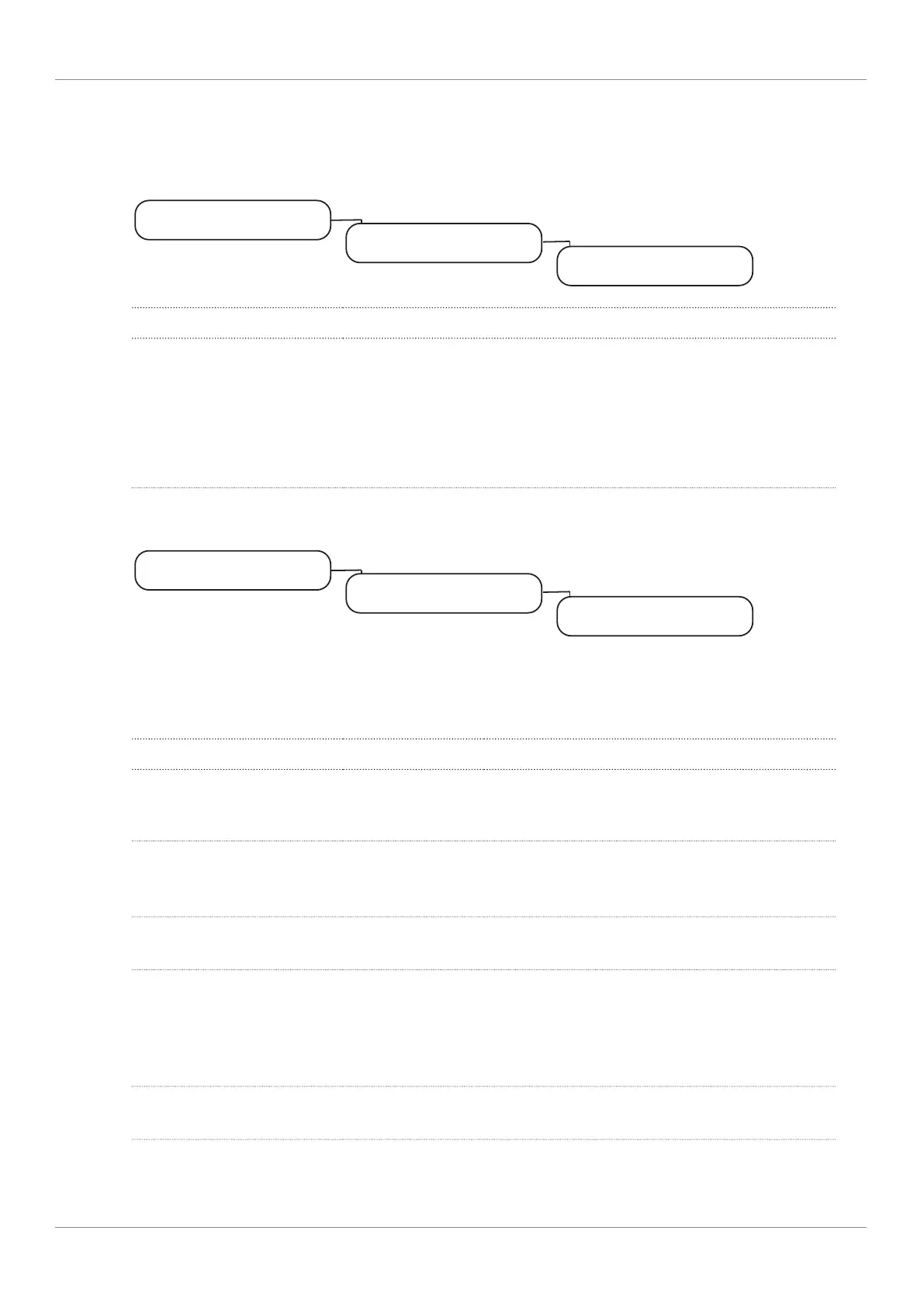
My settings
1 Set machine
1.1 Language
Parameter Value range Remarks
Select language de, en, fr, bg, cs, da,
es, es-US, et, fi, fr-
CA, hr, hu, it, ja, ko,
lt, lv, nl, no, pl, pt-BR,
ro, ru, sk, sl, sr, sv, tr,
th, uk, zh-CN, zh-
TW, ar
The language is switched immediately on the user
interface
Menu item 1.2 Operating mode
My settings
1 Set machine
1.2 Operating mode
Operating mode
Usage scenario > Non-self-service
Parameter Value range Remarks
Usage scenario – Non-self-ser-
vice
– (Self-service)
Products per page – 4
– 9
– 16
– Number of products displayed simultaneously
– Default: 4
Depiction – Photo-realistic
– Iconized
Default: Fotorealistisch
Automatic mode – Yes
– No
– Yes: All pre-selected products are dispensed
without additional button input
– No: Each product must be triggered with the
start button
– Default: No
Pause between products 1–10 seconds – Appears if automatic mode is activated
– Increment: 1



 To Next Page