Franke Kaffeemaschinen AG Description of machine | 5
User manual SB1200 27
5.3 Overview of operating modes
The suitable operating mode depends on the utilization of your coffee machine, your product range and
the preferences of your customers.
Your service technician will be happy to help you set the appropriate operating mode.
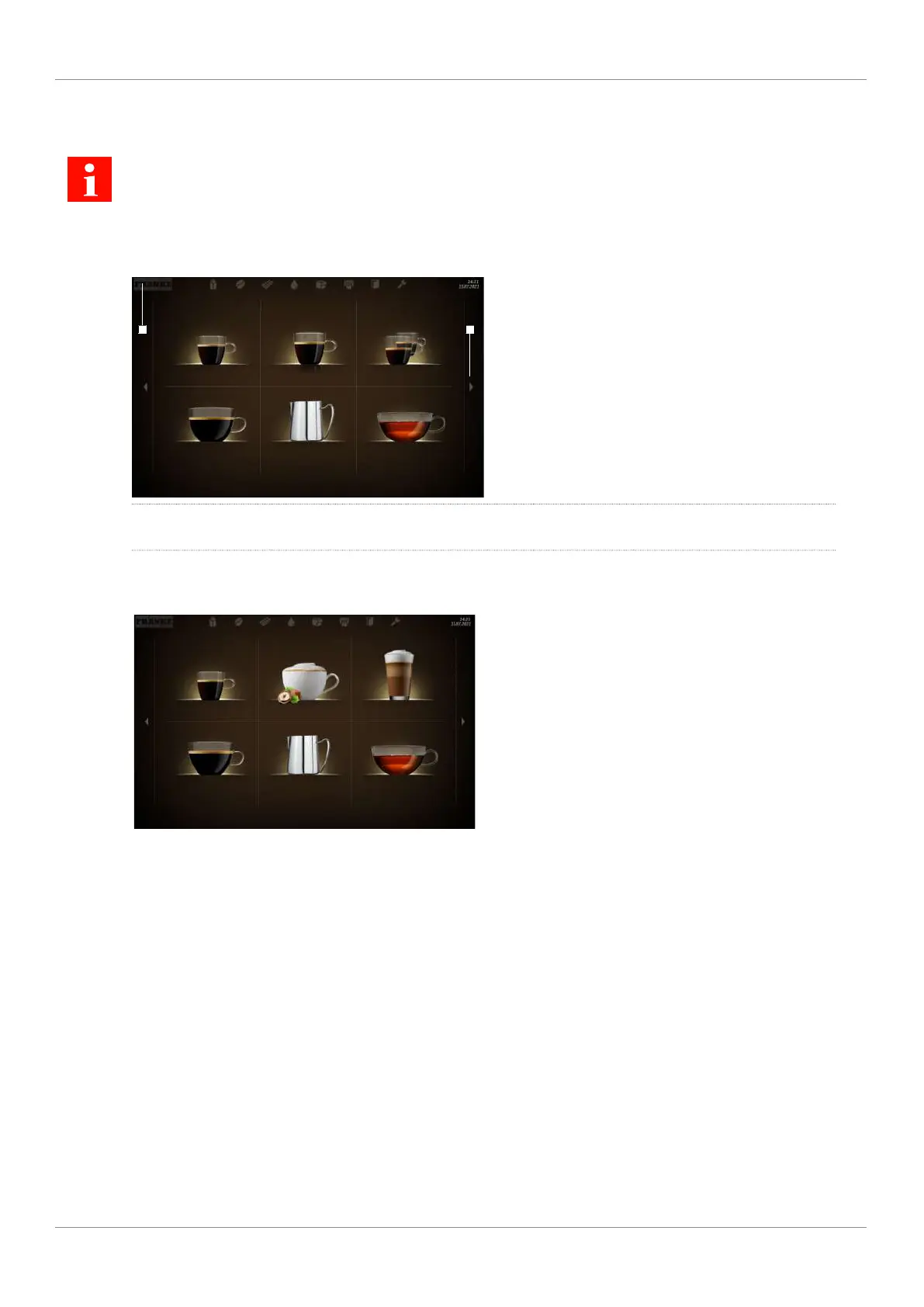
5.3.1 User interface
Espresso Double Espresso 2 Espressos
Caffè Crema To Go Steam Tea water
1 2
1
Use the Franke logo to switch between the
maintenance level and product selection
2
Scroll forwards or backwards
5.3.2 Quick Select operating mode
Espresso
Hazelnut Cappuccino
Chococcino
Caffè Crema To Go Steam Tea water
The Quick Select operating mode is the standard set-
ting for self-service. Once your customer has se-
lected a beverage, he/she can adapt it in the sec-
ond step if product options are activated.
Structure of the user interface
– Level 1: Product selection, up to 5 pages; 6, 12 or 20 product buttons can be displayed per page
– Level2: Customize beverages, select product options, initiate beverages preparation process
Individual adaptations
– Display: 2x3, 3x4 or 4x5 products per page
– Activate Credit Mode
– Individual arrangement of beverages
5.3.3 Individual Operating Mode
What is the Individual Operating Mode?
– New graphical user interface
– Guided product selection process
– Developed for self-service environments



 To Next Page