GENERAL OPTIONS
15
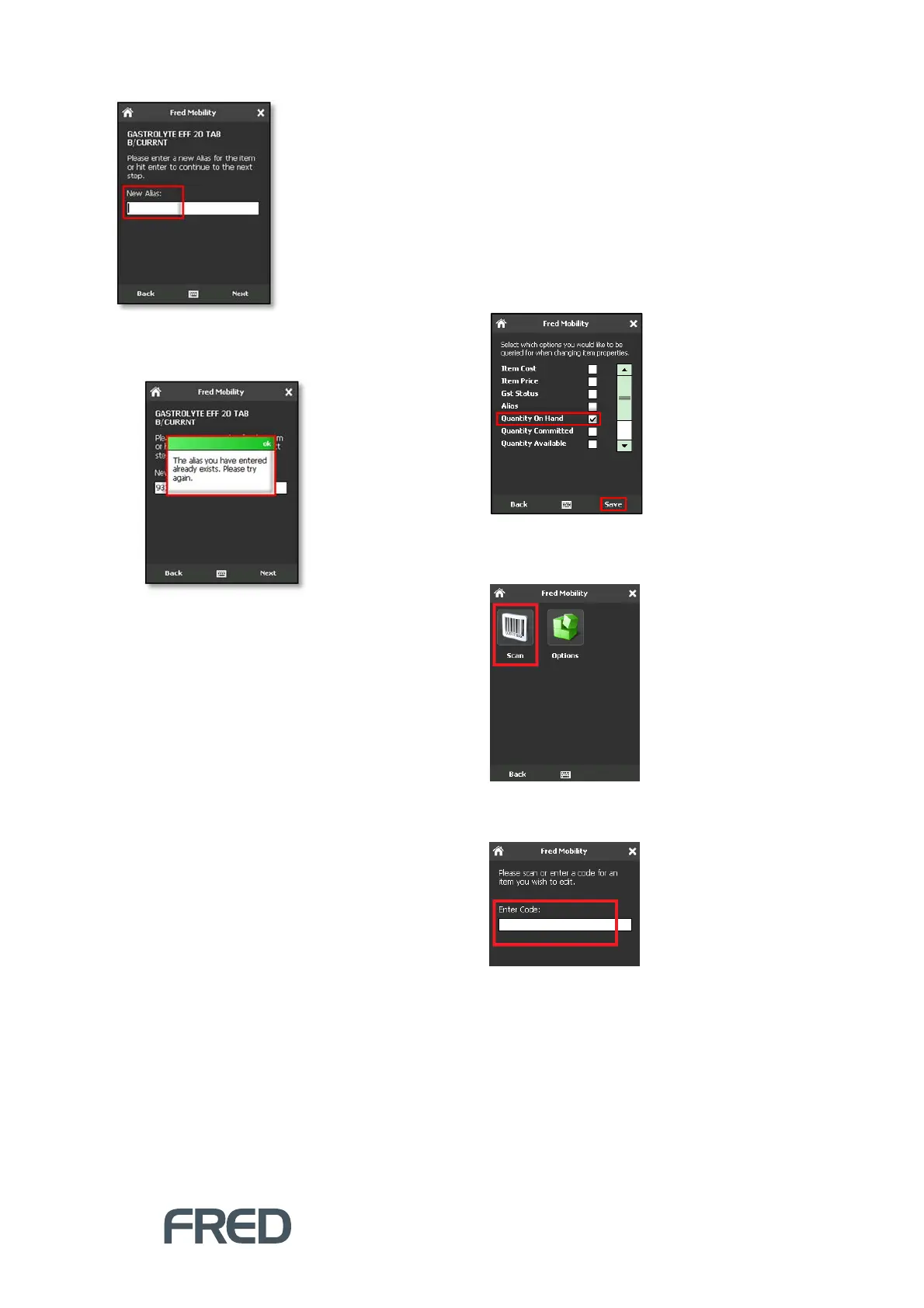
If the Alias already exists, NUHQ Mobility
displays an Error message.
6. Click [OK] to close the message and return
to the Alias screen.
7. Enter a new Alias for the item.
8. Tap [Next] and repeat the process for all
items to be updated.
9. Once complete logout of Fred Mobility and
return your device to the charger.
Updating Quantity on Hand
Quantity on Hand refers to all stock of an item,
including committed quantities.
To update Quantity on Hand:
1. Ensure that Quantity on Hand is selected in
the [Options] menu. [change screenshot to
show only one ticked option]
2. To finish, tap [Save].
3. Tap [Scan].
4. Scan the item or enter a code for an item
you wish to scan.



 To Next Page