ORDERING
7
Editing Existing Orders
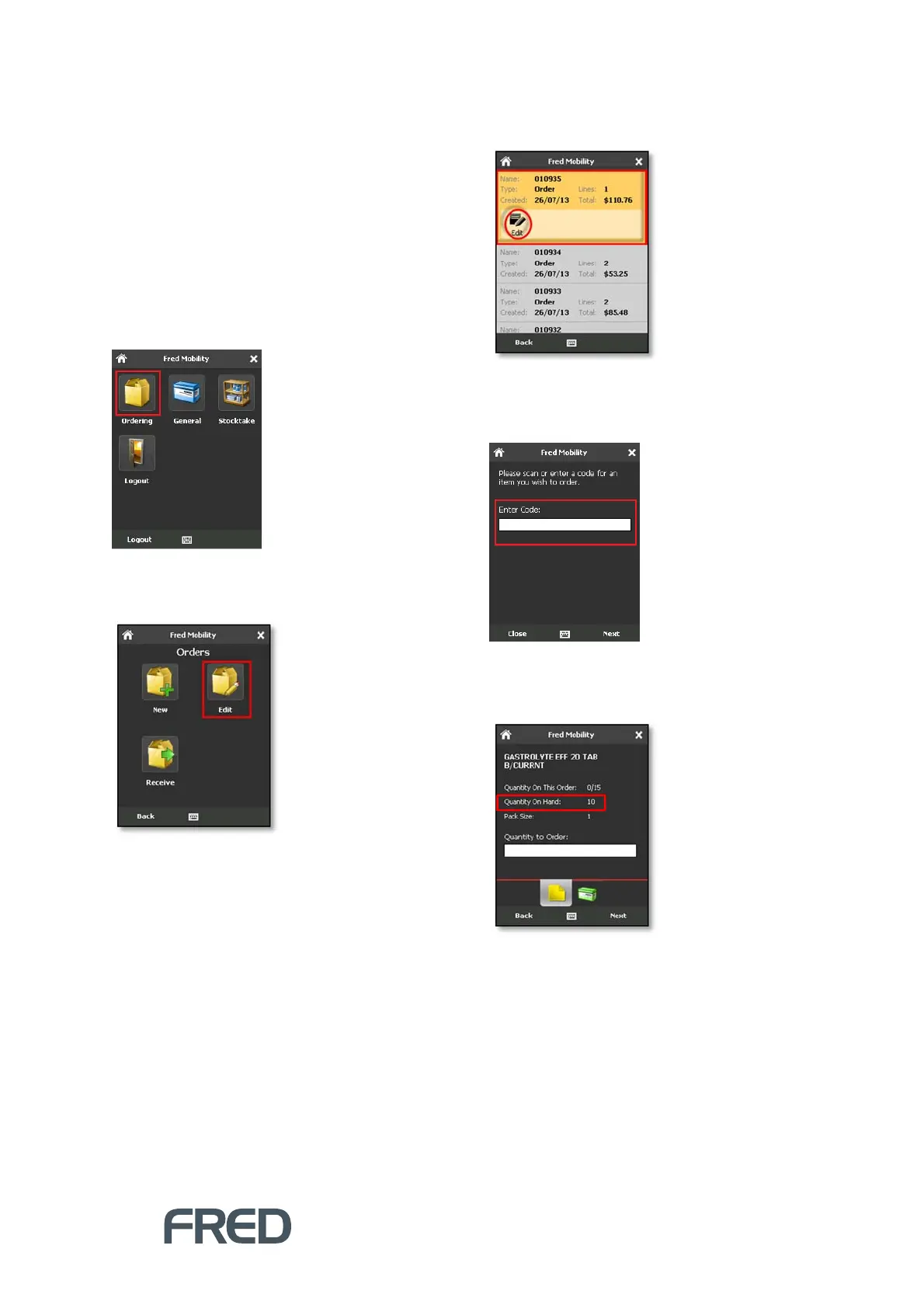
The Edit function allows users to modify Orders
with an Open status.
To edit existing orders:
1. Login to Fred Mobility using your Fred
POS username and password.
The Fred Mobility main screen appears.
10. Tap [Ordering].
The Orders screen appears.
11. Tap [Edit].
Fred Mobility displays the most recent ten
open orders.
12. Scroll to locate the required order and tap
[Edit].
13. In the Search screen, scan the item or enter
a code for an item you wish to order or
adjust.
If the code already exists in this order,
Fred Mobility displays basic ordering
information about the item.
Before ordering, you can also update the
Quantity on Hand.



 To Next Page