CONTENTS
1
SECTION 1
NUHQ MOBILITY
HANDHELD SCANNER
NUHQ Mobility Overview
Fred Mobility is a wireless laser terminal that communicates directly with your computer from wherever you
are. Any tasks that you perform at the shelf face go directly into your point of sale system — fast and
accurately, every time.
NUHQ Mobility allows existing stores to purchase and use Mobility devices with NUHQ as a back office
application.
MAIN FEATURES
Logging into Fred Mobility
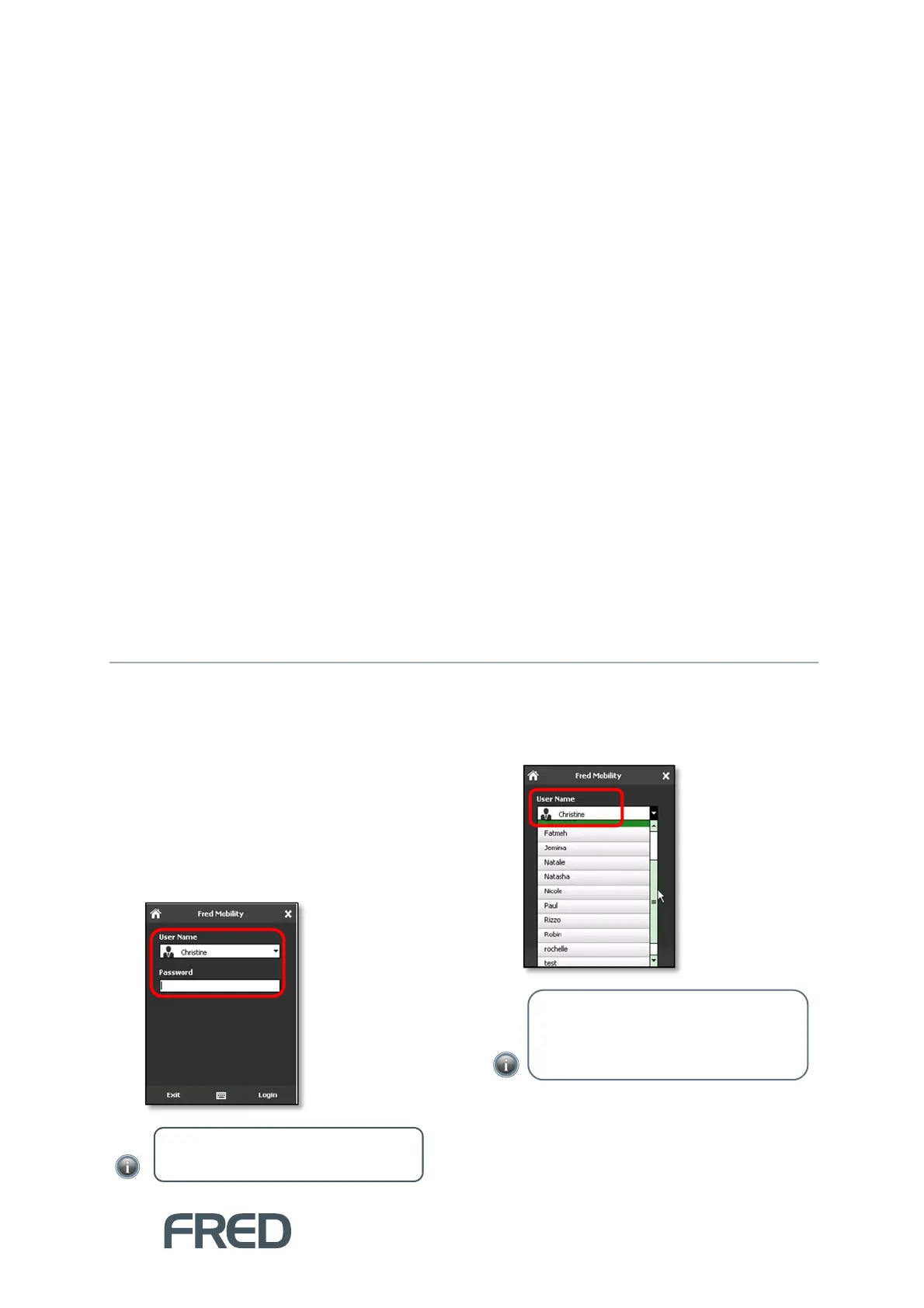
To log into Fred Mobility:
1. Press [F2] to open Fred Mobility.
The Login menu is displayed.
2. Select your user name from the User Name
drop-down.
The user name selected on the device is
added to history records to allow actions to
be easily audited.
3. Enter your password.
Fred Mobility accepts blank passwords if the
cashier has been set up without a password
in Store Operations or Fred POS. If the
NOTE: There is no default user for
NUHQ Mobilit
.
TIP: To exclude users from this list, go
to the Store Operation Manager
menu, and select Cashiers. Prefix user
names to be excluded with “zz”.



 To Next Page