UPDATING FRED MOBILITY
27
SECTION 6
UPDATING FRED MOBILITY
UPDATING FRED MOBILITY
Before troubleshooting Fred Mobility, ensure that
the current Fred Mobility software version
matches the current software version of NUHQ.
Fred Mobility updates are released generally at
the same time as NUHQ updates become
available. When a Fred Mobility update is
available, the device prompts you to update and
install the latest software version.
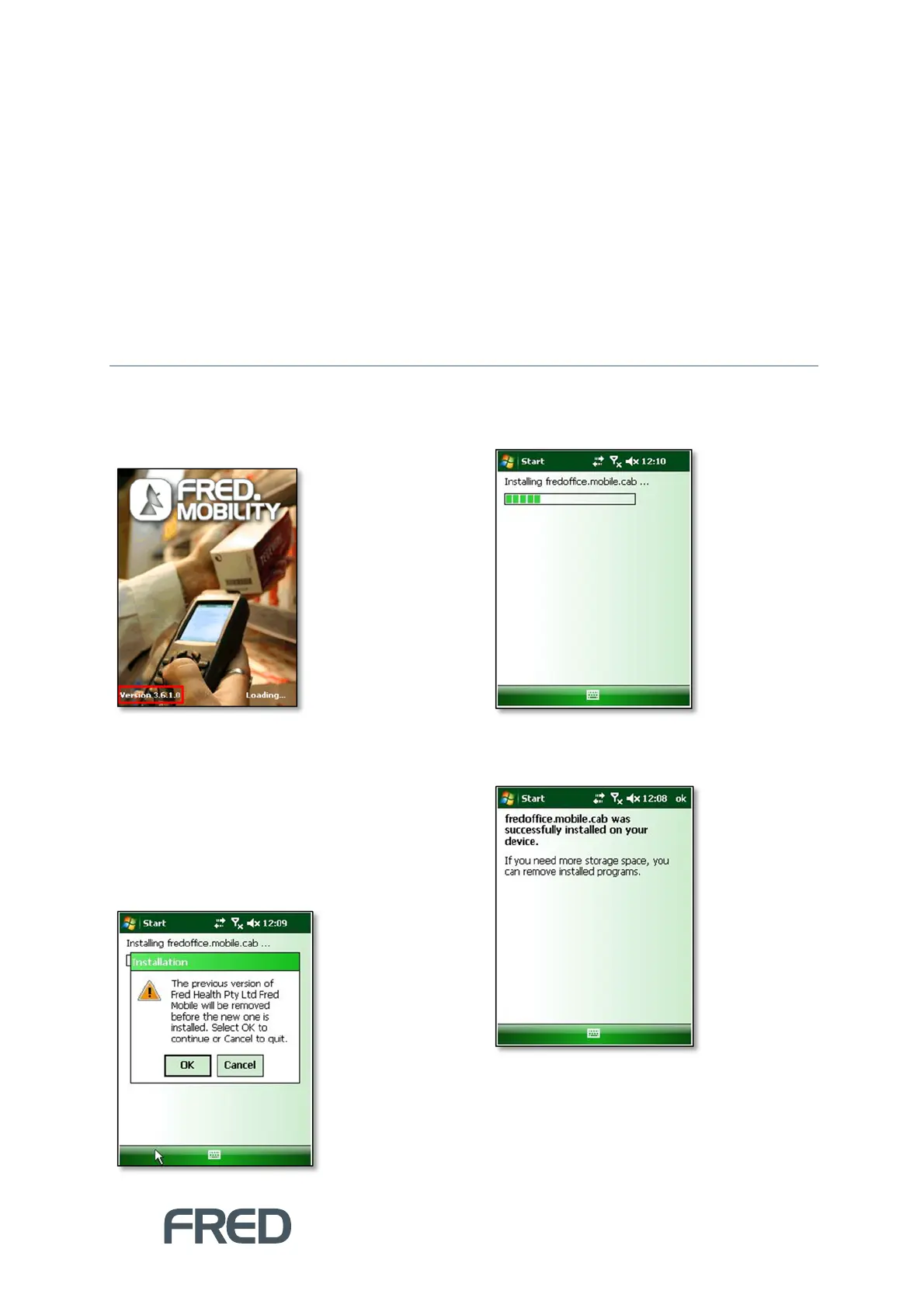
To update the Fred Mobility software version:
Click [OK] at the Installation prompt.
Fred Mobility will begin installing the new
software.
Once complete, Fred Mobility displays a
confirmation message.



 To Next Page