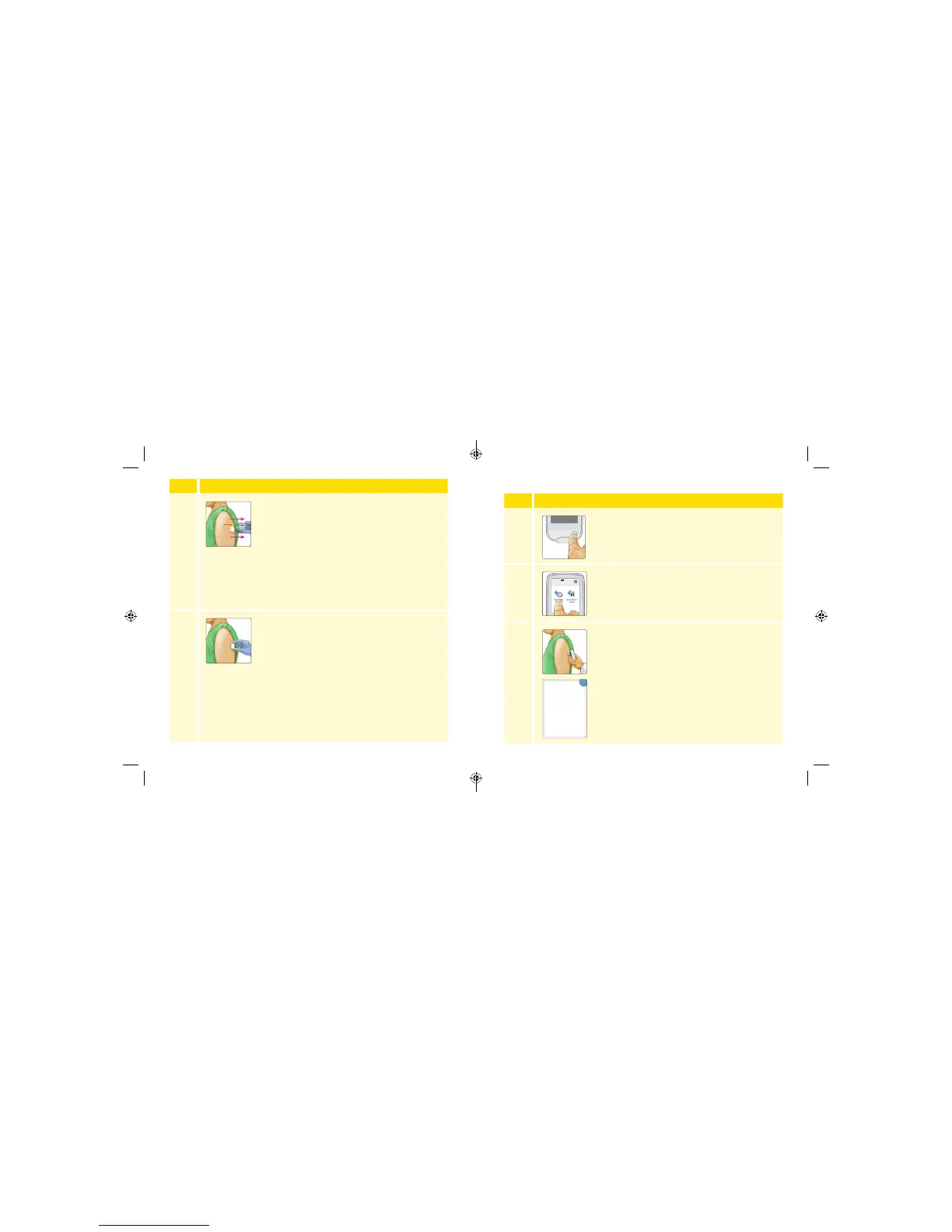
Starting the Sensor
Step
Action
1
Press the Home Button to turn on the Reader.
2
Touch Start New Sensor.
3
Hold the Reader within 1.5 inches (4 cm) of the
Sensor to start it. If sounds are turned on, the
Reader beeps when the Sensor has been started.
You can check the Sensor has successfully started
in 2 minutes.
Note: If communication is not established within
15 seconds, the Reader displays a prompt to try
again. Touch OK to return to the Home Screen
and touch Start New Sensor to start the Sensor.
Check Sensor status
when prompted in:
minutes
OK
Sensor Starting
2
Step
Action
8
Gently pull the Sensor Applicator away from the
body. The Sensor should now be attached to the
skin.
Note: Applying the Sensor may cause bruising
or bleeding. If there is bleeding that does not
stop, remove the Sensor, and apply a new one at
a dierent site.
9
Make sure the Sensor is secure after application.
Put the cap back on the Sensor Applicator.
Discard the used Sensor Pack and Sensor
Applicator according to your facility’s procedures.
Sensor
18 19
ART26944_rev-C_manual.indd 18-19 9/23/16 9:19 AM



 To Next Page