Reader Options
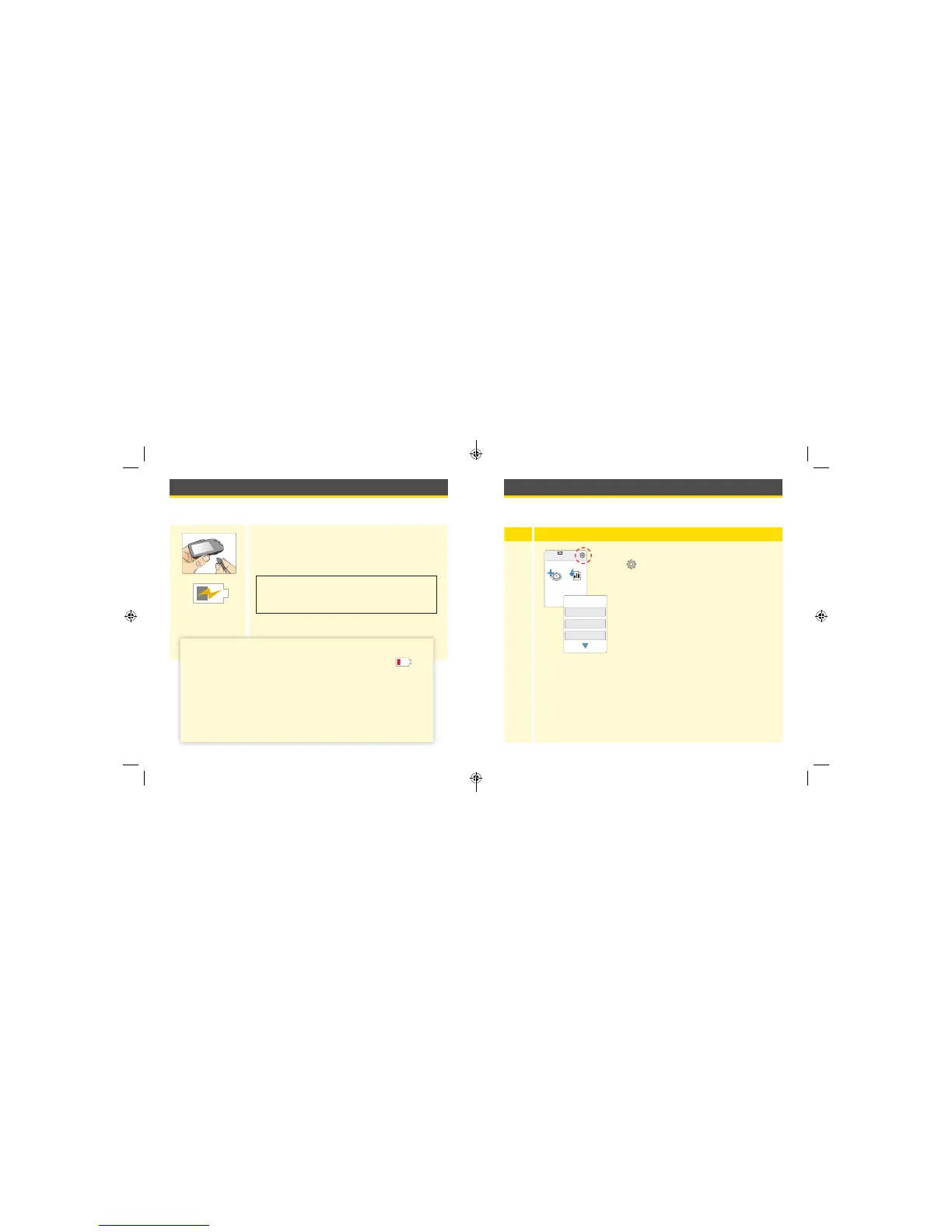
You can go to the Options menu to check Sensor or System Status or
change settings on the Reader, like Time & Date or Sounds.
Step
Action
1
To get to the Options menu, touch the Options
symbol
on the Home Screen.
10:23pm
Start New
Sensor
Get Sensor
Data
Check Sensor Status
Target Range
Sounds
1 / 2
Options
Charging the Reader
A fully charged Reader battery should last up to 2 weeks. The battery life
may vary depending on your usage.
Plug the included USB cable into an electrical
outlet using the included power adapter. Then,
plug the other end of the USB cable into the USB
port on the Reader.
Charging
CAUTION: Be sure to select a location for
charging that allows the power adapter to be
easily unplugged.
Notes:
• You must charge the Reader when the battery is low to
keep using the Reader.
• To fully charge the battery, charge the Reader for at least
3 hours.
• Only use the USB cable and power adapter included with
the system.
• Fully charge the Reader before storing it for more than
3 months.
26 27
ART26944_rev-C_manual.indd 26-27 9/23/16 9:19 AM



 To Next Page