Step Action
4
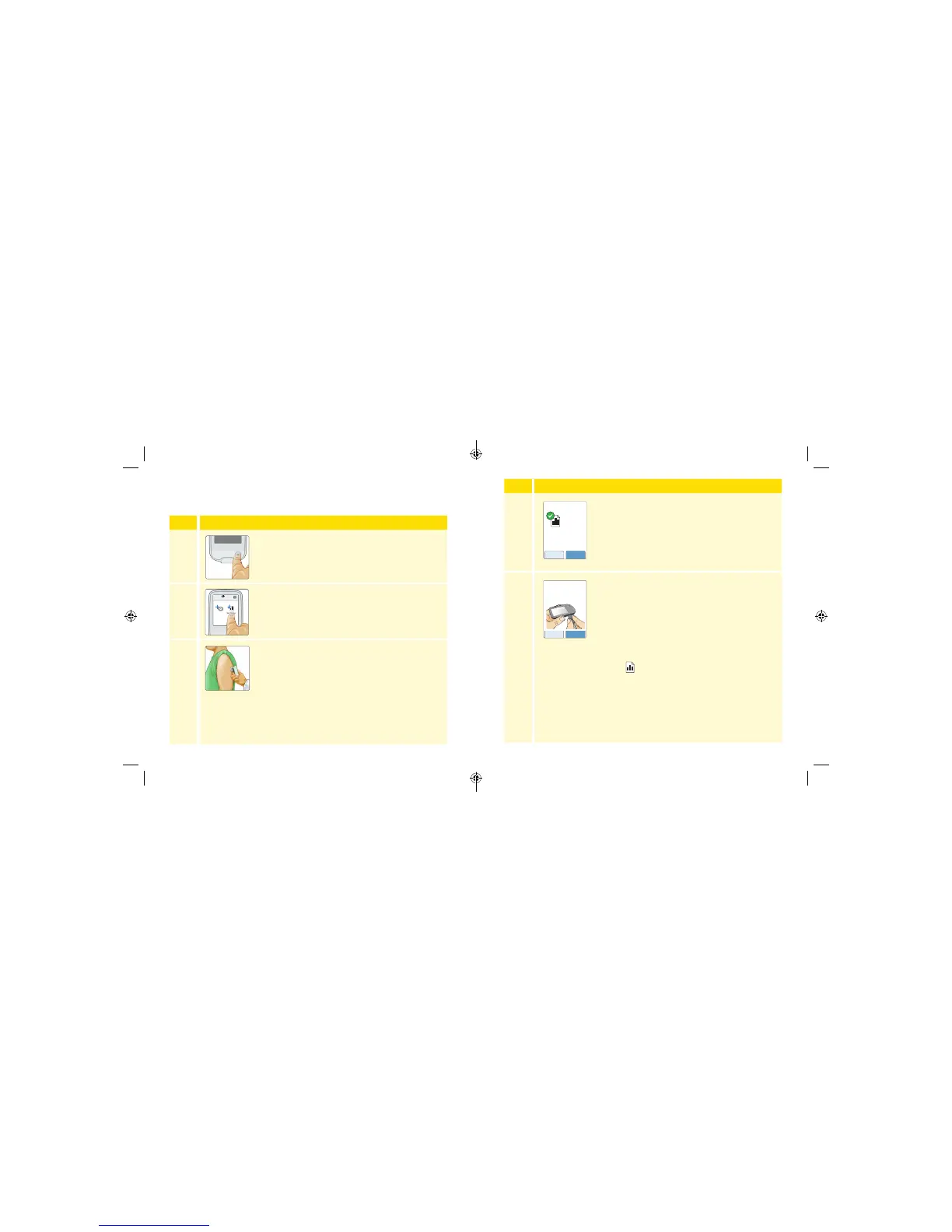
The Reader will indicate how many days of
Sensor wear are left, if any. Touch view to
view the daily graph. Touch next. For more
information about the daily graph, see Daily
Graph section.
5
To create reports, connect the Reader to a
computer. See Creating Reports section in the
FreeStyle Libre Pro software User’s Manual. The
User’s Manual can be found in the Help Menu of
the software. Touch done to return to the Home
Screen.
Note: The Home Screen will show this
symbol
near the top of the screen when
there is new Sensor data in the Reader that has
not been transferred to a computer. A report
should be generated from this data before the
next Sensor is downloaded.
Sensor can be used for
up to 7 more days.
Sensor Data Received
view next
Days Recorded
7
doneback
To create reports,
connect Reader to a
computer.
Getting Sensor Data
Data can be downloaded at anytime from Sensors that are on or o
the body.
Step Action
1
Press the Home Button to turn on the Reader.
2
Touch Get Sensor Data.
3
Hold the Reader within 1.5 inches (4 cm) of the
Sensor. If sounds are turned on, the Reader will
beep when all the data has been successfully
downloaded from the Sensor. This may take up
to 5 seconds.
Note: If communication is not established within
15 seconds, the Reader displays a prompt to try
again. Touch OK to return to the Home Screen
and touch Get Sensor Data again.



 To Next Page