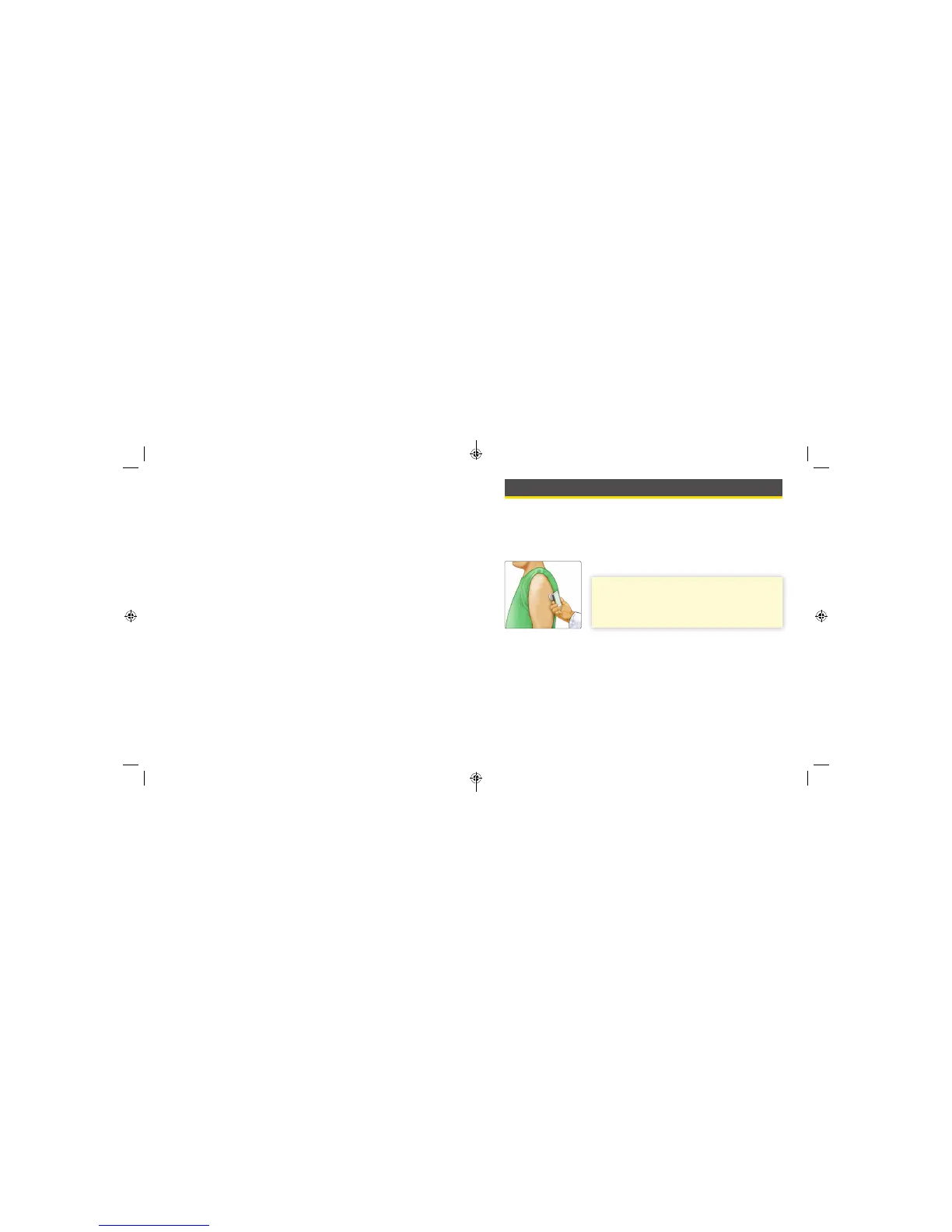
• Clean the application site and ensure that it is dry prior to Sensor
insertion. This helps the Sensor stay attached to the body.
• Change the application site for the next Sensor application to prevent
discomfort or skin irritation.
• Select an appropriate Sensor site to help the Sensor stay attached to the
body and prevent discomfort or skin irritation. Avoid areas with scars,
moles, stretch marks, or lumps. Select an area of skin that generally stays
at during normal daily activities (no bending or folding). Choose a site
that is at least 1 inch away from an insulin injection site.
• The Sensor should not be worn more than 14 days. Readings are not
obtained after 14 days.
• The Sensor should be removed prior to exposing it to an X-ray machine.
The eect of X-rays on the performance of the system has not been
evaluated. The exposure may damage the Sensor and may impact
proper function of the device to detect trends and track patterns in the
user’s glucose values during the wear period.
• The FreeStyle Libre Pro Flash Glucose Monitoring System has not been
evaluated for use in pregnant women, persons on dialysis, or people less
than 18 years of age.
Getting to Know the System
The FreeStyle Libre Pro Flash Glucose Monitoring System has three main
parts: a handheld Reader, a disposable Sensor, and FreeStyle Libre Pro
software. A single FreeStyle Libre Pro Reader can be used to gather data
from FreeStyle Libre Pro Sensors on multiple patients.
When opening the Reader Kit and Sensor Kit, check that the contents
are undamaged and that you have all parts listed. If any parts are missing
or damaged, contact Customer Service.
IMPORTANT: Safety information about the
System is in this Operator’s Manual. Read all of
the information in the Operator’s Manual before
using the System.
6 7
ART26944_rev-C_manual.indd 7 9/23/16 9:19 AM



 To Next Page