Step Action
4
Set the Current Time. Touch next to continue.
5
mg
dL
80
to
140
back next
Target Glucose
Range
?
Set the Target Glucose Range. Touch next to
continue.
Note: The Target Glucose Range is displayed on
the Daily Graph on the Reader once Sensor data
has been downloaded. While the glucose data
are gathered in the System range of 40-500 mg/dL,
the Daily Graph display range is 0-350 mg/dL for
ease of review on screen.
6
doneback
While using the Reader, press
the Home button to return to
the Home screen.
The Reader now indicates how to return to the
Home Screen from any other screen. Touch done
to go to the Home Screen.
Note: Charge the Reader if the battery level is low. Only use the USB
cable and power adapter included with the System.
12 am 00
back next
Current Time
CAUTION: It is very important to set the time
and date correctly for correct interpretation
of Sensor data.
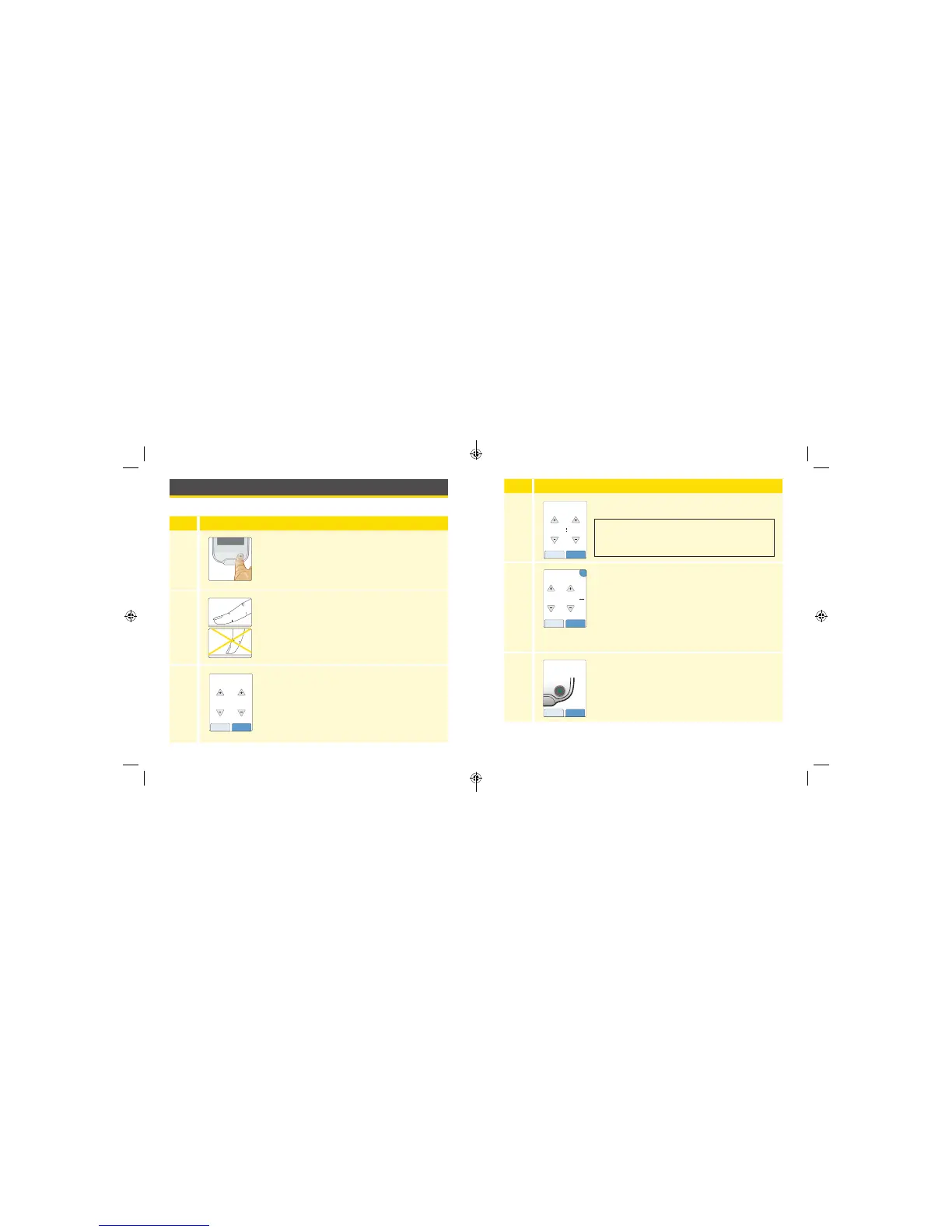
Setting up the Reader for the First Time
Before using the System for the rst time, the Reader must be set up.
Step Action
1
Press the Home Button to turn on the Reader.
2
If prompted, use the touchscreen to select your
preferred language for the Reader. Touch OK to
continue.
Note: Use the pad of your nger. Do NOT use
your ngernail or any other object on the screen.
3
Set the Current Date using the arrows on the
touchscreen. Touch next to continue.
11
back next
Current Date
June
2017
12 13
ART26944_rev-C_manual.indd 12-13 9/23/16 9:19 AM



 To Next Page