Removing the Sensor
The Sensor automatically stops working and should be removed 14 days
after being started. You should also replace the Sensor if there is any
irritation or discomfort at the application site or if the Reader reports a
problem with the Sensor currently in use.
Step Action
1
Pull up the edge of the adhesive that keeps the
Sensor attached to the skin. Slowly peel away
from the skin in one motion.
Note: Any remaining adhesive residue on the
skin can be removed with warm soapy water or
isopropyl alcohol.
2
Discard the used Sensor according to your facility’s procedures.
See Maintenance and Disposal section.
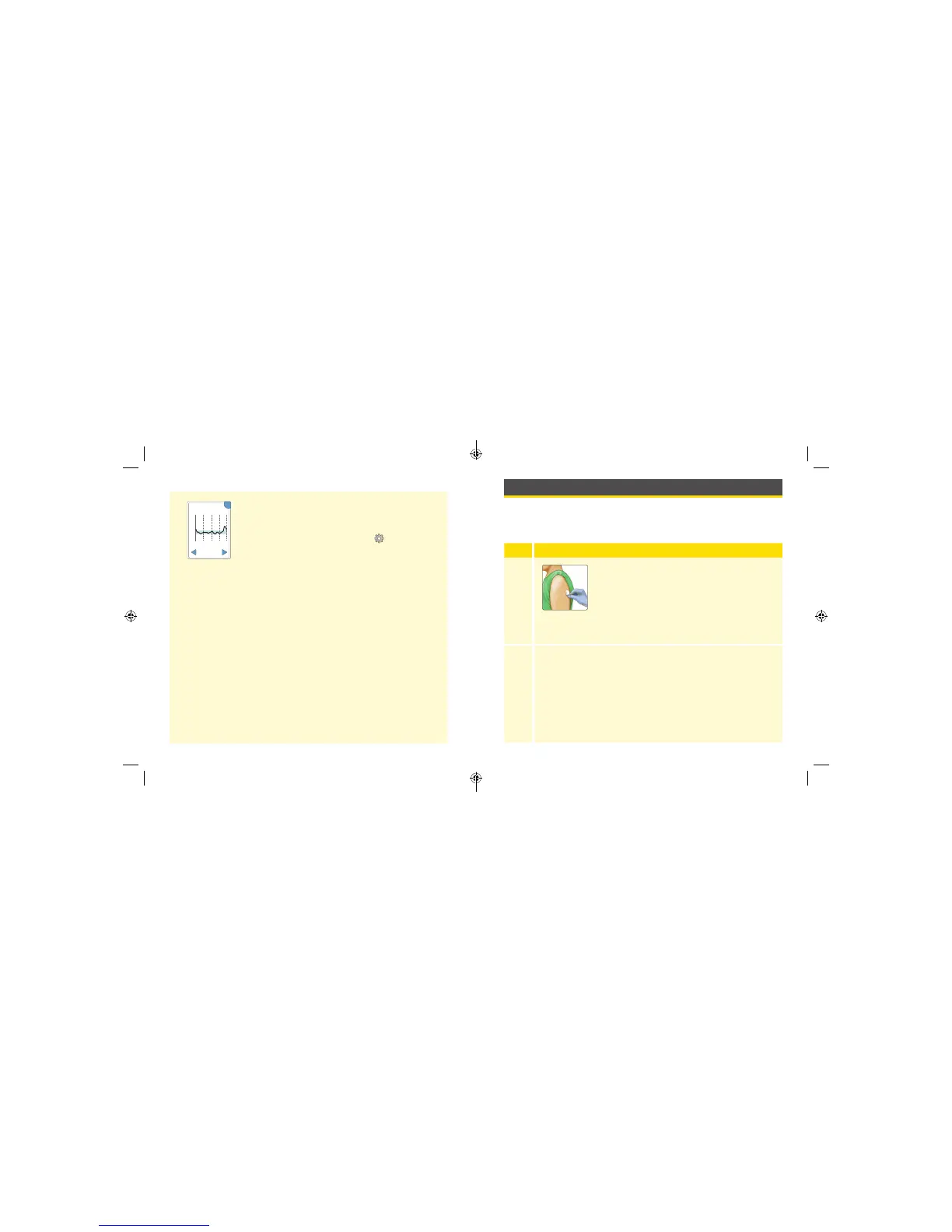
Daily Graph
The Daily Graph shows the Sensor glucose readings
by day and the Target Glucose Range that is set on
the Reader. You can change the target glucose range
by touching the Options symbol
on the Home
Screen and selecting Target Range.
Notes:
• If you want the graph to show the current
patient’s target range, set their target range before
downloading their data.
• The graph displays glucose readings up to
350 mg/dL. Glucose readings above 350 mg/dL
are displayed at 350 mg/dL. For sequential
readings above 350 mg/dL, a line is displayed at
350 mg/dL.
12
am
6
am
12
pm
6
pm
12
am
350
250
150
50
OK
Daily Graph
(mg/dL)
22 Feb
Wednesday
24 25
ART26944_rev-C_manual.indd 24-25 9/23/16 9:19 AM



 To Next Page